
What is Noty.ai?
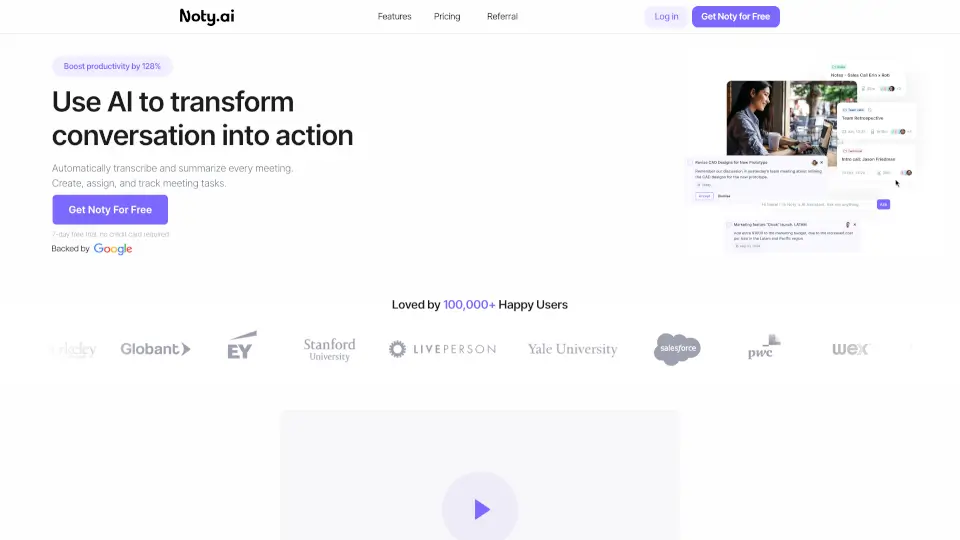
Tired of meetings that go nowhere? Noty.ai is your AI-powered meeting assistant that turns talk into action—so you actually get stuff done. Instead of scrambling to take notes or forgetting who said what, Noty listens in real time, captures every detail, and automatically creates clear to-do lists with owners and deadlines.
With Noty.ai, you’ll stop drowning in post-meeting admin and start reclaiming up to 2 extra hours every day. Loved by over 100,000 users, it transforms chaotic conversations into organized, trackable work—making communication 100% actionable without the stress.
What are the features of Noty.ai?
- Real-Time TranscriptionNoty records and displays live transcripts during your meeting so you can stay present instead of scribbling notes.
- AI-Powered SummariesAfter each call, Noty generates a concise summary of key decisions, topics, and next steps—ready to share instantly.
- Automatic Task DetectionThe AI spots action items, assigns them to the right people, and builds a to-do list you can review and send with one click.
- Task Tracking & Follow-UpsKeep projects on track by monitoring progress, confirming deadlines, and sending reminders directly from Noty.
- Smart OrganizationAll your meetings are neatly stored and connected, so you can easily find past discussions and see how ideas evolve over time.
- Workspace IntegrationsSend transcripts, summaries, and tasks straight to your favorite tools like email, Slack, or project management apps.
What are the use cases of Noty.ai?
- A remote team uses Noty to ensure no action item gets lost between Zoom calls and Asana updates.
- A busy manager stops multitasking in meetings because Noty captures everything—and even highlights urgent deadlines.
- Freelancers use Noty to auto-generate client-ready summaries after discovery calls, saving hours on follow-up emails.
- Project leads track cross-departmental commitments by reviewing Noty’s organized history of decisions and assigned tasks.
- Sales teams turn demo calls into tracked next steps, ensuring prospects never fall through the cracks.
How to use Noty.ai?
- Start a meeting and launch Noty—it works in the background with zero setup.
- Let Noty transcribe and highlight key moments live; add comments if needed.
- After the meeting, review the AI-generated summary and task list.
- Approve and assign tasks directly from Noty—they’ll be emailed to teammates instantly.
- Check your Noty dashboard anytime to track progress or search past meetings.
- Connect Noty to your preferred tools (like Gmail or Slack) for seamless workflow integration.