What is 纳米搜索?
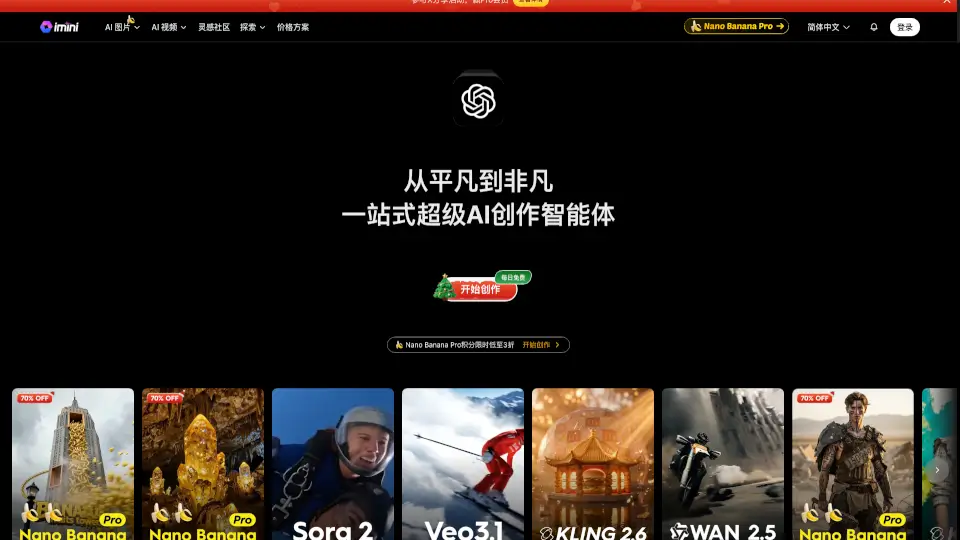
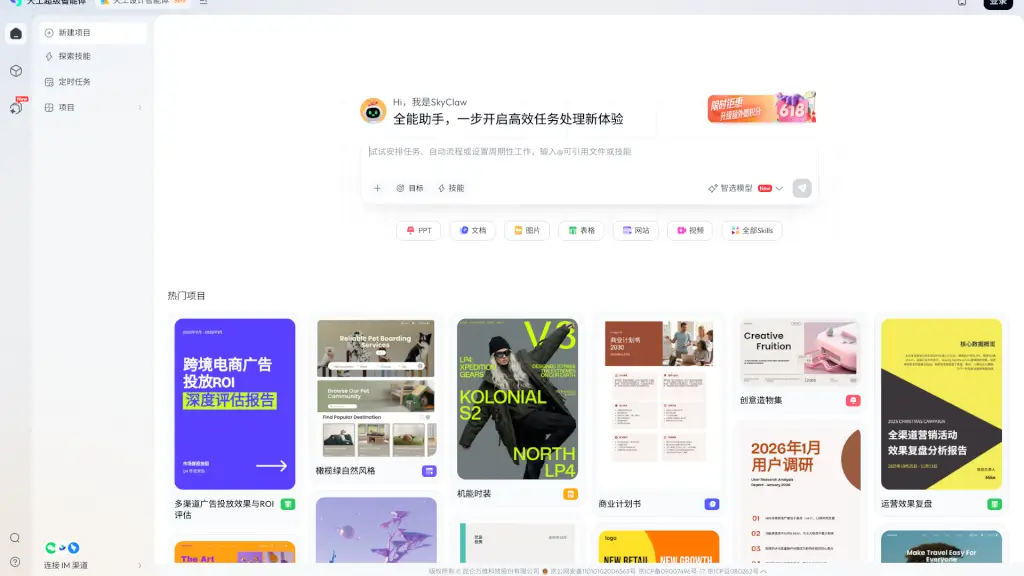
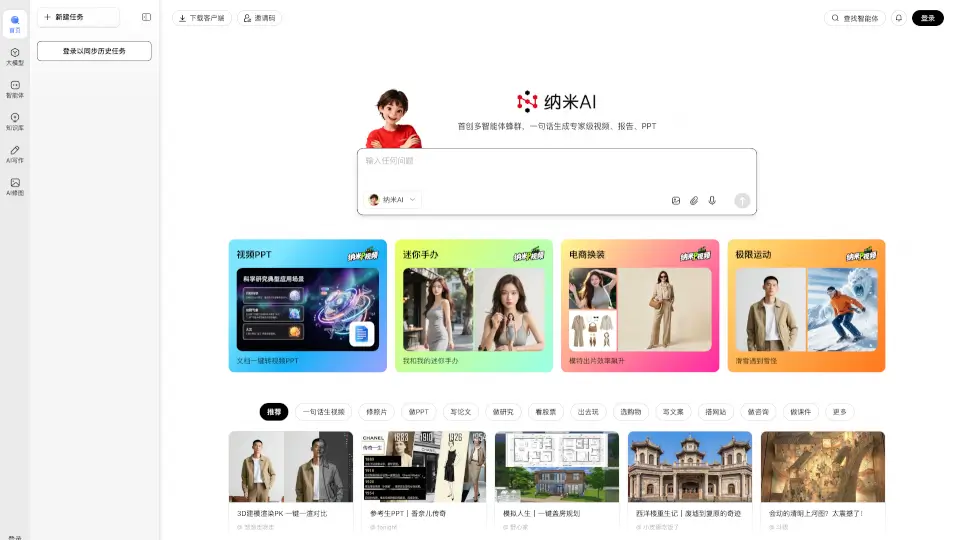
Welcome to Nano AI, your ultimate all-in-one solution for creating expert-level content with just a few clicks. Whether you need to generate a professional video, a detailed report, or a polished PPT, Nano AI has got you covered. With its innovative multi-agent swarm technology, Nano AI can transform a simple sentence into a masterpiece. Plus, it integrates a powerful MCP toolbox and multiple AI models, making it a versatile tool for deep reasoning, personal knowledge management, and more.
What are the features of 纳米搜索?
- Multi-Agent Swarm Technology: Create expert-level videos, reports, and PPTs with just one sentence.
- MCP Toolbox Integration: Access a wide range of tools to enhance your search and information gathering.
- DeepSeek and Multiple AI Models: Utilize advanced AI models like DeepSeek, Qwen, and others for deep reasoning and personal knowledge management.
- One-Click Conversion: Easily convert documents into videos and PPTs.
- Customizable Handheld Products: Replace products in images, perfect for e-commerce and marketing.
- Extreme Sports Video Creation: Generate thrilling extreme sports videos with ease.
What are the use cases of 纳米搜索?
- Business Presentations: Quickly create professional PPTs and reports for meetings and presentations.
- Educational Content: Generate engaging educational videos and materials for students and teachers.
- Marketing Campaigns: Produce high-quality promotional videos and images for your marketing campaigns.
- Personal Projects: Create personalized videos, PPTs, and reports for personal projects and hobbies.
- E-commerce: Replace products in images to showcase different variations on your online store.
- Sports and Adventure: Create exciting extreme sports videos for social media and personal sharing.
How to use 纳米搜索?
- Log In: Start by logging into your Nano AI account.
- Select Task: Choose the type of content you want to create (video, report, PPT, etc.).
- Input Text: Enter a single sentence or a brief description of what you need.
- Customize: Use the available tools to customize your content, such as adding images or changing layouts.
- Generate: Click the generate button to create your content.
- Download: Download your finished product and share it as needed.