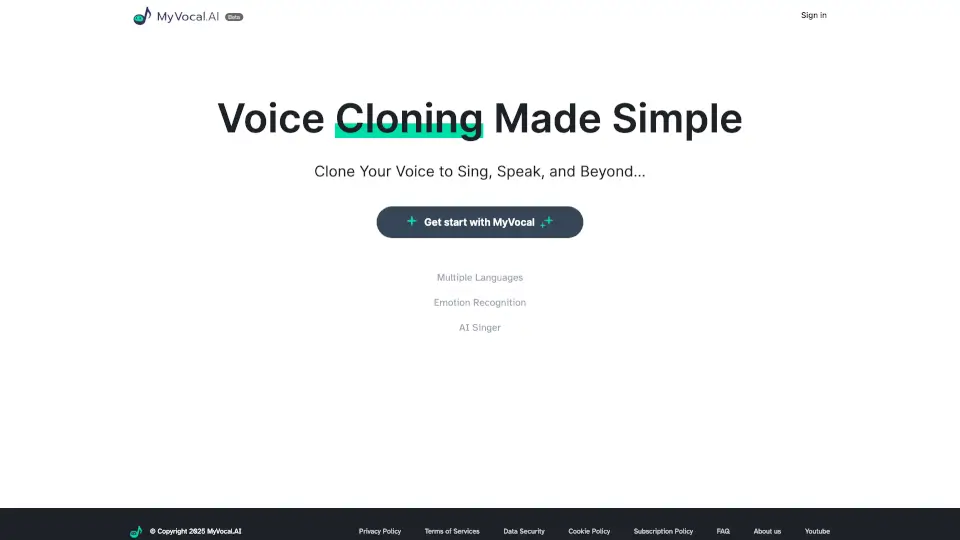
What is MyVocal AI?
MyVocal AI is a powerful, user-friendly platform that lets you clone your voice, generate ultra-realistic text-to-speech, and even create AI-powered music—all in over 100 languages. Whether you're a content creator, marketer, musician, or just curious about voice tech, MyVocal AI’s V3 engine delivers natural-sounding speech and singing with minimal effort. Just record once, and you can reuse your voice forever—no studio or expensive gear needed.
Built for both beginners and pros, MyVocal AI stands out with its fast processing, automatic language detection, and high-quality vocal synthesis that captures tone, emotion, and rhythm. From YouTube videos to audiobooks, podcasts to personalized greetings, it turns your words into lifelike audio in seconds.
What are the features of MyVocal AI?
- Voice Cloning: Record just 30 seconds of your voice to create a digital twin that speaks or sings like you.
- Text-to-Speech (TTS): Generate natural-sounding speech in 100+ languages with automatic language detection.
- AI Singing & Music Creation: Turn lyrics into sung vocals using your cloned voice or choose from AI voices.
- MyVocal V3 Engine: The latest AI model ensures smoother intonation, better pronunciation, and more human-like delivery.
- Free Voice Cloning: Get started without paying—clone your voice at no cost.
- Multilingual Support: Seamlessly switch between languages or let the system auto-detect based on your input text.
What are the use cases of MyVocal AI?
- Create personalized audiobooks or e-learning content with your own voice
- Produce multilingual YouTube narrations or TikTok voiceovers quickly
- Generate custom voiceovers for ads, presentations, or IVR systems
- Make AI cover songs or original music using your cloned singing voice
- Build interactive voice assistants or chatbots with a branded vocal identity
- Send unique, voice-cloned birthday messages or greetings to friends and family
How to use MyVocal AI?
- Visit https://www.myvocal.ai and sign up or log in
- Click “Free Clone Your Voice” and follow the prompt to record a short sample (30+ seconds recommended)
- Once cloned, type any text into the TTS box and select your voice to generate speech
- For singing, use the “AI翻唱” (AI Cover) feature and input lyrics to create vocal tracks
- Choose your preferred language—MyVocal V3 often auto-detects it for you
- Download or share your audio directly from the platform