
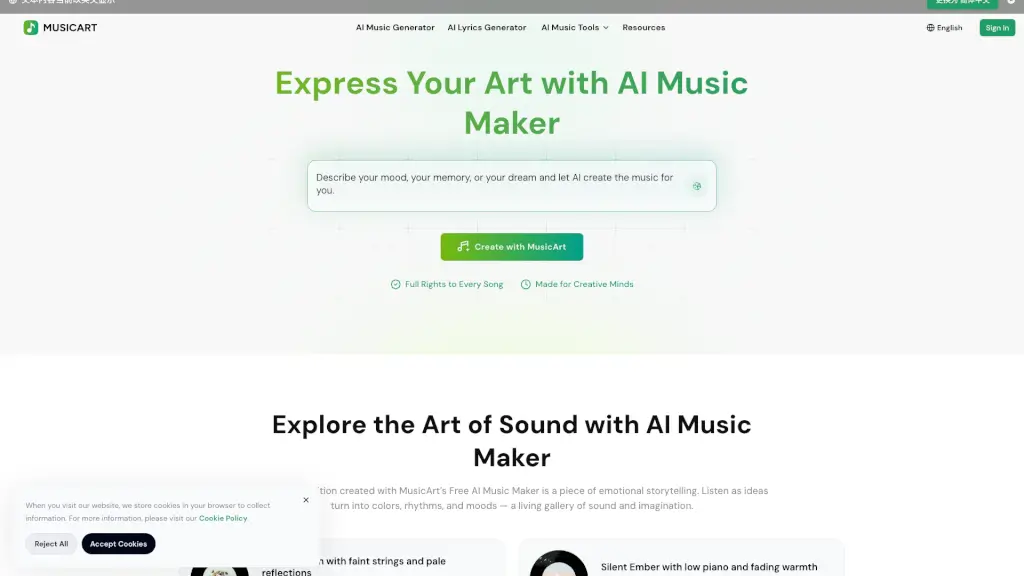
What is MusicArt AI?
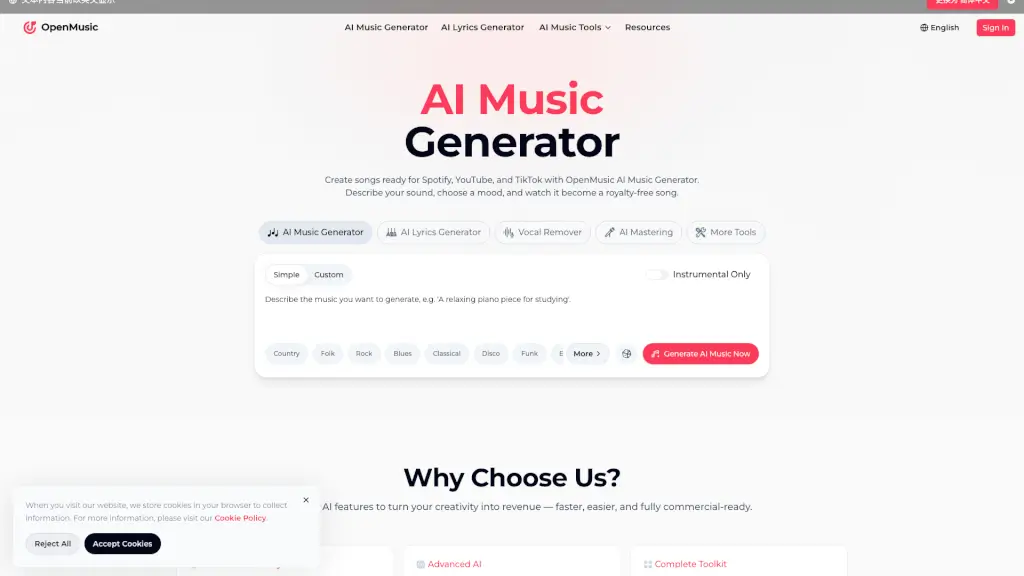
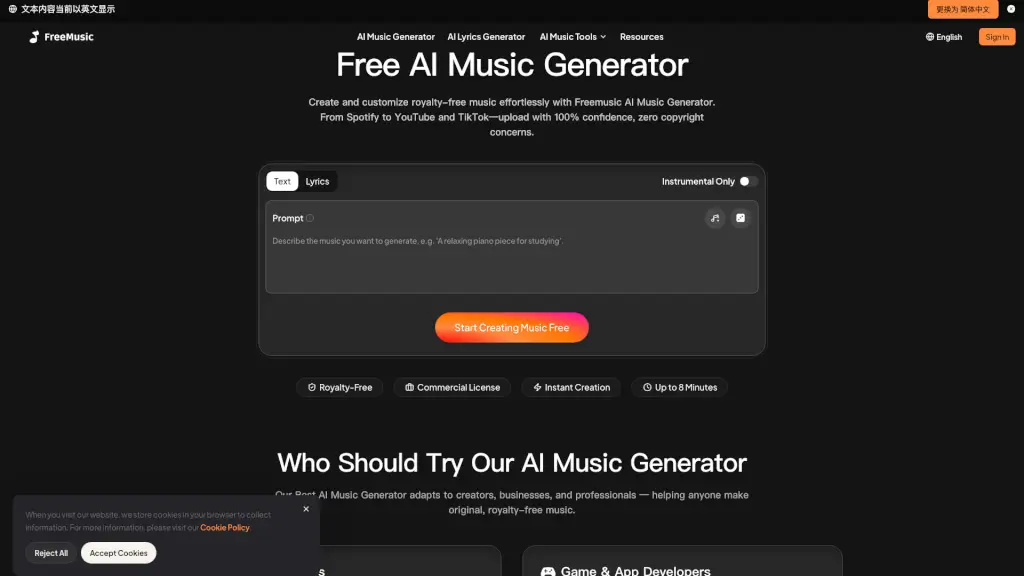
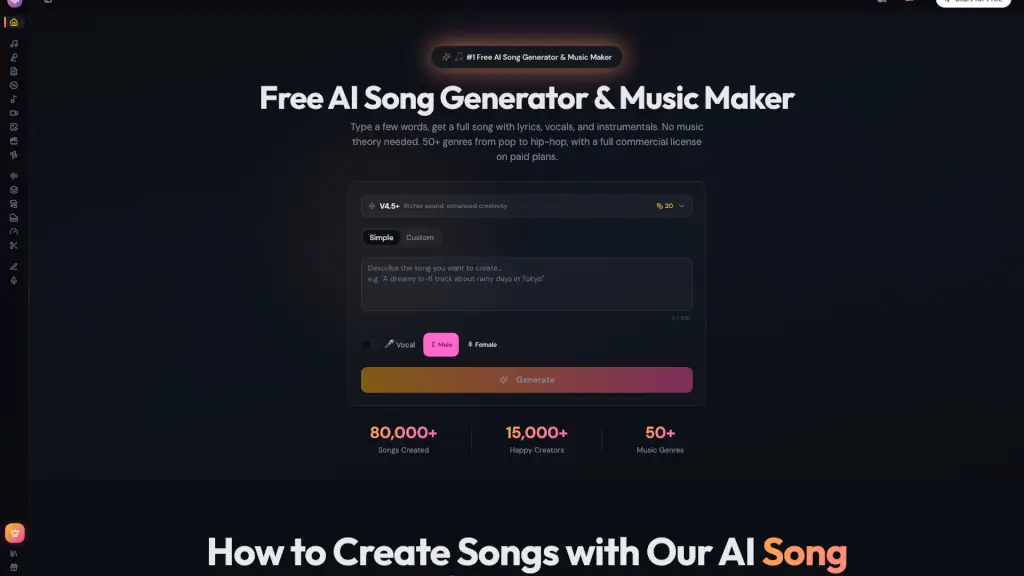
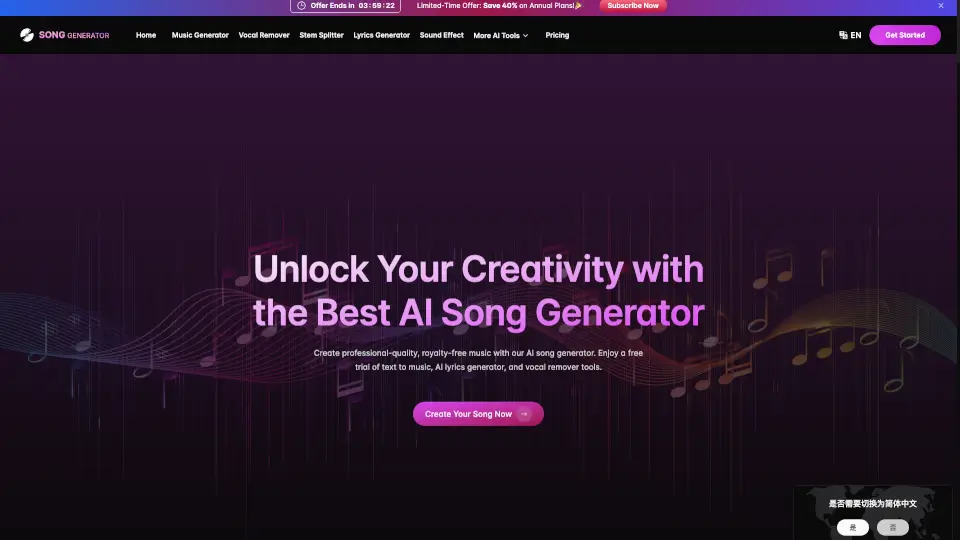
MusicArt is an AI music generator tool for creators who want to turn text, lyrics, or images into complete songs. It supports multiple input formats, adapts to different genres and moods, and delivers royalty-free tracks with full ownership. Independent musicians, filmmakers, content creators, and brands can use it to produce custom soundtracks, jingles, and background music without needing musical training or complex software.
What are the features of MusicArt AI?
- Text to Music: Describe an emotion, scene, or idea in words, and the AI turns that into a full song with matching rhythm, tone, and instrumentation.
- Lyrics to Music: Paste your own lyrics, and the AI composes a melody and arrangement that fits the meaning and mood of each verse.
- AI Song Cover Generator: Upload an existing song and change its genre, vocal style, or instrumentation to create a new cover version.
- AI Stem Splitter: Separate vocals, drums, bass, and other instruments from any audio track for remixing or sampling.
- Intelligent Style Evolution: The AI automatically adjusts the genre, tempo, and texture from lo-fi to cinematic based on your chosen atmosphere.
- Complete Creative Rights: Every track generated includes a digital ownership certificate, making it royalty-free and safe for commercial use on any platform.
What are the use cases of MusicArt AI?
- Independent artists who need to break out of creative blocks and quickly generate new instrumental or vocal ideas.
- Filmmakers and video storytellers who want custom background scores that match the emotional arc of their scenes.
- Content creators and YouTubers looking for original, copyright-safe background music to differentiate their videos.
- Podcasters who want a signature intro, outro, and transition sounds that reflect their show’s tone.
- Brands and advertisers needing mood-specific jingles or sound identities that can be produced quickly and consistently.
How to use MusicArt AI?
- Start by describing a mood, scene, or feeling in text, or upload your own lyrics or an image.
- Choose a genre or vibe (e.g., lo-fi, cinematic, ambient) or let the AI decide based on your input.
- Preview the generated composition and use the AI Stem Splitter or MIDI editor to adjust individual layers.
- Refine the dynamics, tempo, and arrangement until the track sounds complete.
- Export the final song as a royalty-free file and publish it on streaming platforms, social media, or video projects.