
What is MusGen?
MusGen is a free AI music generator that turns your words, ideas, or even hummed tunes into full, professional-quality songs—no musical experience needed. Whether you have lyrics ready to go or just a mood in mind (like “upbeat synth-pop with female vocals”), MusGen’s smart AI handles melody, arrangement, and vocals so you can focus on creativity, not chords or composition theory.
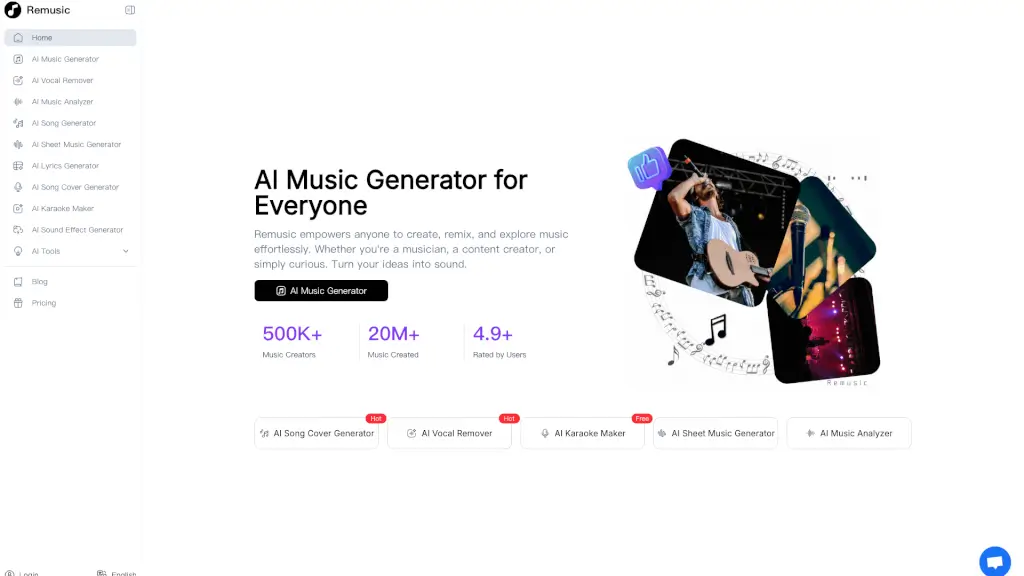
Perfect for creators of all kinds—from TikTok influencers needing copyright-safe background tracks to indie musicians battling writer’s block—MusGen delivers royalty-free, high-quality music in seconds. With tools like vocal removal, AI covers, and even sound effect generation, it’s more than just a song maker—it’s your all-in-one audio studio powered by artificial intelligence.
What are the features of MusGen?
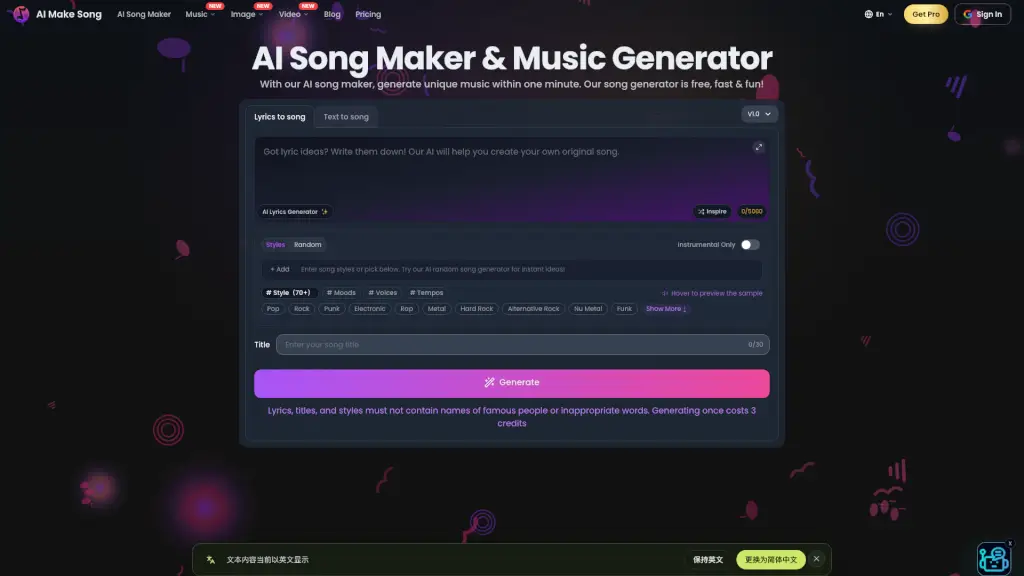
- Lyrics to Song: Paste your own lyrics, and MusGen creates a complete track with matching melody and vocals.
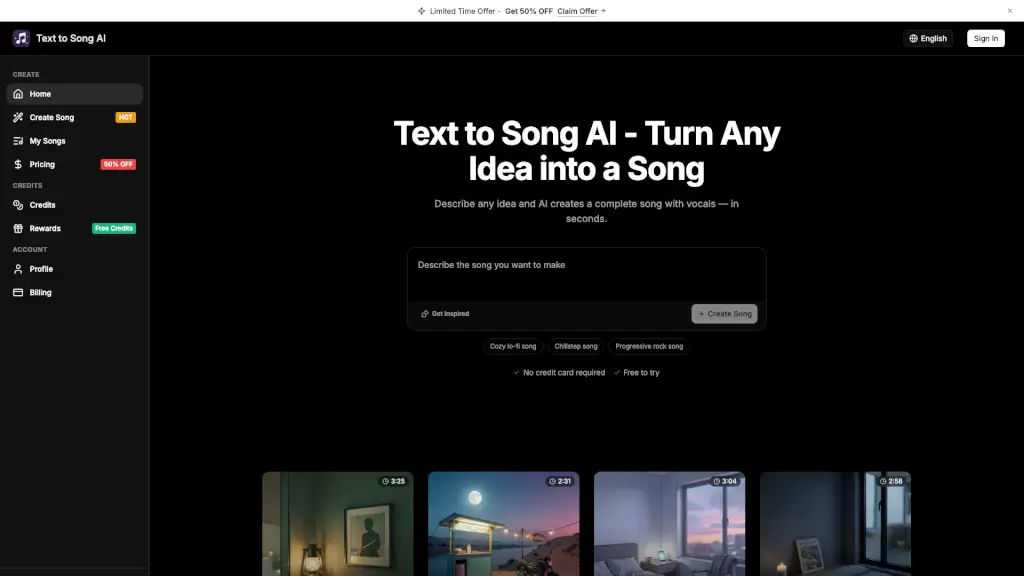
- Text to Song: Describe your vision (“chill lo-fi beat with rain sounds”) and get an original song instantly.
- AI Lyrics Generator: Stuck for words? Generate fresh, original verses, choruses, or full lyrics in any style.
- Vocal Remover: Strip vocals from any song cleanly to create karaoke tracks or isolate instrumentals.
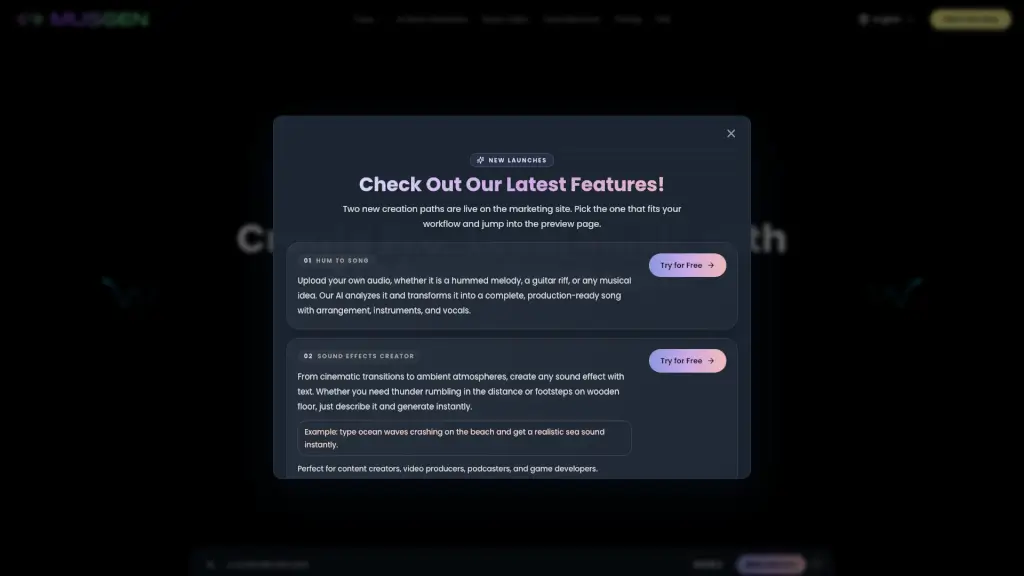
- Hum to Song: Upload a voice memo of you humming a melody, and AI builds a full production around it.
- Sound Effects Creator: Generate realistic audio like “footsteps on gravel” or “distant thunder” using simple text prompts.
- AI Music Video Generator: Automatically create synchronized visuals that match your song’s rhythm and mood.
- AI Cover Generator: Reimagine existing songs with new voices, genres, or arrangements—great for experimentation.
What are the use cases of MusGen?
- A TikTok creator makes custom background music for videos without risking copyright strikes.
- An indie songwriter overcomes creative block by using the AI lyrics generator to brainstorm fresh ideas.
- A podcast host designs a unique intro/outro theme that matches their brand voice—no composer needed.
- A small business owner crafts a heartfelt anniversary song from a simple text message for a personal video.
- A game developer produces retro-style soundtrack loops that perfectly fit their pixel-art aesthetic.
- An event planner quickly generates clean instrumental tracks for karaoke night using the vocal remover.
- A marketing team creates 20+ unique jingles for ad campaigns without expensive licensing fees.
- A filmmaker scores emotional documentary scenes with royalty-free, mood-matched music in minutes.
How to use MusGen?
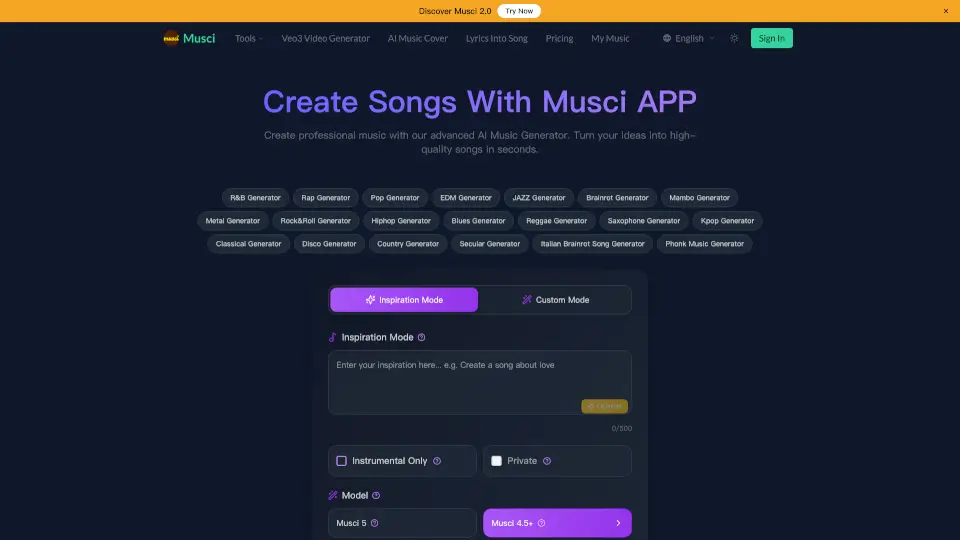
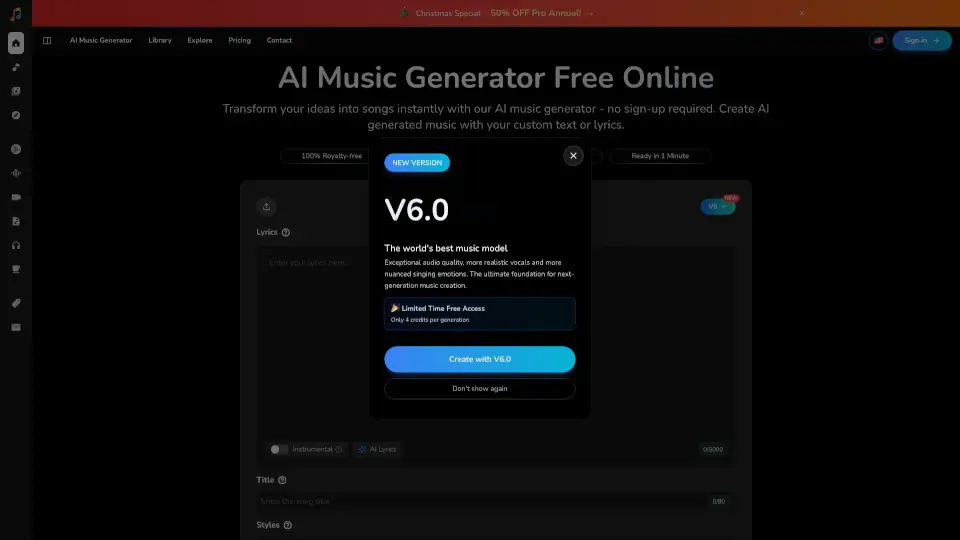
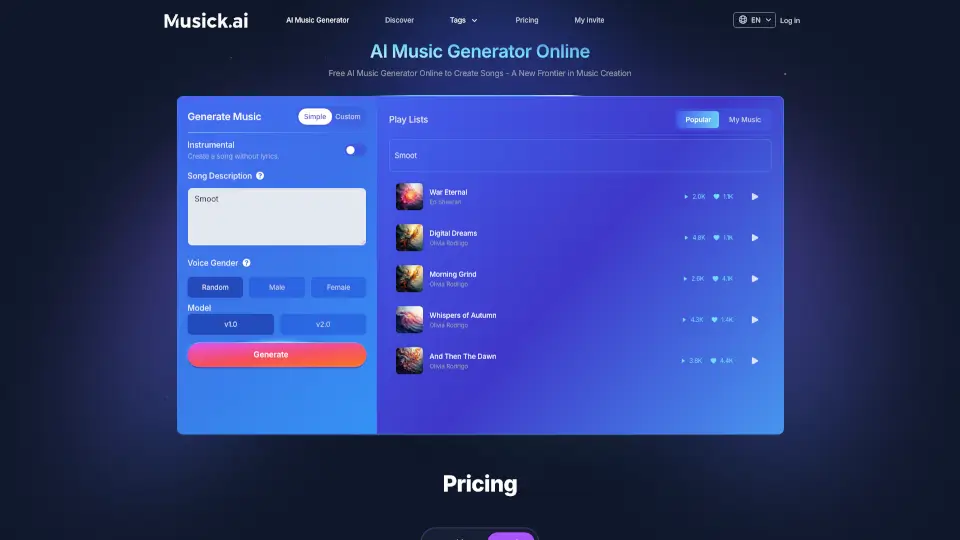
- Start by entering your lyrics or describing your song idea (e.g., “dreamy R&B ballad about lost love”) in the main input box.
- Choose key settings like genre, tempo, instruments, and voice type (male, female, or random) to shape your track’s style.
- Click “Generate” and let MusGen’s AI compose your song—usually ready in under 30 seconds.
- Listen, tweak your prompt if needed, and regenerate until it feels right.
- Once satisfied, download your high-quality audio file for use in videos, social media, or personal projects.
- Explore bonus tools like Vocal Remover or Sound Effects Creator for extra creative flexibility.