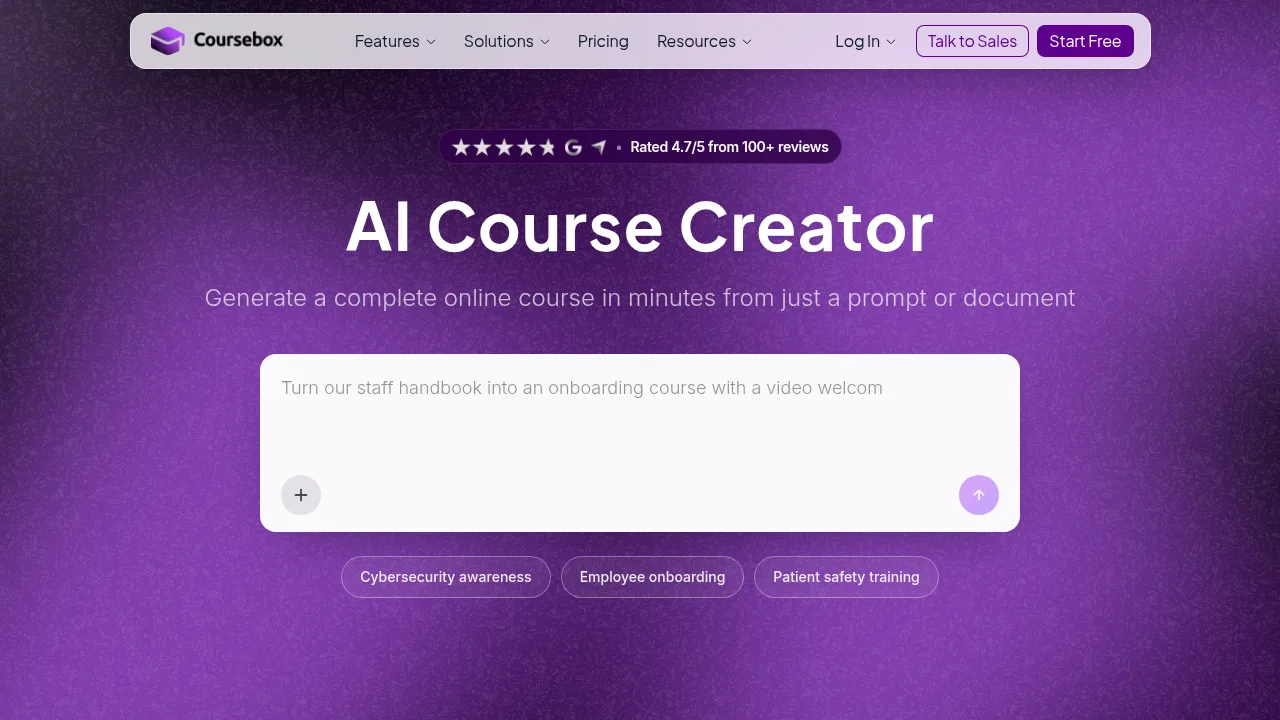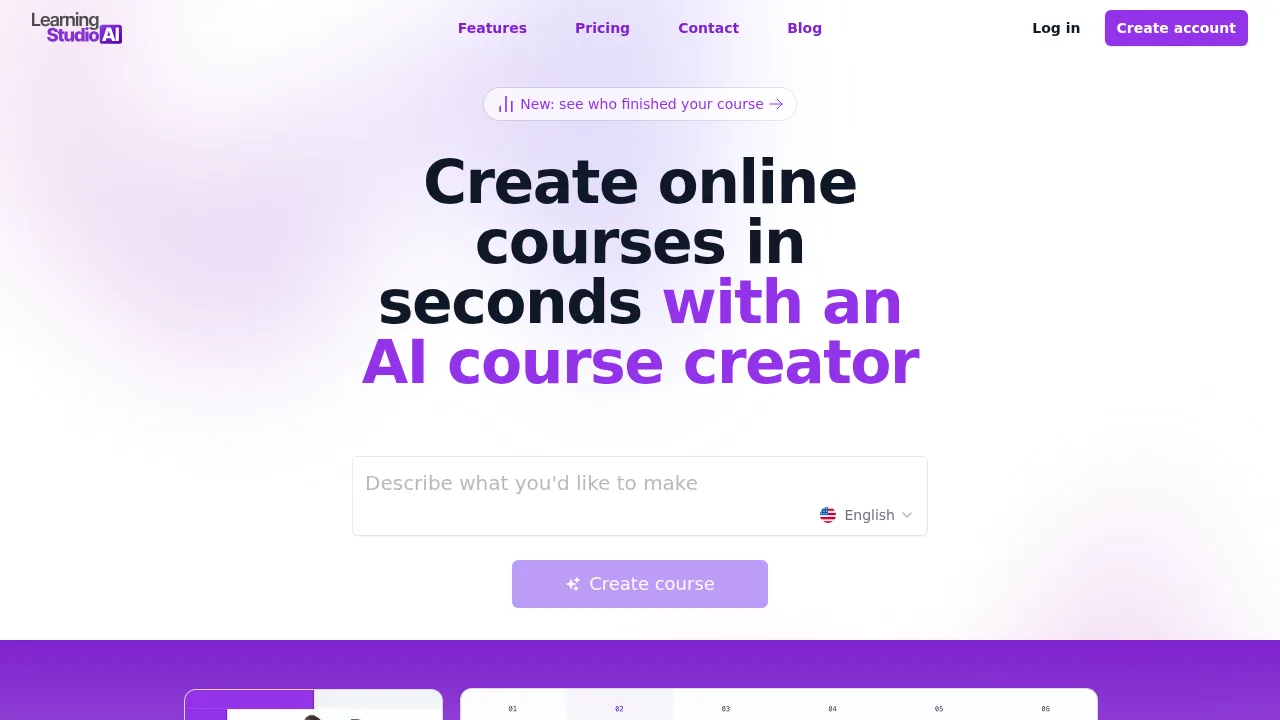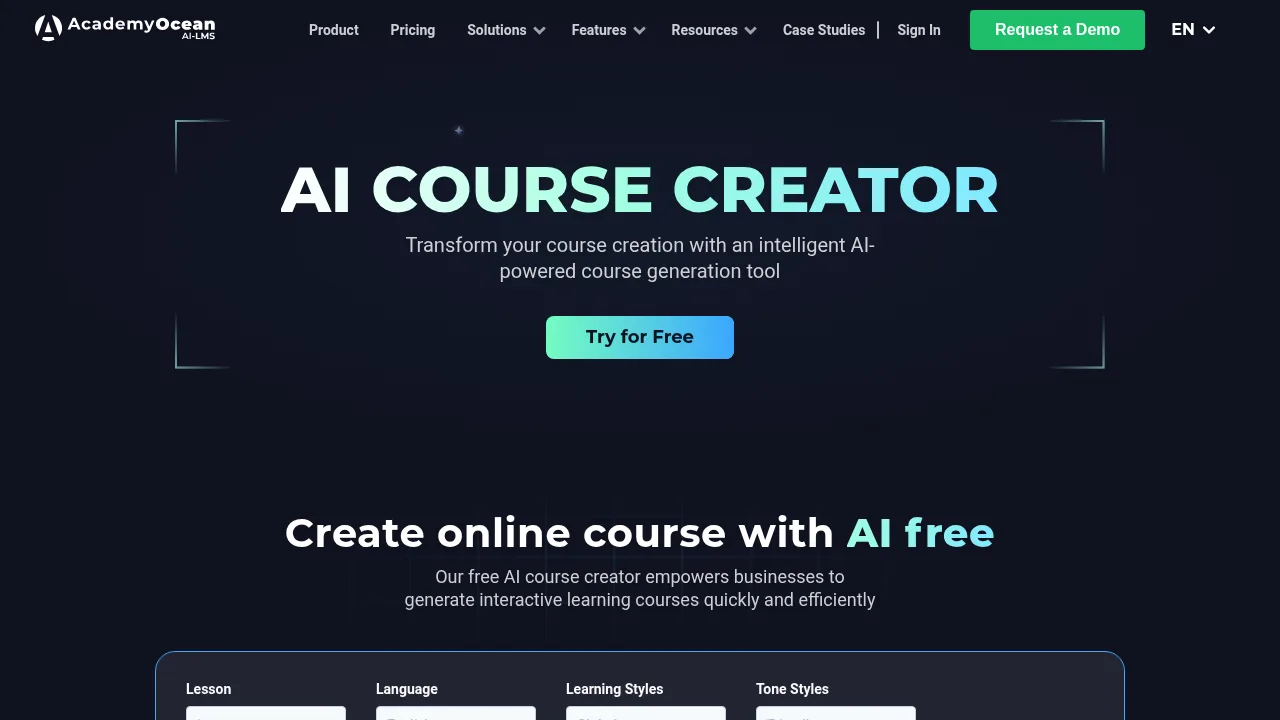

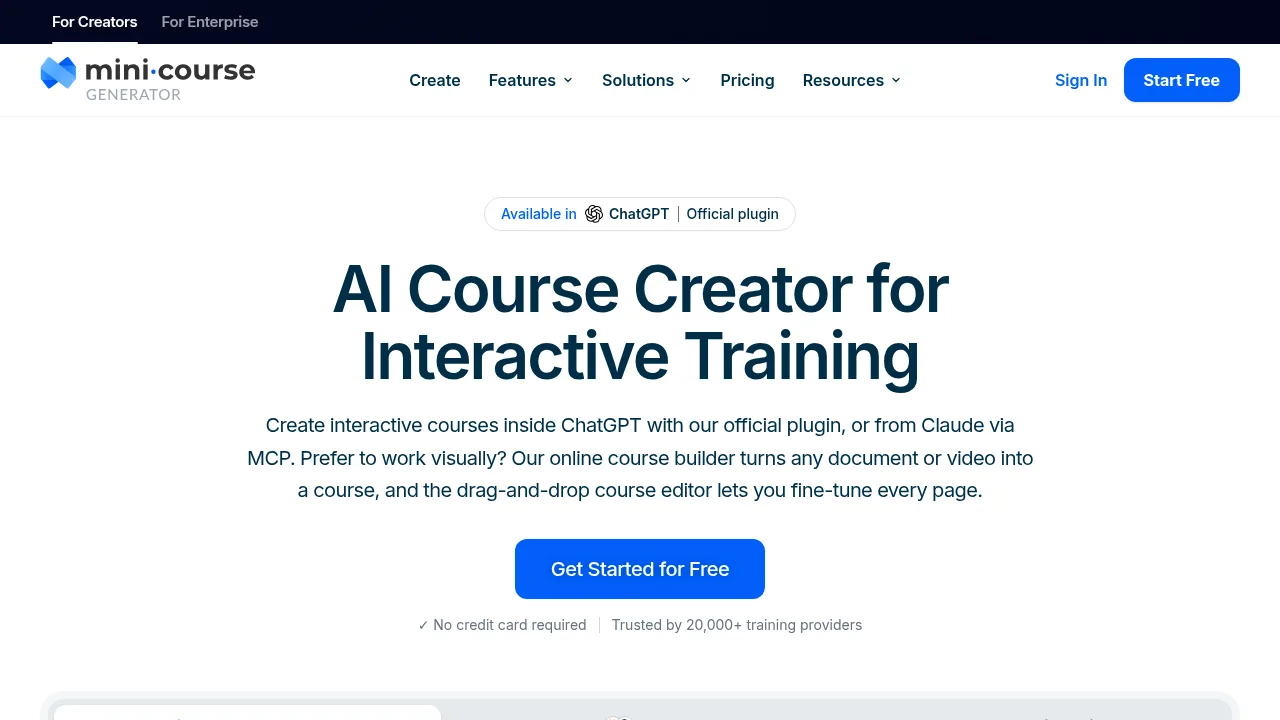
What is Mini.Course?
Mini.Course is an AI-powered course creation platform that generates interactive training content from uploaded documents, videos, or text prompts. It provides a drag-and-drop editor for customization and delivers courses through a web builder, a ChatGPT plugin, or an MCP server for Claude. A free starting tier is available without requiring a credit card.
What are the features of Mini.Course?
- AI course generationUploads a document or enters a topic and learning goals to produce a course outline, lesson text, images, and quiz questions.
- Drag-and-drop block editorArranges page layouts using interactive elements such as accordions, tabs, cards, flashcards, tables, and image hotspots.
- MCP server integrationBuilds and publishes lessons directly inside ChatGPT or Claude by specifying the target collection, course, and lesson.
- Headless LMS deliveryEmbeds training into external applications via a REST API, supporting single sign-on and custom branding.
- Export and sharing optionsDistributes courses via direct links, website embeds, SCORM packages (1.2 and 2004), or PDF files.
- Certificates and badgesAwards learners recognition based on course completion or success criteria.
What are the use cases of Mini.Course?
- In-app partner trainingEmbeds courses directly into a company's product via REST API so partners complete training without logging into a separate LMS.
- Lead generation micro-coursesOffers login-free public access to short courses with email collection at the end to capture visitor contacts.
- Customer onboardingConverts a customer onboarding guide PDF into a published course containing quizzes and certificates.
How to use Mini.Course?
- Define inputProvide a topic, learning objective, or upload an existing document such as a PDF in the web builder.
- Generate outlineThe AI produces a course structure of modules, lessons, and pages, which can be reviewed and rearranged.
- Draft contentThe AI generates lesson text, images, and quiz questions based on the confirmed outline and selected settings.
- Edit interactivelyUse the drag-and-drop block editor to add elements like flashcards, tabs, or image hotspots to each page.
- Publish or exportDeliver the finished course via link, website embed, SCORM package, or direct app integration.
Mini.Course Pricing Information:
- Free tierAvailable without a credit card; specific feature quotas or limits are not stated in the source.