What is Mermaid?
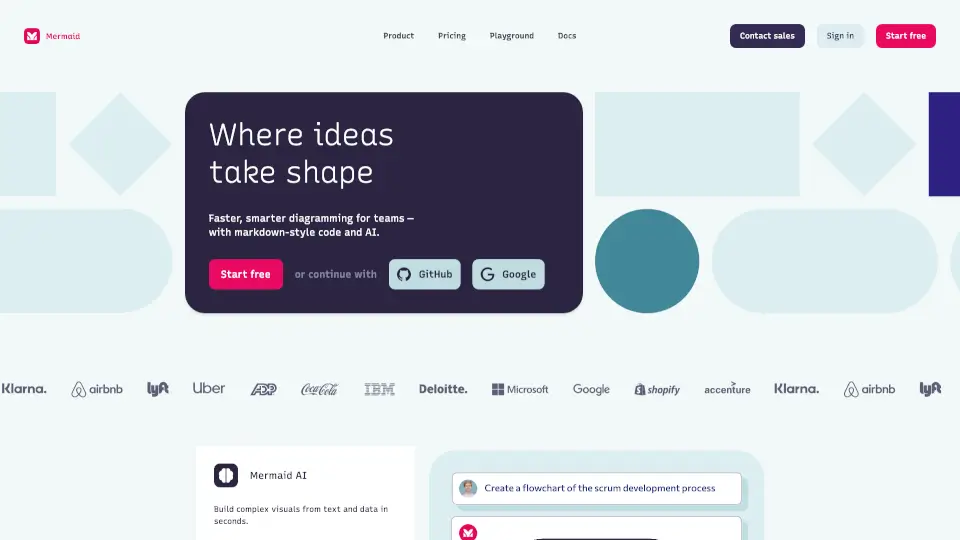
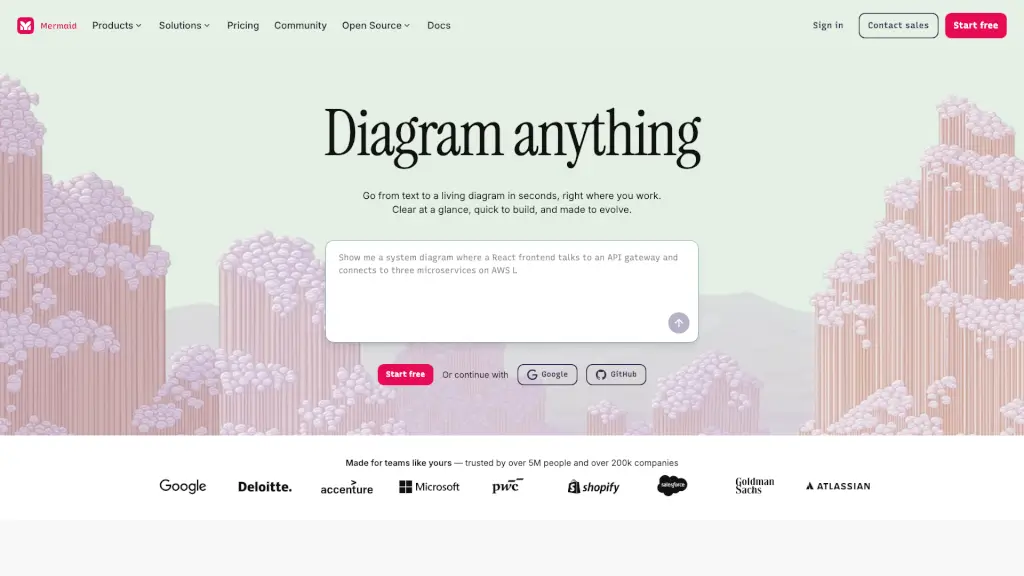
Mermaid is an AI-powered diagramming tool that turns plain text into professional, editable diagrams in seconds. Whether you're a developer mapping system architecture or a project manager planning timelines, Mermaid helps you visualize ideas instantly—no design skills needed. Just describe what you want in natural language or simple code, and watch your thoughts become clear, shareable visuals.
Trusted by over 5 million users and 200,000+ companies, Mermaid works where you already do: inside your IDE, documentation tools like Confluence, GitHub, and even VS Code. It blends the speed of AI with the precision of code-based diagramming, all while supporting open-source collaboration through Mermaid.js.
What are the features of Mermaid?
- Text-to-Diagram AI: Describe your idea in plain English or Markdown-style syntax, and Mermaid generates a polished diagram instantly.
- Multiple Diagram Types: Create flowcharts, sequence diagrams, Gantt charts, ER diagrams, timelines, mind maps, org charts, and more—all in one workspace.
- Real-Time Collaboration: Co-edit diagrams with teammates, leave feedback, and share updates live or asynchronously.
- Secure & Compliant: Enjoy SOC 2 compliance, SSO integration, custom encryption, and access controls to keep sensitive data safe.
- Flexible Workflows: Switch seamlessly between writing code, using AI, or editing visually with drag-and-click customization.
- Tool Integrations: Embed Mermaid directly into GitHub, VS Code, Confluence, and other platforms without leaving your workflow.
What are the use cases of Mermaid?
- A developer documents microservice interactions using a sequence diagram generated from code comments.
- A project manager builds a Gantt chart from a bullet-point list of milestones to track team progress.
- A startup founder creates a clean investor-ready timeline showing product roadmap and funding stages.
- A data analyst converts database schema notes into an Entity Relationship (ER) diagram for stakeholder review.
- An HR manager designs an evolving org chart as the company scales, updating it with simple text edits.
- A technical writer embeds auto-rendered flowcharts in documentation that stay in sync with code changes.
How to use Mermaid?
- Start by typing your idea in plain language (e.g., “Show user login flow with success and error paths”) in the Mermaid editor.
- Choose your preferred diagram type—or let AI suggest the best fit based on your description.
- Refine your diagram using the visual editor (drag shapes, change colors) or tweak the underlying Mermaid code.
- Share your diagram via link, embed it in wikis or docs, or export it for presentations.
- Install the VS Code or Confluence plugin to create and update diagrams directly in your daily tools.
- Collaborate by inviting teammates to edit in real time or leave comments for async feedback.