
What is Melobytes.com?
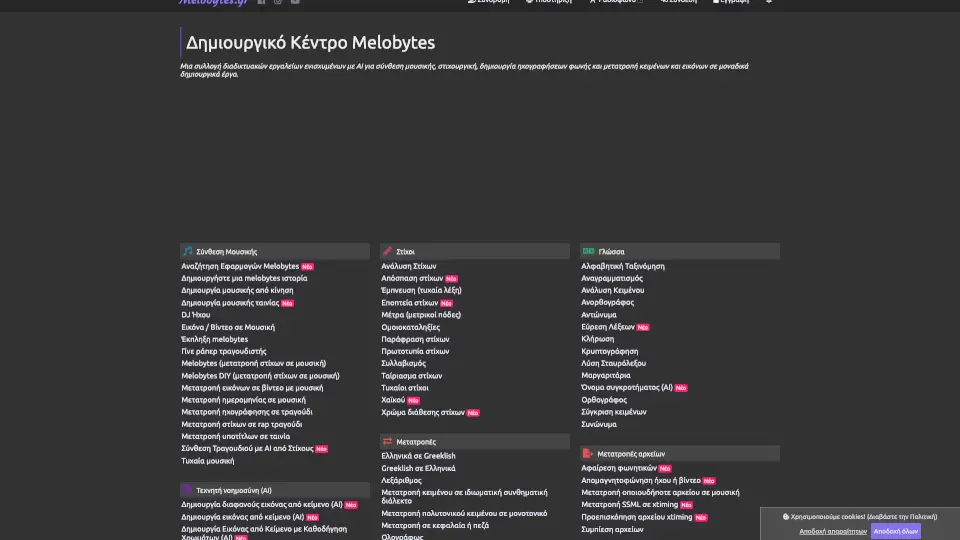
Melobytes is an AI-powered music creation platform that lets you generate unique songs, remixes, and audio effects without any musical training. Whether you need background music for a video, a custom ringtone, or just want to experiment with sound, Melobytes turns your ideas into professional-quality audio in seconds. It’s designed for creators, hobbyists, and anyone curious about AI music.
What are the features of Melobytes.com?
- AI Music Generator: Describe a mood, genre, or tempo, and the AI instantly creates a full-length track with melody, harmony, and rhythm.
- Voice-to-Song Converter: Upload a recording or type lyrics, and Melobytes transforms them into a sung performance with virtual vocals.
- Remix & Mashup Tool: Blend multiple songs or sounds together, adjust BPM, and apply filters to create your own remixes.
- Sound Effects Library: Access thousands of royalty-free sound effects and loops to layer into your projects.
- Real-Time Preview & Edit: Listen to changes instantly, tweak parameters like pitch, reverb, or volume, and export in high-quality MP3/WAV.
- No Installation Needed: Works entirely in your browser – just open the site and start creating.
What are the use cases of Melobytes.com?
- Content Creators: Generate copyright-free background music for YouTube videos, podcasts, or TikTok clips.
- Musicians & Producers: Quickly sketch out song ideas or experiment with new genres without needing expensive studio software.
- Teachers & Students: Create custom audio examples for music theory lessons or school projects.
- Gamers & Streamers: Produce personalized intro/outro music or sound effects for live streams.
- Hobbyists: Have fun turning your voice into a robot or alien sound, or make a silly song for friends.
How to use Melobytes.com?
- Start a New Project: Click “Create” on the homepage and choose between Music Generator, Voice to Song, or Remix.
- Input Your Idea: Type a description (e.g., “upbeat electronic dance, 120 BPM”) or upload an audio file.
- Customize Parameters: Adjust genre, intensity, key, or use the advanced editor to tweak individual tracks.
- Preview & Export: Hit play to hear your creation, make adjustments, then download as MP3 or WAV.
- Share Directly: Use the built-in share link to send your track to others without downloading.