
What is Cody?
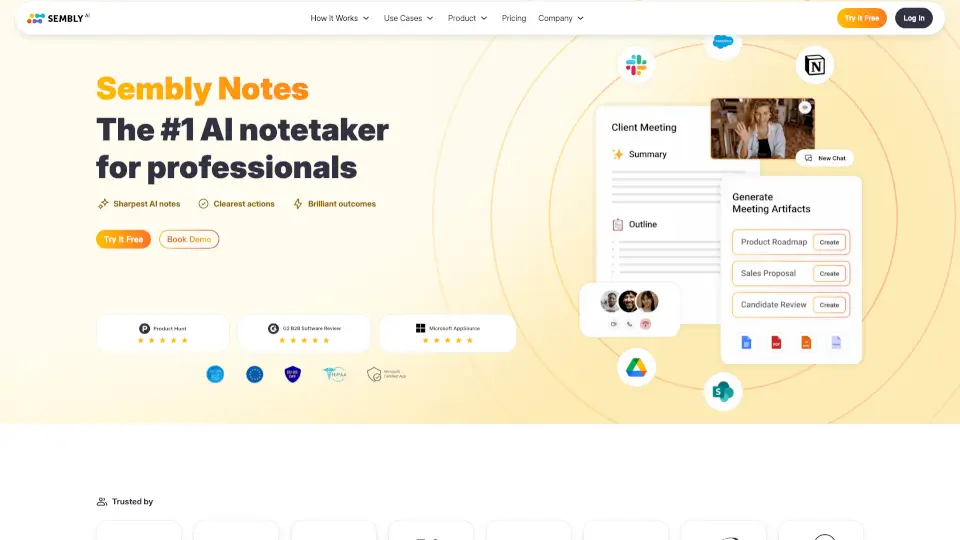
MeetCody.ai is an AI-powered meeting assistant designed to make your virtual meetings smarter, more efficient, and less stressful. Whether you're hopping on Zoom, Google Meet, or Microsoft Teams, Cody automatically joins your calls, takes detailed notes, captures action items, and summarizes key decisions—so you can stay fully present instead of scribbling notes.
Built for professionals, teams, and students alike, MeetCody.ai eliminates the post-meeting scramble by delivering clear, organized summaries straight to your inbox or workspace. With seamless calendar integration and real-time transcription, it’s like having a personal assistant who never misses a beat—without the extra cost or coordination.
What are the features of Cody?
- AI Meeting Assistant: Automatically joins video calls and records conversations with your permission.
- Smart Summaries: Generates concise, readable meeting recaps highlighting decisions, topics, and next steps.
- Action Item Tracking: Identifies and lists assigned tasks with owners and deadlines.
- Calendar Integration: Works with Google Calendar and Outlook to auto-detect and join scheduled meetings.
- Multi-Platform Support: Compatible with Zoom, Google Meet, Microsoft Teams, and Webex.
- Secure & Private: End-to-end encryption ensures your meeting data stays confidential.
- Customizable Output: Choose how and where you receive summaries—email, Slack, Notion, or directly in your dashboard.
What are the use cases of Cody?
- A project manager uses MeetCody.ai to track weekly stand-ups and automatically share task updates with their team.
- Remote students record study group sessions and get clear notes to review before exams.
- Sales teams capture client call insights and follow-up actions without manual note-taking.
- Freelancers document client meetings to avoid miscommunication and keep projects on track.
- HR professionals securely record interview feedback and hiring decisions for compliance and collaboration.
- Executives stay engaged during strategy calls while Cody handles documentation and follow-ups.
How to use Cody?
- Connect your calendar (Google or Outlook) so Cody can detect upcoming meetings.
- Invite “Cody” as a participant to any meeting you want recorded and summarized.
- Ensure microphone and screen-sharing permissions are enabled when prompted.
- After the meeting, check your email or dashboard for a smart summary within minutes.
- Customize notification preferences and integrations (Slack, Notion, etc.) in your account settings.
- Review and edit summaries if needed—then share them with your team instantly.