
What is MaxAI.me?
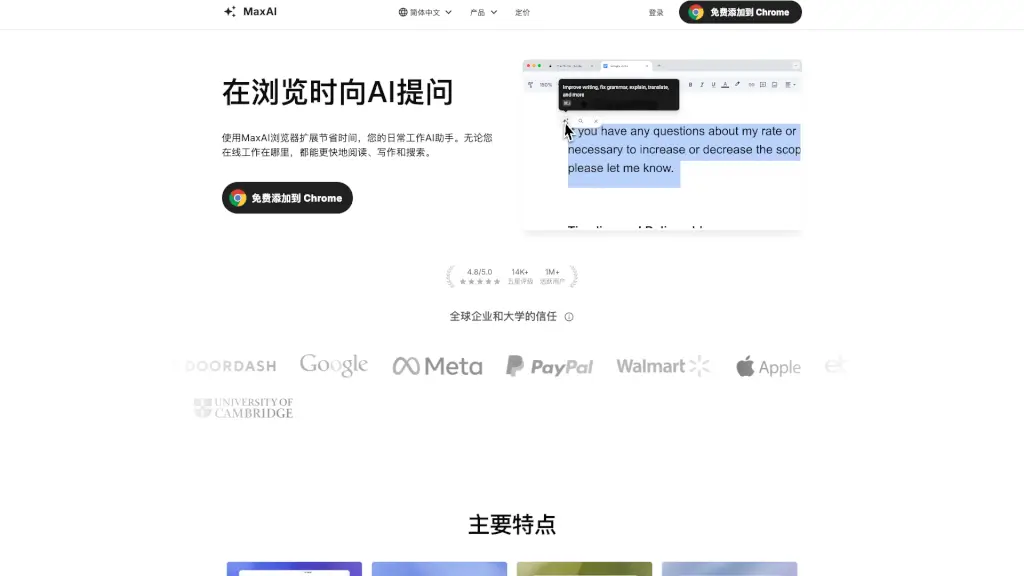
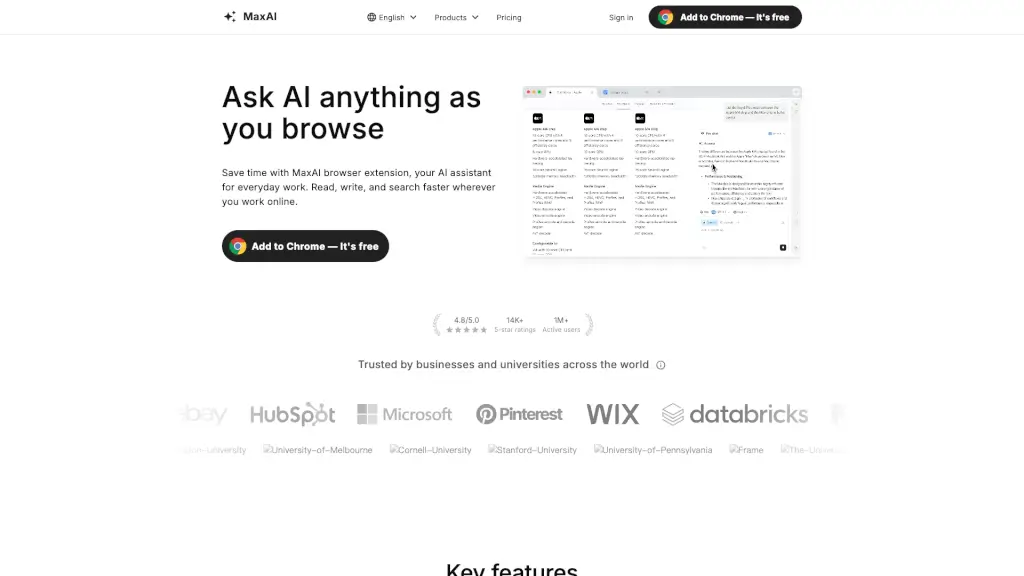
MaxAI is a free browser extension that puts a powerful AI assistant right in your sidebar—no more switching tabs or copying text. Whether you're writing emails, researching topics, translating articles, or analyzing data, MaxAI works directly on any webpage you’re viewing. It’s designed to save you time and boost productivity during everyday online tasks.
Trusted by over 1 million users and rated 4.8/5 by thousands, MaxAI combines top AI models with smart features like cited sources, bilingual translation, and one-click writing help. From students to marketers to developers, people use it to read faster, write better, and understand complex information without the hassle.
What are the features of MaxAI.me?
- AI Sidebar: Ask questions or get help without leaving your current tab—everything happens in a clean, always-accessible sidebar.
- Contextual AI: Highlight text or click anywhere on a page to ask AI about that specific content—no copy-pasting needed.
- Cited Sources: Get accurate answers backed by real references so you know where the information comes from.
- AI Writing Assistance: Improve grammar, tone, and clarity across any website with a single click.
- Bilingual Translation: View original and translated text side by side for seamless reading of foreign-language content.
- Reusable Prompts: Save your favorite prompts (like “summarize this” or “make it professional”) and reuse them instantly.
- Image Generation: Turn text descriptions into visuals right from your browser.
- Multi-Model Access: Choose from leading AI models—all in one place—to get the best response for your task.
What are the use cases of MaxAI.me?
- Draft long-form blog posts or social media content directly while browsing research sources.
- Summarize YouTube videos or academic papers without leaving the page.
- Explain complex charts, code snippets, or technical concepts in simple language.
- Convert messy meeting notes into clear to-do lists or actionable next steps.
- Translate foreign-language news articles or emails instantly with dual-view formatting.
- Brainstorm marketing slogans, LinkedIn messages, or email subject lines on demand.
- Clean or analyze CSV files by generating ready-to-use Python code snippets.
- Create study quizzes or flashcards from textbook passages or lecture notes.
How to use MaxAI.me?
- Install the free MaxAI extension from the Chrome Web Store (also available for Edge).
- Click the MaxAI icon in your browser toolbar to open the sidebar while on any webpage.
- Highlight text and right-click to ask AI about it—or type your question directly in the sidebar.
- Use built-in tools like “Summarize,” “Rewrite,” or “Translate” with one click.
- Save your favorite prompts under “Reusable Prompts” for faster future use.
- Switch between AI models or adjust settings via the sidebar menu for tailored responses.