
What is Lynote?
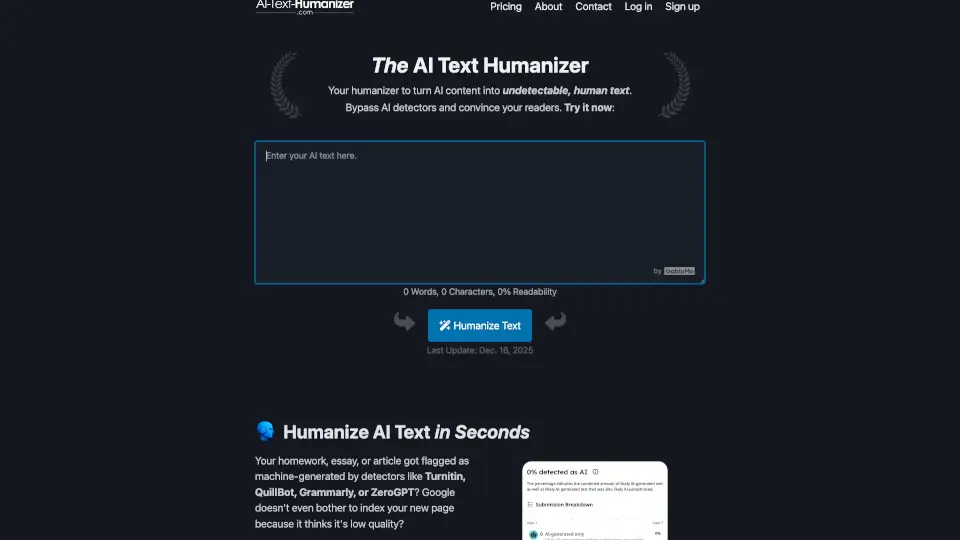
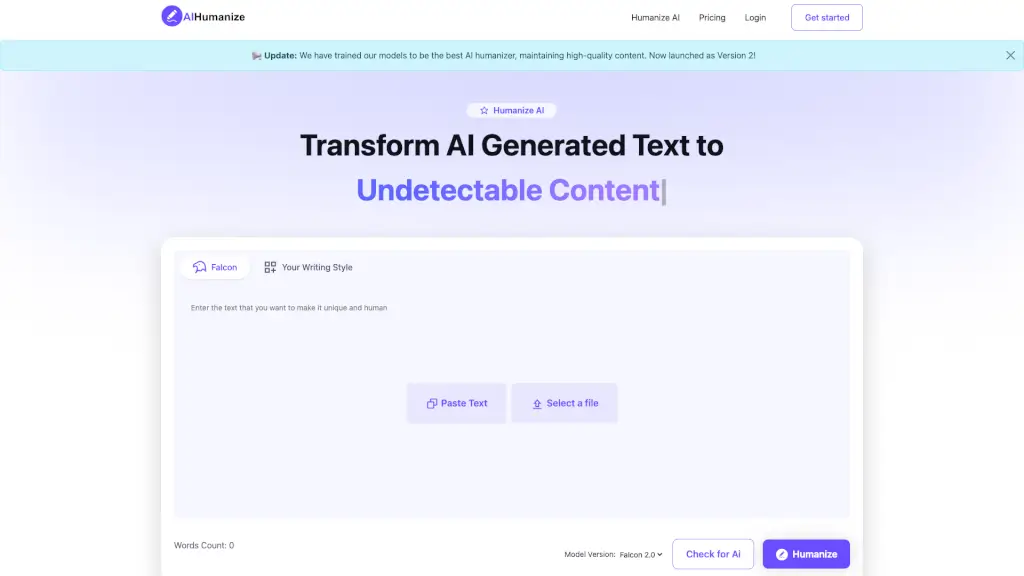
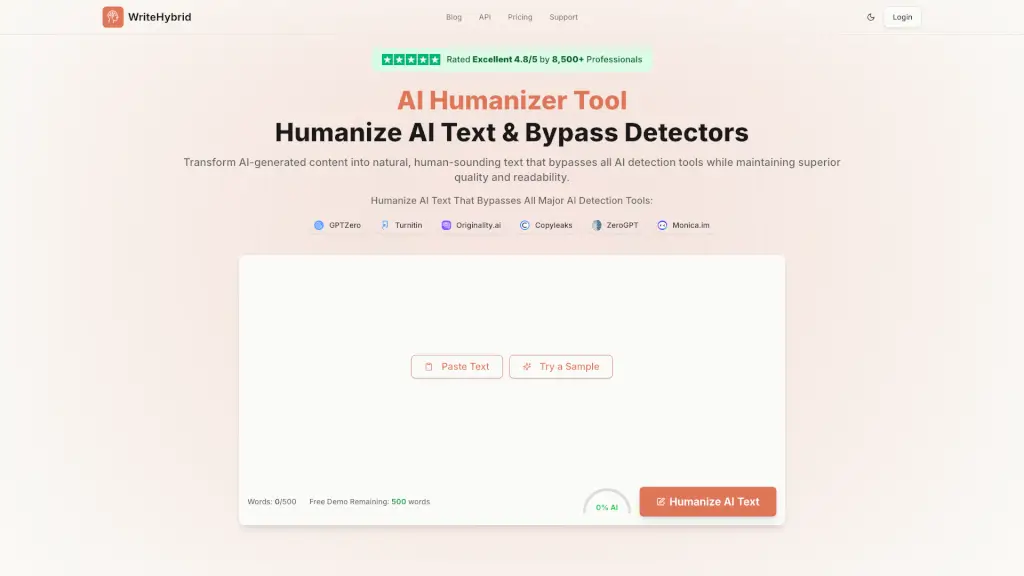
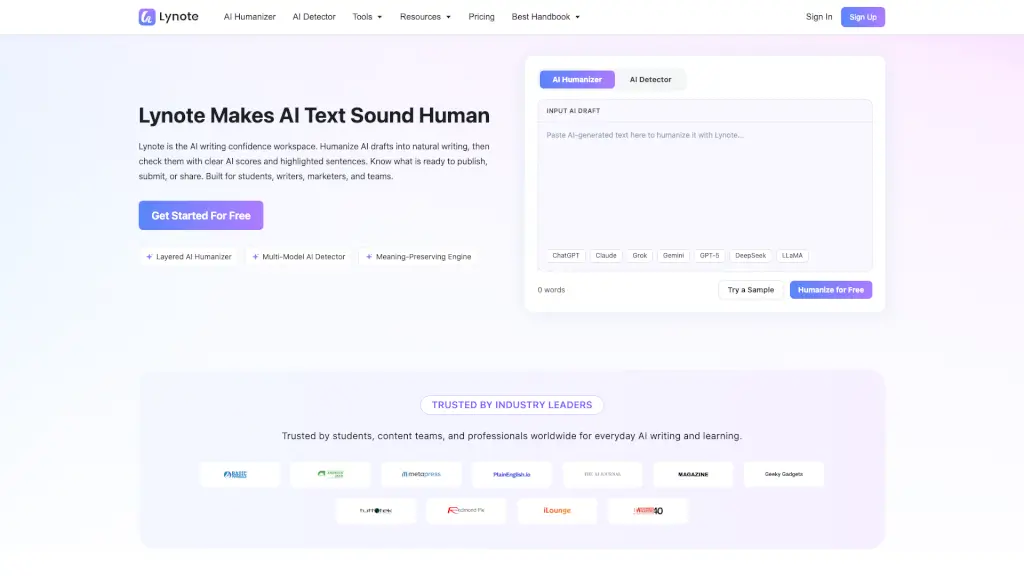
Lynote is a free online tool that helps you turn AI-generated text into natural, human-sounding writing. It combines an AI Humanizer and an AI Detector in one workspace, so you can check your content for AI signals and fix it without switching between apps. No sign-up required to get started.
What are the features of Lynote?
- Layered AI Humanizer: Rewrites text at a structural level, not just swapping words. It varies sentence length, removes robotic transitions, and fixes that stiff AI cadence.
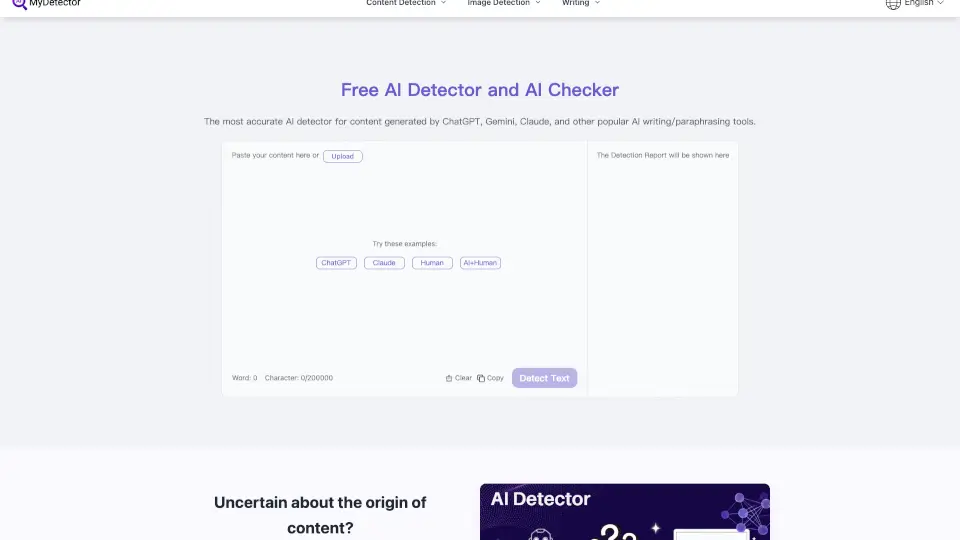
- Multi-Model AI Detector: Scans your content with 99% accuracy and highlights sentences that still look AI-generated. Works for ChatGPT, Claude, Gemini, DeepSeek, and more.
- Meaning-Preserving Engine: Keeps your original logic, data points, and message intact while changing the rhythm and wording. It won't introduce new errors.
- Variable Rewrite Intensity: Choose a light polish or a deeper rewrite depending on how robotic your draft sounds.
- Multi-Language Support: Humanize, translate, and check content across 100+ languages without losing the original purpose.
- Built-in Comparison Tool: See the before and after versions side by side with AI scores for each, so you know exactly what's ready to publish.
What are the use cases of Lynote?
- Students: Edit essays, discussion posts, and scholarship applications to remove mechanical AI language and sound more natural.
- SEO Specialists: Create blog posts and landing page copy that keeps keywords intact but reads like a human wrote it.
- Business Professionals: Improve outreach emails and executive reports by avoiding generic, automated phrasing.
- Educators: Review scripts, lessons, and study guides so material feels approachable and engaging for students.
- Researchers: Simplify summaries, literature reviews, and abstracts while adding natural flow and academic clarity.
How to use Lynote?
- Paste your AI draft: Start by pasting text from ChatGPT, Claude, Gemini, or any other AI model into the input box.
- Choose your rewrite intensity: Select a lighter polish for minor tweaks or a stronger rewrite if the text sounds heavily robotic.
- Hit Humanize: Click the button to process your text. Lynote will rewrite it at the sentence structure level.
- Check the AI score: The built-in detector automatically compares before and after versions, highlighting any sentences that still need work.
- Refine as needed: Adjust weak sections and re-run the detector until you're confident the text is ready to submit or publish.