
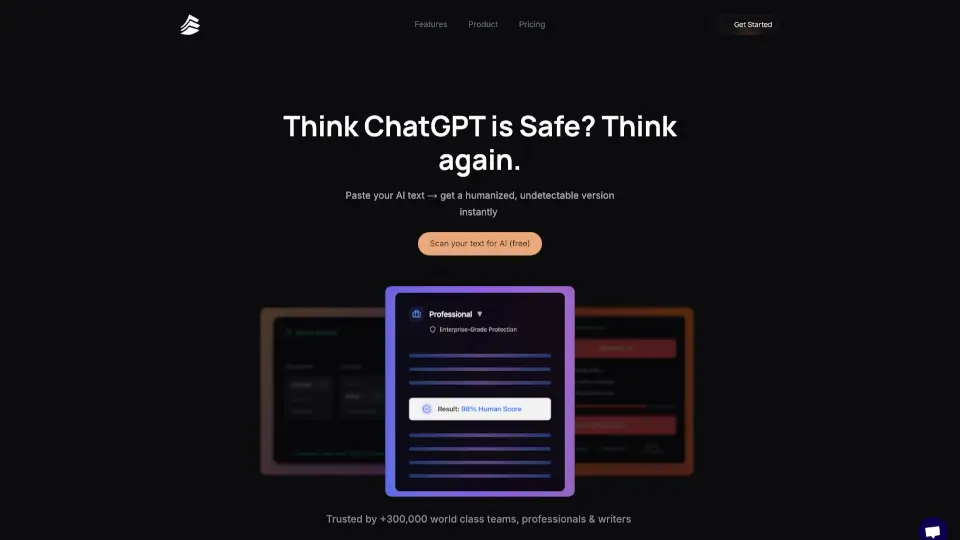
What is Lunchbreak AI?
Tired of your AI-written essays or articles getting flagged by detectors like Turnitin or GPTZero? You're not alone. Lunchbreak AI is built for students, writers, and professionals who rely on AI tools but need their final output to sound authentically human—without the stress of failed submissions or client doubts.
With over 700,000+ users, Lunchbreak AI rewrites and refines AI-generated text so it passes as your own work. Whether you're rushing to meet a deadline or polishing client content, it takes just 30 seconds to transform robotic-sounding drafts into natural, fluent writing that flies under the radar of every major AI detector.
What are the features of Lunchbreak AI?
- 100% Undetectable Output: Rewritten content consistently scores near 0% AI on Turnitin, GPTZero, Originality.ai, Copyleaks, Writer, and Sapling.
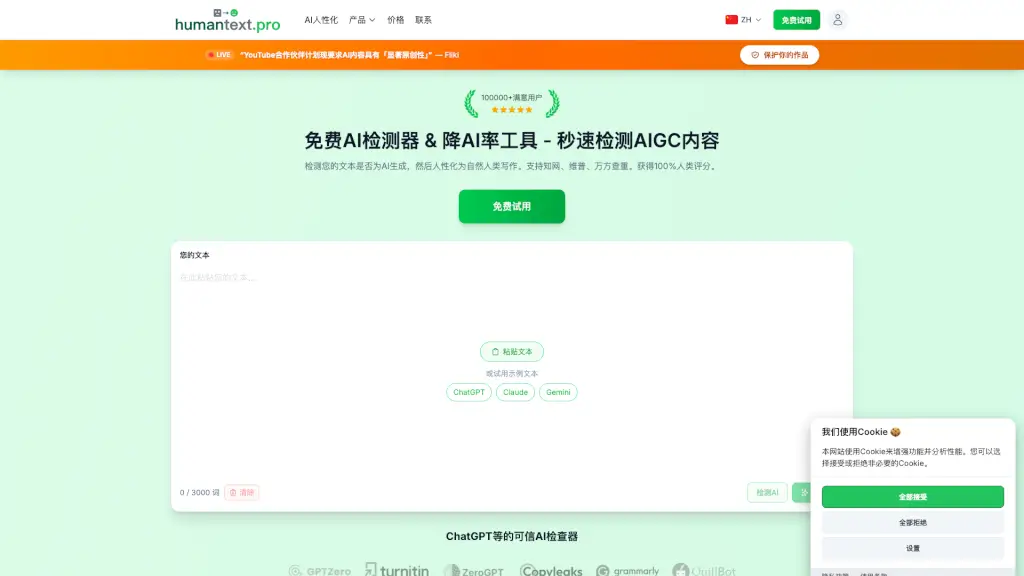
- Free Instant Check: Upload any text to see how detectable it is—no signup required.
- Fully Anonymous: Your data stays private; nothing is stored or shared.
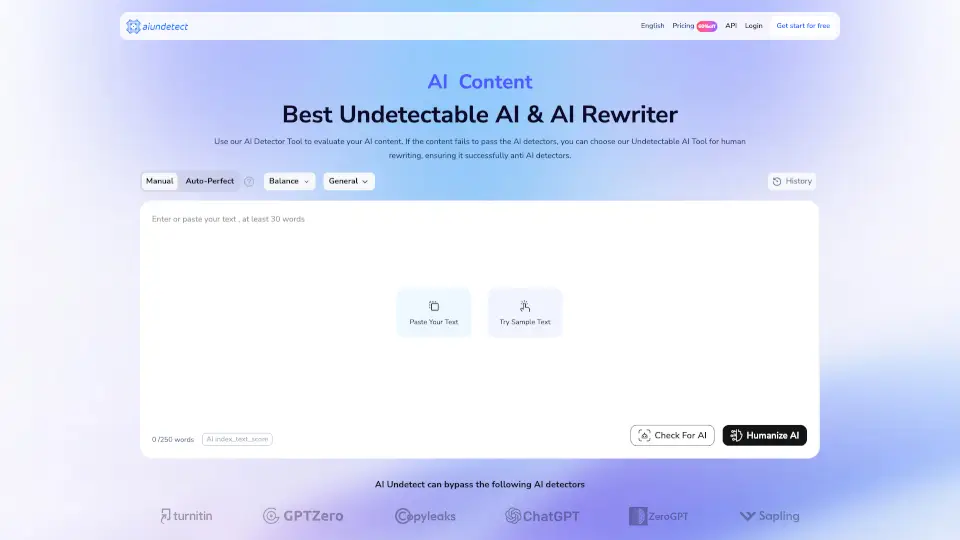
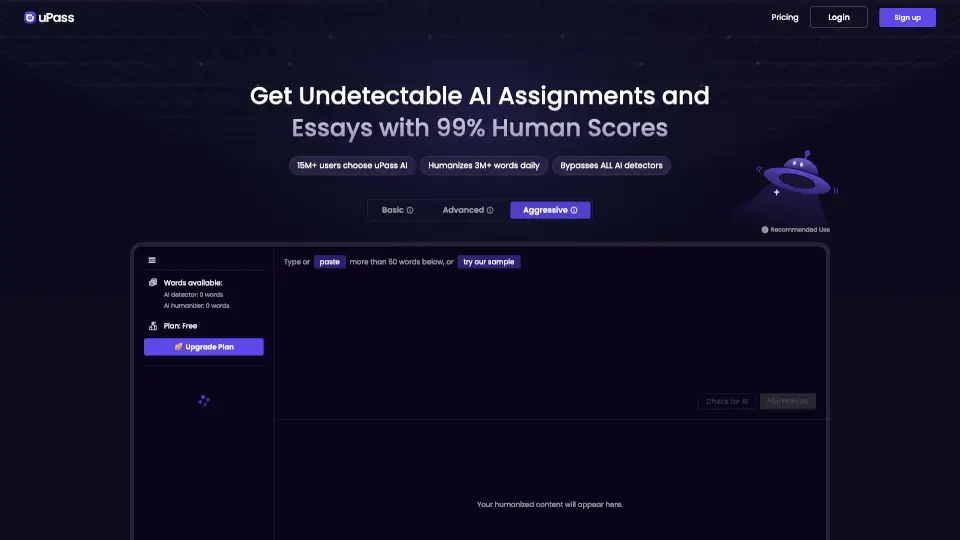
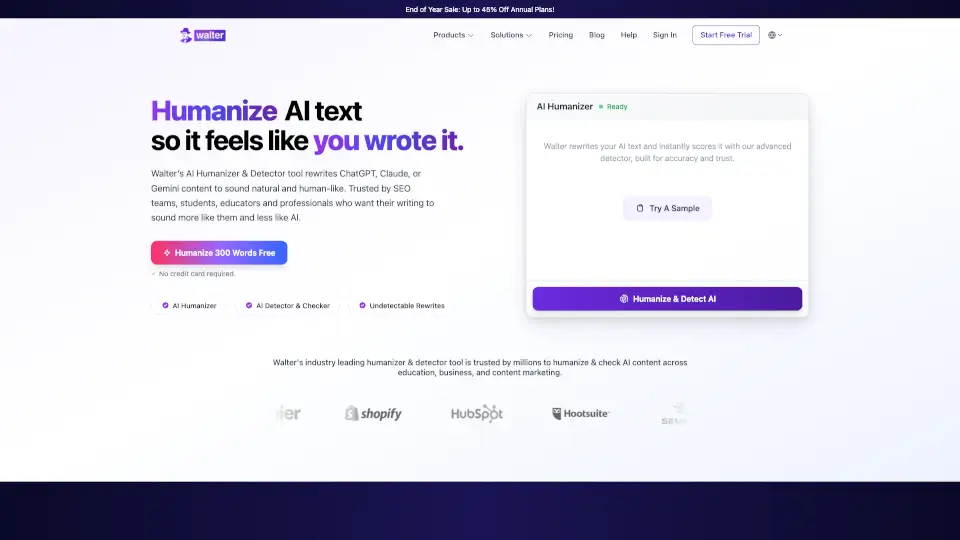
- One-Click Humanizing: Paste your AI draft, click “Fix My Essay,” and get human-like results instantly.
- Trusted Across Fields: Used by university students, SEO teams, academics, and freelance writers worldwide.
- Real-Time Proof: See side-by-side comparisons showing flagged vs. undetectable versions of the same text.
What are the use cases of Lunchbreak AI?
- A college student resubmits a last-minute paper after Turnitin flags it as 94% AI—and earns an A after using Lunchbreak.
- A freelance writer reassures clients their blog posts are original and human-written, leading to more referrals.
- A grad student integrates Lunchbreak into their weekly workflow to safely use AI research assistants without risking academic integrity violations.
- An SEO content creator ensures all client deliverables bypass AI detection while maintaining brand voice.
- A high schooler uses it to polish an AI-assisted history essay before submission, avoiding suspicion from teachers.
- A non-native English speaker refines AI-generated drafts to sound more natural and fluent.
How to use Lunchbreak AI?
- Go to lunchbreak.ai and paste your AI-generated text into the editor.
- Click “Check My Writing” to see current AI detection scores across multiple platforms.
- If flagged, click “Fix My Essay Now” to humanize the content in seconds.
- Review the rewritten version—it will sound like you wrote it yourself.
- Copy, download, or submit with confidence knowing it’s detector-safe.
- No account needed for basic checks; sign up only if you want to save or process longer texts regularly.