
What is ego lite?
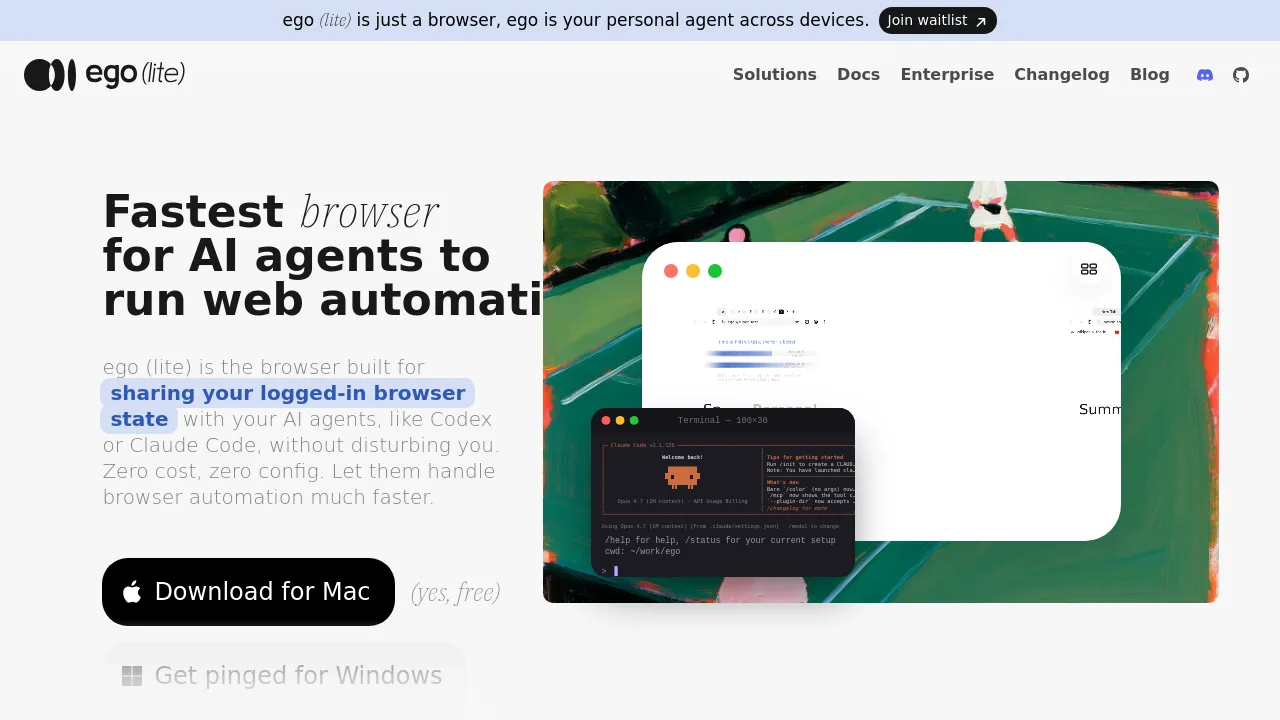
ego (lite) is a Chromium-based browser built for AI agents to run web automation using your logged-in browser state. Developers can let tools like Claude Code, Codex, or Cursor drive the browser without disturbing their own tabs. It provides isolated Spaces for agent tasks, reduces token usage through parallel JavaScript actions, and imports Chrome data in one click.
What are the features of ego lite?
- Space IsolationSeparates your browsing from AI agent tasks. Agents work in their own workspace without touching your tabs or logins, avoiding collisions.
- Semantic Snapshot EngineBuilt into the custom Chromium engine, it captures page content including cross-origin iframes and shadow DOM, returning reliable snapshots for agent decisions.
- Parallel Action ExecutionRuns multiple in-page JavaScript actions in a single pass instead of one tool call at a time, reducing round trips and token consumption.
- Chrome Data MigrationImports bookmarks, passwords, extensions, cookies, and login sessions from Chrome in one click, so agents inherit your logged-in state without re-authentication.
- ego-browser SkillA command-line skill that lets any external agent (Claude Code, Codex, Cursor, etc.) control ego (lite) directly without an SDK installation.
- Multitasking Across SpacesAgents can run several browser automation tasks simultaneously in separate Spaces without interference, each maintaining its own session.
What are the use cases of ego lite?
- Social media management – reply to tweets, quote-tweet with citations from notes, schedule posts, and scrape engagement data on X, LinkedIn, Reddit, and Instagram.
- Real estate and shopping – scrape property listings, monitor price changes, and fill forms using logged-in account sessions stored in the browser.
- SaaS back office automation – extract data from internal dashboards, fill forms, and manage customer records on tools like Salesforce or Intercom.
- Bookings and reservations – automate booking flows that require login, handling 2FA and SSO redirects through persistent browser sessions.
- Internal tool data extraction – run recurring data pulls from company portals that have no public API, using inherited Chrome cookies.
How to use ego lite?
- Download and install ego (lite) for Mac, then complete onboarding to import your Chrome profile in one click.
- Install the ego-browser skill into your agent’s skill directory during the onboarding process.
- In your agent terminal, type
/ego-browserand describe the task you want the agent to perform. - The agent runs automation in its own Space while you continue using the main browser window undisturbed.
- Switch into Space anytime to watch progress without focus stealing or mouse takeover.