
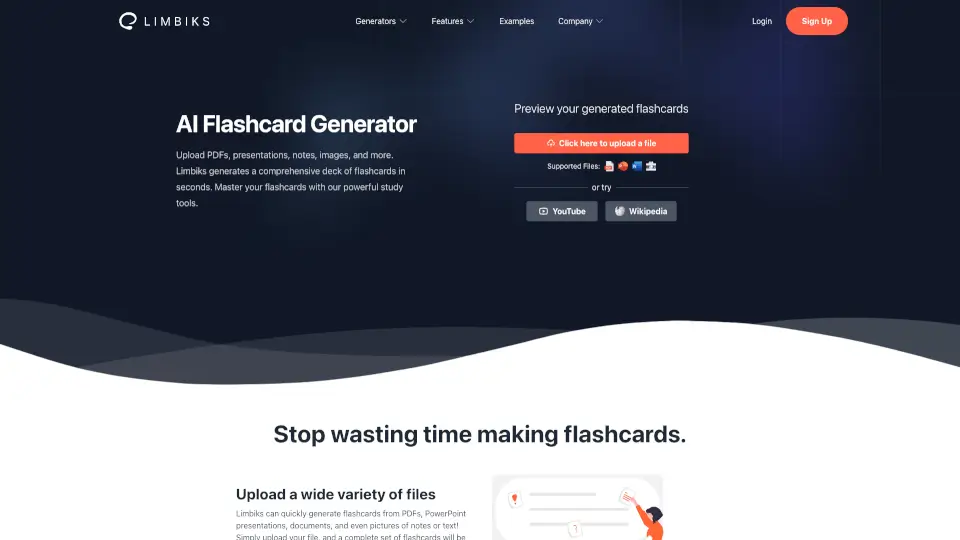
What is Limbiks?
Staring down a mountain of scattered lecture notes, dense PDFs, or half-written textbook summaries can feel completely overwhelming. Limbiks takes that stress away by acting as your personal AI flashcard generator, instantly transforming those messy materials into clean, organized study decks. Unlike older tools that just copy-paste whole paragraphs, Limbiks actually reads your uploads, picks out the most important concepts, and structures them into clear question-and-answer pairs built for real memory retention. Whether you're prepping for a chemistry final or trying to lock in vocabulary for a Spanish class, Limbiks cuts down hours of manual formatting into a few clicks. This means you spend less time fighting with layout settings and more time actually learning the material, which is exactly when you see the biggest jump in test scores.
What are the features of Limbiks?
- Multi-Format Uploads: Drop in PDFs, PowerPoint slides, Word documents, or clear photos of handwritten notes, plus direct links to YouTube videos and Wikipedia pages.
- Smart Deck Generation: The AI scans your content in seconds, identifies core concepts, and builds a comprehensive set of Q&A flashcards perfectly matched to your source material.
- Advanced Study Suite: Move beyond basic flipping with customizable study guides, AI-generated multiple choice quizzes, image occlusion cards, and built-in spaced repetition tracking.
- Seamless App Syncing: Export your finished decks directly to major platforms like Anki, Quizlet, Cram, or Tinycards with a single click, keeping your routine consistent across devices.
- 20+ Language Support: Switch effortlessly between English, Spanish, French, German, Japanese, Korean, and several other European and Asian languages without losing extraction accuracy.
What are the use cases of Limbiks?
- Last-minute exam cramming: Upload entire chapter PDFs right before your test to instantly get distilled review cards that highlight only what actually shows up on the syllabus.
- Digitizing messy study sheets: Snap a photo of your scribbled notebook pages, and Limbiks turns them into searchable, portable digital flashcards you can review on your phone.
- Foreign language immersion: Paste a link to a YouTube tutorial or news article in your target language, and get bilingual flashcards that simultaneously build listening and reading vocab.
- Built-in mock exams: Let the AI generate full practice tests and multiple-choice questions from your uploaded course materials so you can objectively track weak spots before test day.
How to use Limbiks?
- Click “Click here to upload a file”, drag in your document, or paste a web link. Use the slider to select exactly which pages or slides you want converted.
- Press generate and wait roughly ten seconds while the AI parses the content. Always preview the auto-created cards first, and quickly tweak any awkward phrasing or missed context.
- Tap the Practice Test or Image Occlusion tabs inside the dashboard to switch up how you quiz yourself, which prevents rote memorization without real understanding.
- Turn on spaced repetition early in your study cycle; the system automatically schedules card reviews based on your actual recall rate instead of forcing a rigid daily calendar.
- When you're ready to take your cards elsewhere, hit the Download button, pick your preferred export format (Anki XML, Quizlet CSV, or universal deck), and import it directly into your favorite app.