
What is Leap?
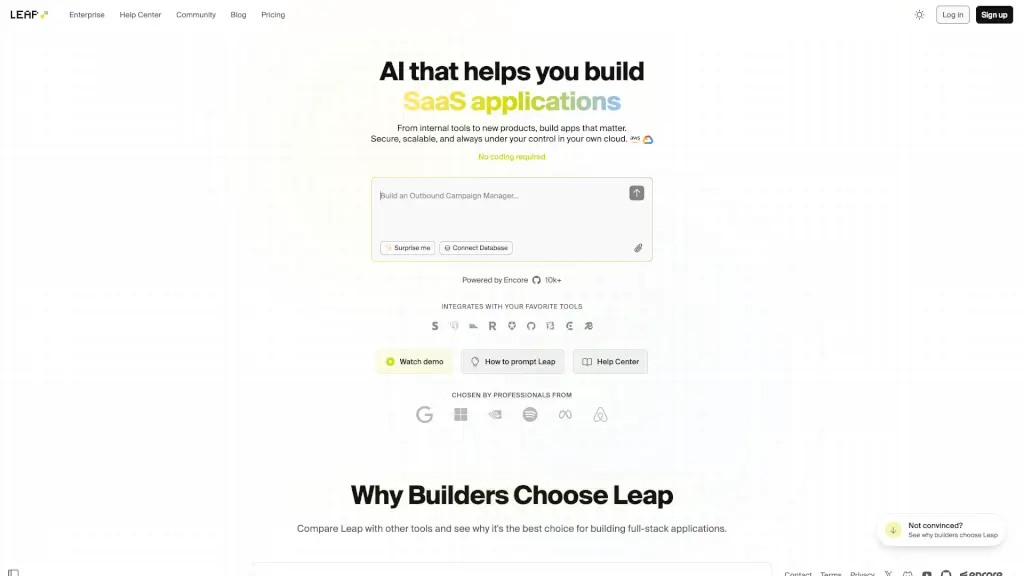
Leap is a powerful tool designed to help you build and deploy full-stack applications with the assistance of AI. Whether you're a seasoned developer or just starting out, Leap simplifies the process of creating production-ready apps. With Leap, you can own your code and deploy it to your preferred cloud provider, such as AWS or GCP. This makes it an excellent choice for anyone looking to streamline their development workflow and get their app up and running quickly.
What are the features of Leap?
- AI-Powered Development: Leap uses AI to assist in the development process, making it easier to write and optimize code.
- Full-Stack Capabilities: Build both the front-end and back-end of your application using a single, integrated platform.
- Cloud Deployment: Deploy your app to popular cloud providers like AWS or GCP, giving you the flexibility to choose the best environment for your needs.
- Code Ownership: You have full control over your code, ensuring that you can make changes and updates as needed.
- Production-Ready Apps: Leap helps you create apps that are ready for real-world use, with robust features and high performance.
- User-Friendly Interface: The intuitive interface makes it easy for developers of all skill levels to get started and be productive.
What are the use cases of Leap?
- Rapid Prototyping: Quickly build and test new ideas without the need for extensive coding.
- Startup Development: Ideal for startups looking to launch their MVP (Minimum Viable Product) with minimal resources.
- Enterprise Solutions: Large organizations can use Leap to develop and deploy scalable, secure applications.
- Educational Projects: Students and educators can use Leap to teach and learn full-stack development.
- Personal Projects: Perfect for hobbyists and enthusiasts who want to create and deploy their own apps.
How to use Leap?
- Sign up for a Leap account on their website.
- Choose a template or start from scratch to begin building your app.
- Use the AI-powered tools to write and optimize your code.
- Test your app in the built-in development environment.
- Deploy your app to your preferred cloud provider, such as AWS or GCP.
- Monitor and manage your app using the Leap dashboard.