
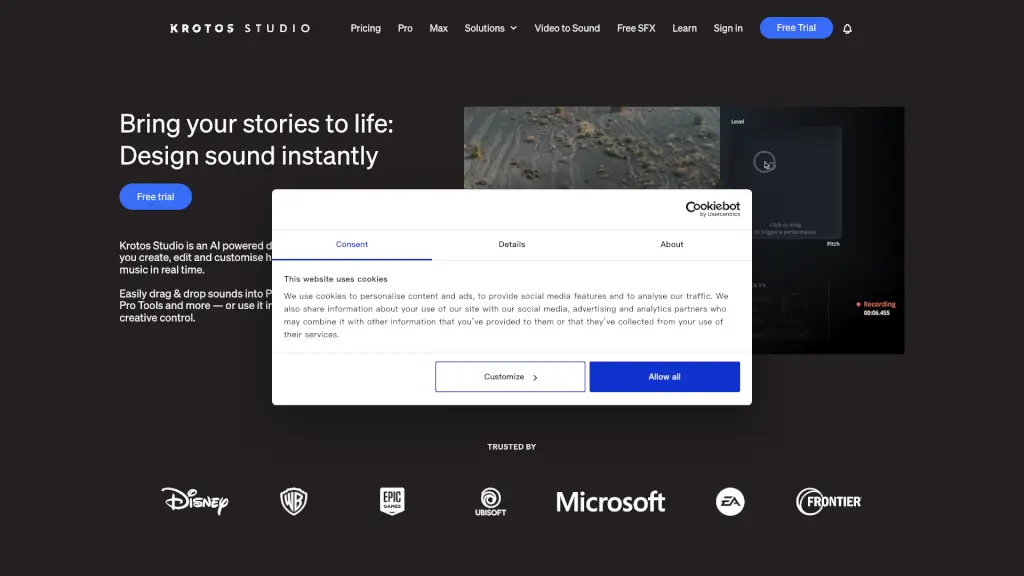
What is Krotos Studio?
Krotos Studio is a game-changer for anyone looking to add high-quality sound effects and music to their projects. Whether you're a video editor, podcaster, or content creator, this AI-powered desktop app and plugin lets you create, edit, and customize sounds in real time. Say goodbye to endless searches for the perfect sound effect—Krotos Studio makes it easy to perform and tweak sounds as you watch your footage. Plus, it seamlessly integrates with popular editing software like Premiere Pro, DaVinci Resolve, and Pro Tools, making your workflow smoother and more efficient.
What are the features of Krotos Studio?
- Real-Time Sound PerformancePerform and tweak sound effects on the fly using XY pads.
- Drag-and-Drop IntegrationEasily drag and drop your created sounds into any timeline.
- Royalty-Free Sound EffectsAccess a vast library of 100% royalty-free sound effects.
- Customizable PresetsImport and customize up to 4,000 sound effects per preset in Krotos Studio Pro.
- Standalone and Plugin ModesUse Krotos Studio as a standalone app or as a VST/AU/AAX plugin in your DAW.
- Regular UpdatesGet new, incredible sounds every month to keep your projects fresh.
What are the use cases of Krotos Studio?
- Video EditingAdd background ambiences, footsteps, and whooshes to your video footage.
- PodcastingCreate unique intro and outro music, and add sound effects to enhance your podcast.
- Game DevelopmentDesign immersive soundscapes and interactive sound effects for games.
- YouTube ContentQuickly add professional sound effects to your YouTube videos.
- Music ProductionExperiment with different sounds and layers to create unique music tracks.
- AdvertisingProduce high-impact sound effects for ads and trailers.
How to use Krotos Studio?
- Choose a PresetStart by selecting a preset that matches the type of sound you need.
- Perform the SoundUse the XY pads to perform and tweak the sound in real time.
- Customize LayersIn Krotos Studio Pro, import your own sounds and customize the layers.
- Drag to TimelineDrag the sound directly into your video or audio editor's timeline.
- Tweak ParametersFine-tune the sound by adjusting parameters until it's perfect.
- Save and ExportSave your work and export the sound for use in your project.