
What is Krotos Studio?
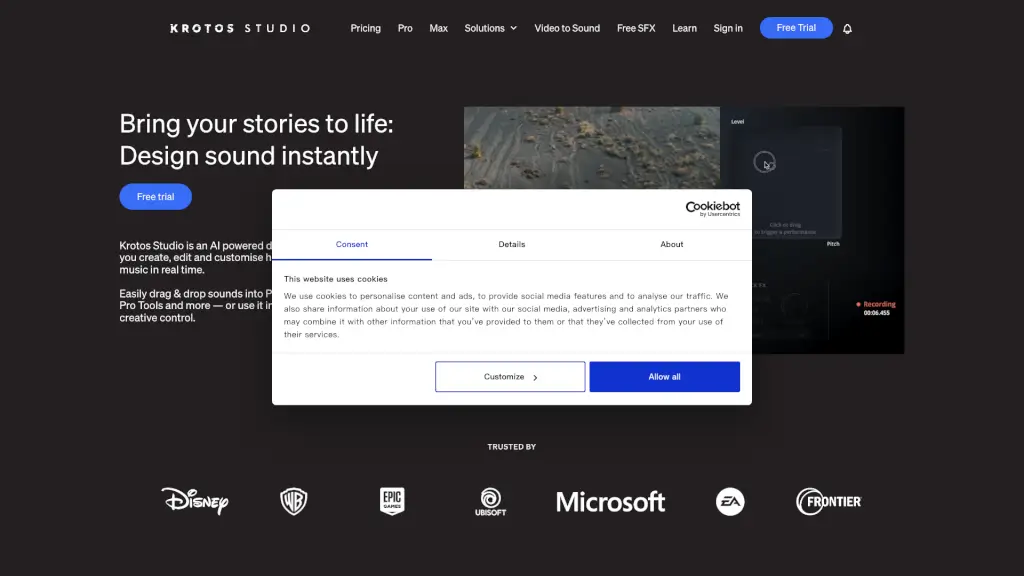
Krotos Studio is a game-changer for anyone looking to add high-quality sound effects and music to their projects. Whether you're a video editor, podcaster, or content creator, this AI-powered desktop app and plugin lets you create, edit, and customize sounds in real time. Say goodbye to endless searches for the perfect sound effect—Krotos Studio makes it easy to perform and tweak sounds as you watch your footage. Plus, it seamlessly integrates with popular editing software like Premiere Pro, DaVinci Resolve, and Pro Tools, making your workflow smoother and more efficient.
What are the features of Krotos Studio?
- Real-Time Sound Performance: Perform and tweak sound effects on the fly using XY pads.
- Drag-and-Drop Integration: Easily drag and drop your created sounds into any timeline.
- Royalty-Free Sound Effects: Access a vast library of 100% royalty-free sound effects.
- Customizable Presets: Import and customize up to 4,000 sound effects per preset in Krotos Studio Pro.
- Standalone and Plugin Modes: Use Krotos Studio as a standalone app or as a VST/AU/AAX plugin in your DAW.
- Regular Updates: Get new, incredible sounds every month to keep your projects fresh.
What are the use cases of Krotos Studio?
- Video Editing: Add background ambiences, footsteps, and whooshes to your video footage.
- Podcasting: Create unique intro and outro music, and add sound effects to enhance your podcast.
- Game Development: Design immersive soundscapes and interactive sound effects for games.
- YouTube Content: Quickly add professional sound effects to your YouTube videos.
- Music Production: Experiment with different sounds and layers to create unique music tracks.
- Advertising: Produce high-impact sound effects for ads and trailers.
How to use Krotos Studio?
- Choose a Preset: Start by selecting a preset that matches the type of sound you need.
- Perform the Sound: Use the XY pads to perform and tweak the sound in real time.
- Customize Layers: In Krotos Studio Pro, import your own sounds and customize the layers.
- Drag to Timeline: Drag the sound directly into your video or audio editor's timeline.
- Tweak Parameters: Fine-tune the sound by adjusting parameters until it's perfect.
- Save and Export: Save your work and export the sound for use in your project.