

What is Kome?
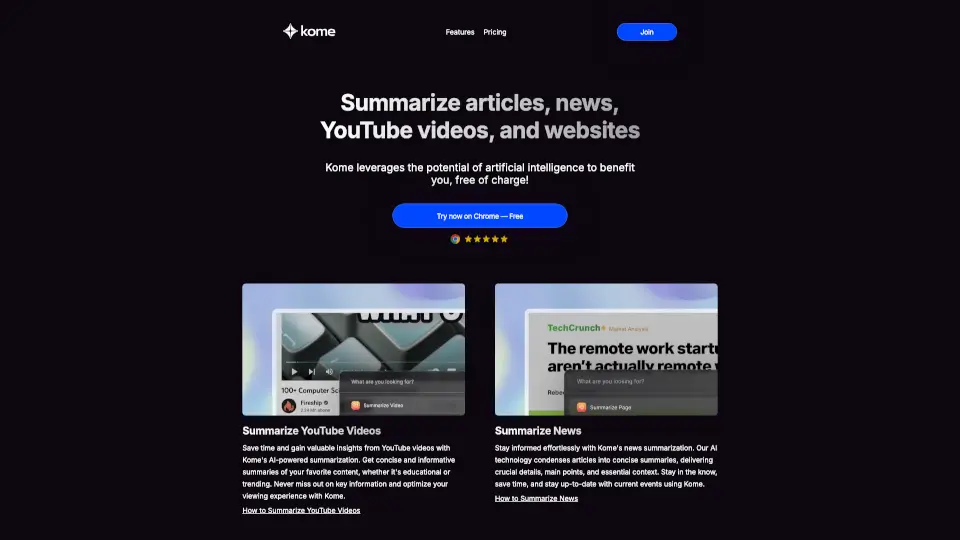
Kome is your all-in-one AI browser extension that makes reading and organizing online content effortless. It lets you instantly summarize long articles, news pieces, and even YouTube videos with a single click. Plus, it doubles as a powerful bookmark manager so you can save, search, and reuse content from any website. Whether you're a student, researcher, or content creator, Kome saves you time and keeps your digital life organized.
What are the features of Kome?
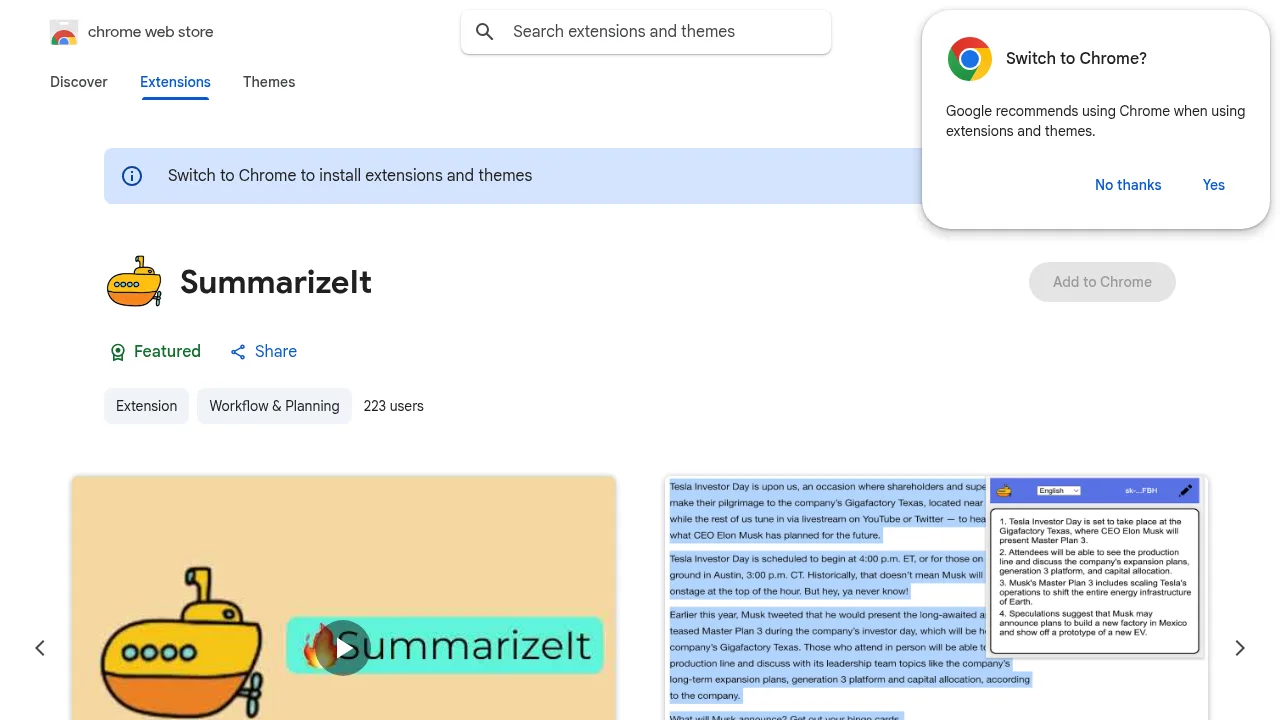
- AI-Powered SummarizerGet the main points of any article, news piece, or YouTube video in seconds. Improve your reading speed by up to 3x.
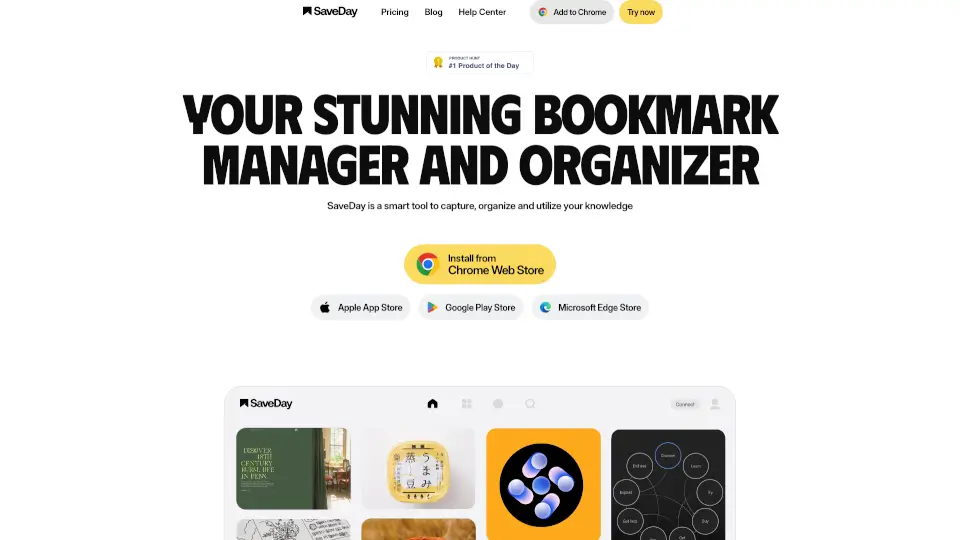
- Bookmark ManagerCapture and store any piece of content from any website. Search and access your saved items easily.
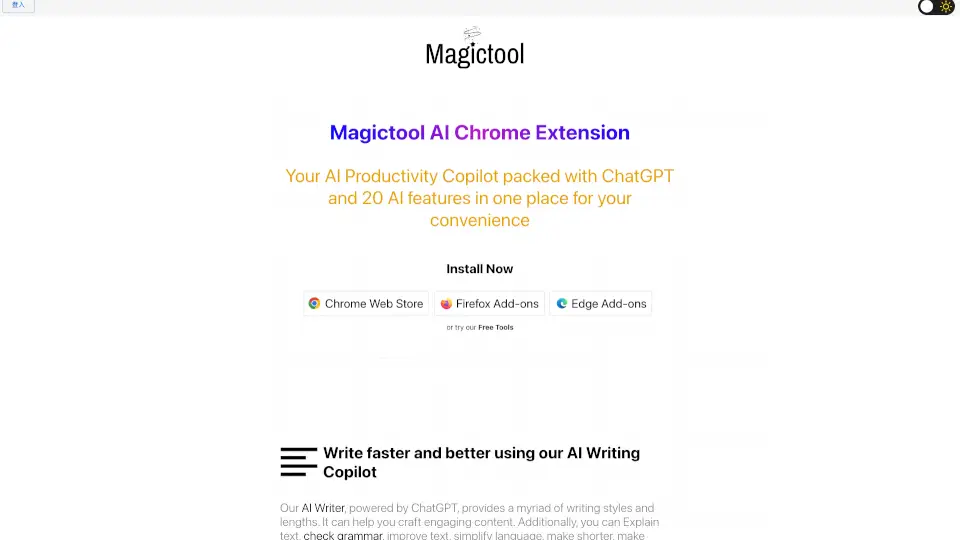
- Smart ComposeUse your saved bookmarks to generate emails, tweets, and blog posts with the help of AI.
- Extract EmailsFind and copy all email addresses from any webpage in less than a second.
- Extract Color PalettesGrab the color scheme from any website and save it in your favorite format.
What are the use cases of Kome?
- Busy professionalsQuickly digest long industry reports or news articles during a coffee break.
- Students and researchersSummarize academic papers or YouTube lectures, then bookmark key passages for your next essay.
- Content creatorsUse Smart Compose to turn your saved research into social media posts, newsletter drafts, or blog outlines.
- Web designersExtract color palettes from inspiring websites to use in your own projects.
- Anyone who bookmarks everythingFinally organize that messy bookmarks folder and actually find things later.
How to use Kome?
- Install KomeGo to your browser's extension marketplace (like Chrome Web Store or Edge Add-ons), search for "Kome AI," and click install.
- Summarize on the goWhen you're on an article, news page, or YouTube video, just click the Kome icon in your browser toolbar to get an instant summary.
- Bookmark with a clickFound something interesting? Click the bookmark button to save the content. You can add notes to organize your thoughts.
- Find your bookmarks laterUse the built-in search to quickly find any saved content. No more scrolling through endless lists.
- Compose using your bookmarksOpen the Smart Compose feature, select a bookmark as your source, and tell Kome what you want to write (an email, tweet, or blog post).