
What is Kive?
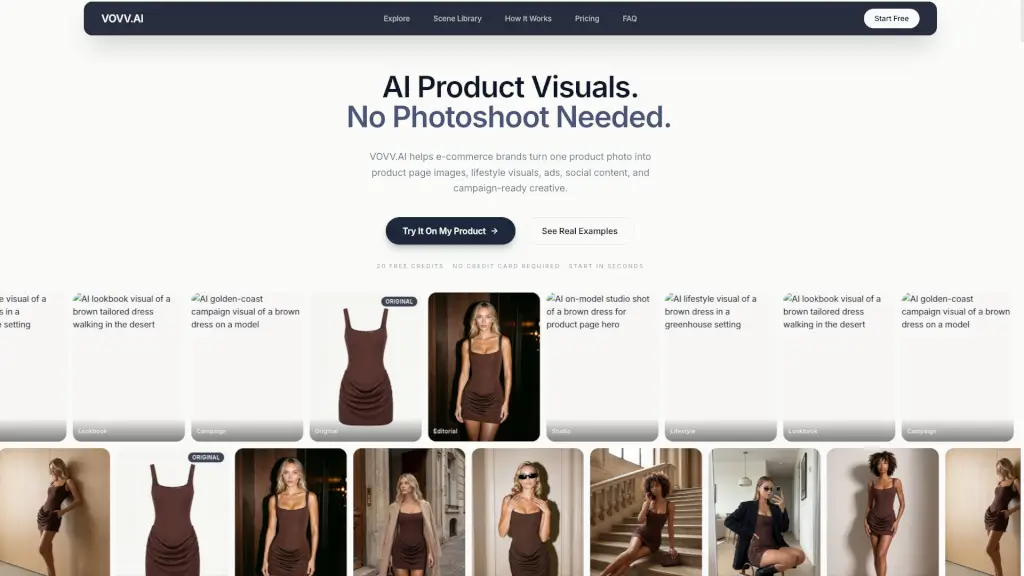
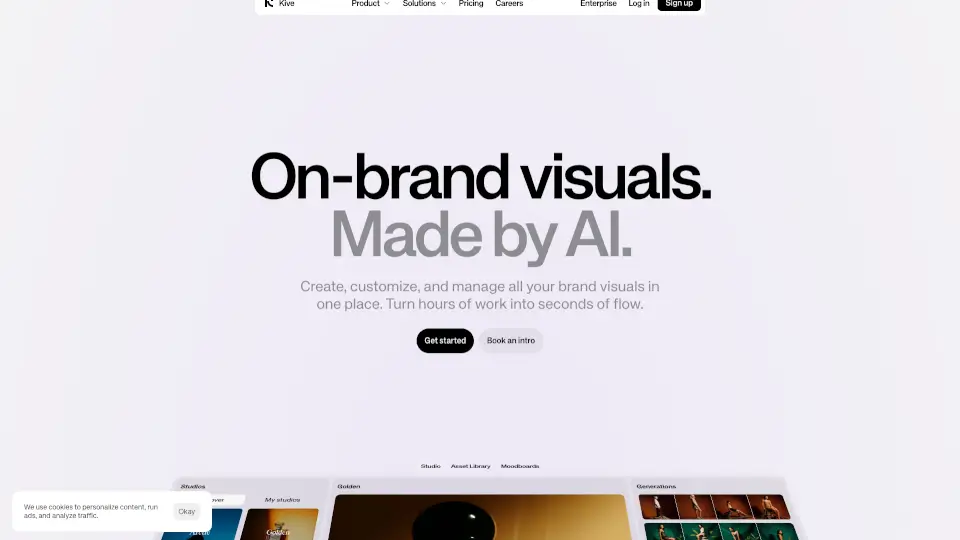
Kive is your go-to tool for making professional product photos without needing a camera crew or expensive studio setup. Whether you sell clothing, makeup, bags, or home decor, Kive uses smart AI to turn simple images into stunning, ready-to-use ads and social posts in just minutes. Instead of stressing about lighting, models, or complex editing, you can generate beautiful visuals that match your brand style perfectly. Over 10,000 brands already rely on Kive because it helps small teams produce high-end content quickly, consistently, and affordably.
What are the features of Kive?
- AI Model Avatars: Generate realistic shoppers wearing your product automatically with @Fiction™ avatars tailored to specific demographics, allowing you to showcase your item on diverse models instantly.
- Precise Product Integration: Our AI accurately places your product into scenes while keeping details sharp and true-to-life, ensuring your items look authentic rather than digitally pasted.
- Industry Presets: Access one-click styles designed specifically for fashion, beauty, and home decor, including trending vibes like "Soho Streetstyle," "Brutalist Home," and "Western Dusk."
- Unified Creative Workspace: Manage everything in a single tab where you can create visuals, edit details, and collaborate with your team without switching between multiple apps.
- Advanced Camera Control: Direct the mood and composition of your shots by using text prompts to specify camera angles and movements, such as dynamic aerial views or kinetic tracking.
- Fast URL Processing: Simply paste a product URL into Kive to instantly analyze and prepare your item for generation, streamlining your workflow from upload to final asset.
What are the use cases of Kive?
- Social Media Ads: Quickly create eye-catching carousel posts featuring your handbag worn by diverse AI models, perfect for Instagram campaigns targeting new customers.
- E-commerce Listings: Generate clean, lifestyle-focused images for your online store that show how eyeglasses look on different face types, boosting shopper confidence and reducing returns.
- Email Marketing: Produce on-brand visuals for weekly newsletters featuring body care products in serene settings like a "Greenhouse" or "Basalt Ledge Studio" to increase open rates.
- Influencer Collaborations: Mock up partnership concepts by placing your activewear on AI avatars styled to match specific influencer aesthetics before finalizing deals and schedules.
- Seasonal Campaigns: Rapidly produce themed content for holidays or sales events using presets like "Blue Hour Portrait" to refresh your inventory imagery without booking a reshoot.
How to use Kive?
- Start by uploading your product image or pasting the direct URL into the Kive dashboard to instantly load your item into the generation engine.
- Select an AI avatar or model preset that aligns with your target audience, such as choosing a 25-year-old wearer to highlight trendy apparel.
- Apply an industry preset like "Fashion Studio" or "Fish-eye" to establish the background atmosphere, then refine the scene using clear text descriptions.
- Enhance visual impact by adding camera direction prompts like "dynamic aerial shots" to give your image depth and movement for a polished, editorial feel.
- Review the generated outputs in the unified workspace, make minor adjustments if needed, and export the files directly for immediate use across your marketing channels.
Kive Frequently Asked Questions:
[No FAQs available in source content.]