
What is Kerlig AI?
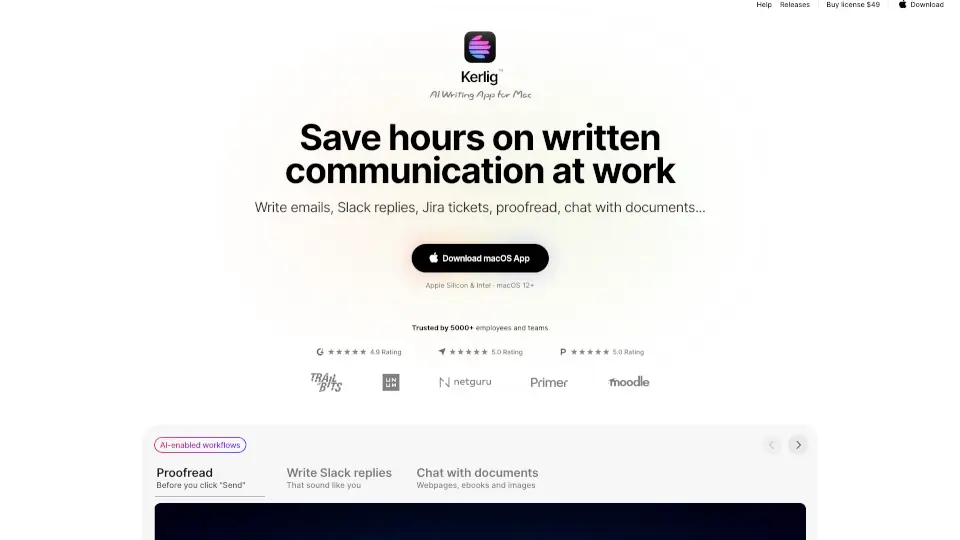
Kerlig™ AI Writing App for Mac is a powerful tool designed to save you hours on written communication at work. Whether you're drafting emails, Slack replies, or Jira tickets, this app helps you write faster and more effectively. With features like proofreading, grammar correction, and the ability to chat with documents, ebooks, and images, Kerlig™ makes communication effortless. It also supports multiple languages, making it a great tool for global teams. Plus, its customizable presets and integration with top AI models like OpenAI, Anthropic, and Google Gemini ensure you can tailor your writing to your unique style.
What are the features of Kerlig AI?
- AI-Powered Writing Assistance: Write emails, Slack replies, and Jira tickets with your tone of voice.
- Proofread & Correct Grammar: Fix typos and improve your writing in any app.
- Chat with Documents: Ask questions, summarize, translate, and extract key points from documents, web pages, and ebooks.
- Customizable Presets: Use your writing style and tone of voice with editable actions.
- Multi-Language Support: Communicate in different languages effortlessly.
- Integration with 350+ Models: Supports OpenAI, Anthropic, Google, Groq, and more.
- Local Models with Ollama: Run AI models locally for privacy and speed.
- No Subscription: Pay once and only for the tokens you use.
What are the use cases of Kerlig AI?
- Emails & Slack Replies: Draft professional messages quickly.
- Jira Tickets: Write clear and concise project updates.
- Proofreading: Catch grammar and spelling mistakes before hitting send.
- Research & Summarization: Extract key points from documents and articles.
- Brainstorming: Overcome writer's block with AI-generated ideas.
- Translations: Communicate in multiple languages seamlessly.
How to use Kerlig AI?
- Download & Install: Get the app and define a hotkey for quick access.
- Add AI Provider API Key: Choose from OpenAI, Anthropic, or others.
- Select Text & Press Hotkey: Highlight text in any app and trigger the hotkey.
- Choose Action: Pick from options like "Fix Spelling" or "Summarize."
- Paste & Go: Insert the corrected or generated text back into your app.