
What is Jet Admin?
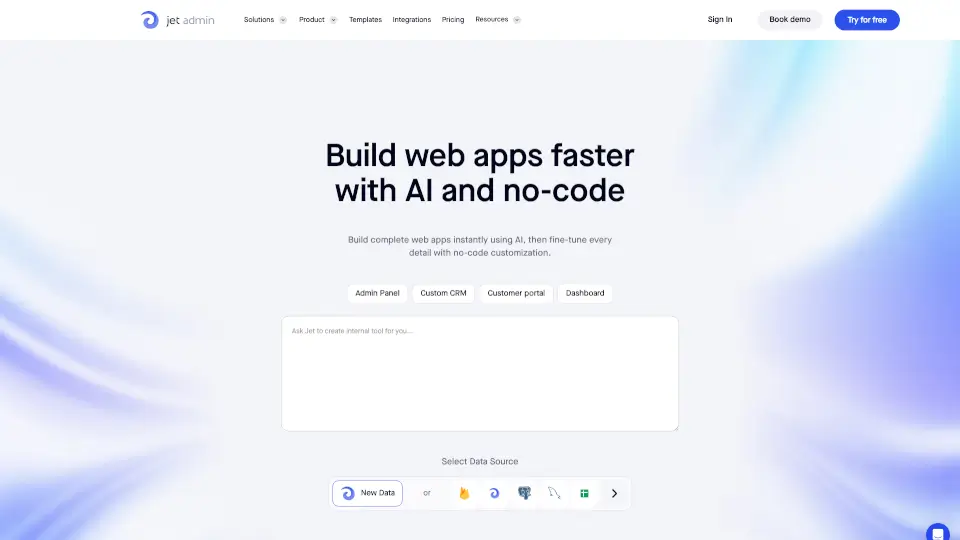
Jet Admin is a no-code platform that lets you build custom business apps quickly and easily. Whether you need an admin panel, a customer portal, a dashboard, or a custom CRM, Jet Admin helps you streamline your workflow, boost productivity, and cut costs—all without writing a single line of code.
What are the features of Jet Admin?
- No-Code App Builder: Drag-and-drop interface to create web apps fast.
- Component Designer: Design pixel-perfect apps with customizable components.
- Figma Import: Turn your Figma designs directly into functional apps.
- Data Editor/GUI: Manage and edit databases with a spreadsheet-like editor.
- External Data Sync: Connect to databases, APIs, and SaaS tools for a single source of truth.
- Automated Workflow: Set up automations for repetitive tasks and connect to thousands of services.
- AI Apps: Integrate AI features to enhance your business processes.
- Permissions & Security: Control access, set roles, and ensure data security with SSO and 2FA.
- Self-Hosted Option: Deploy on your own infrastructure for maximum data control.
- Public API: Use REST or GraphQL to connect and extend your apps.
What are the use cases of Jet Admin?
- Admin Panels: Instantly generate interfaces for your databases.
- Customer Portals: Create secure portals for partners, vendors, and clients.
- Internal Tools: Build tools for support, operations, sales, and marketing teams.
- Custom CRM: Manage customer relationships and streamline sales processes.
- Dashboards: Visualize and interact with your data for better insights.
- Approval Apps: Monitor and manage approval workflows with ease.
- Inventory Trackers: Keep tabs on stock and assets in real time.
How to use Jet Admin?
- Sign Up: Create a free account on Jet Admin’s website.
- Choose a Template or Start from Scratch: Pick a template or use the drag-and-drop builder.
- Connect Your Data: Link databases, APIs, or SaaS tools like Airtable, Stripe, or Zendesk.
- Design Your App: Use the Component Designer or import from Figma.
- Set Up Workflows: Automate tasks and processes with built-in workflow tools.
- Manage Permissions: Assign roles and control access for your team.
- Deploy and Share: Publish your app and share it with your users on any device.