What is insMind?
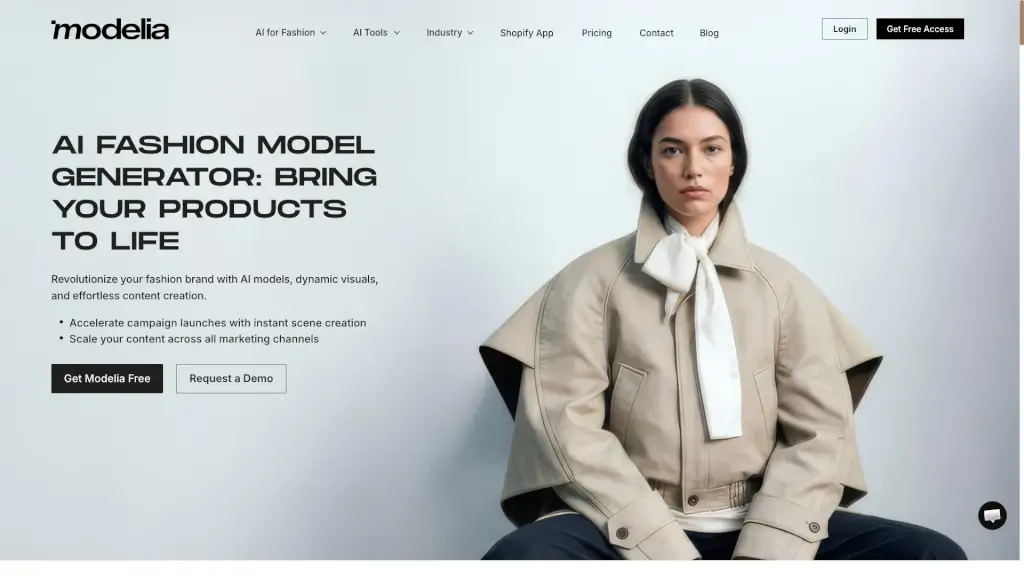
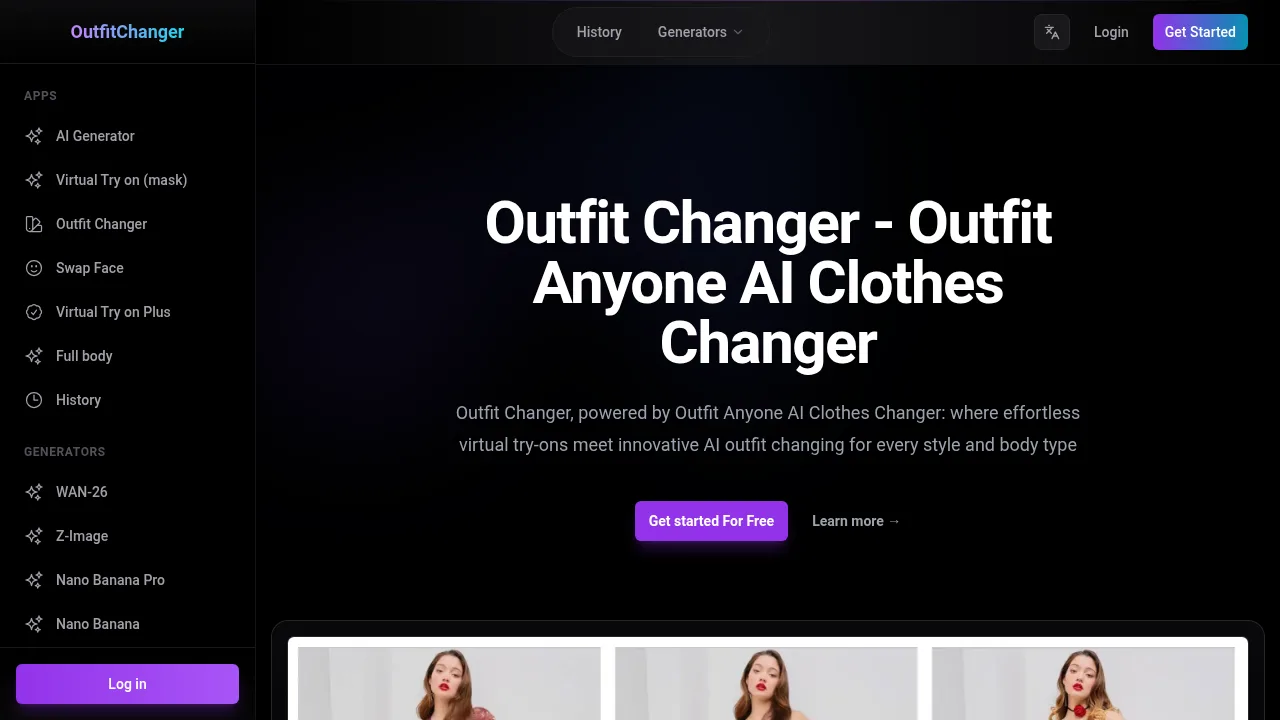
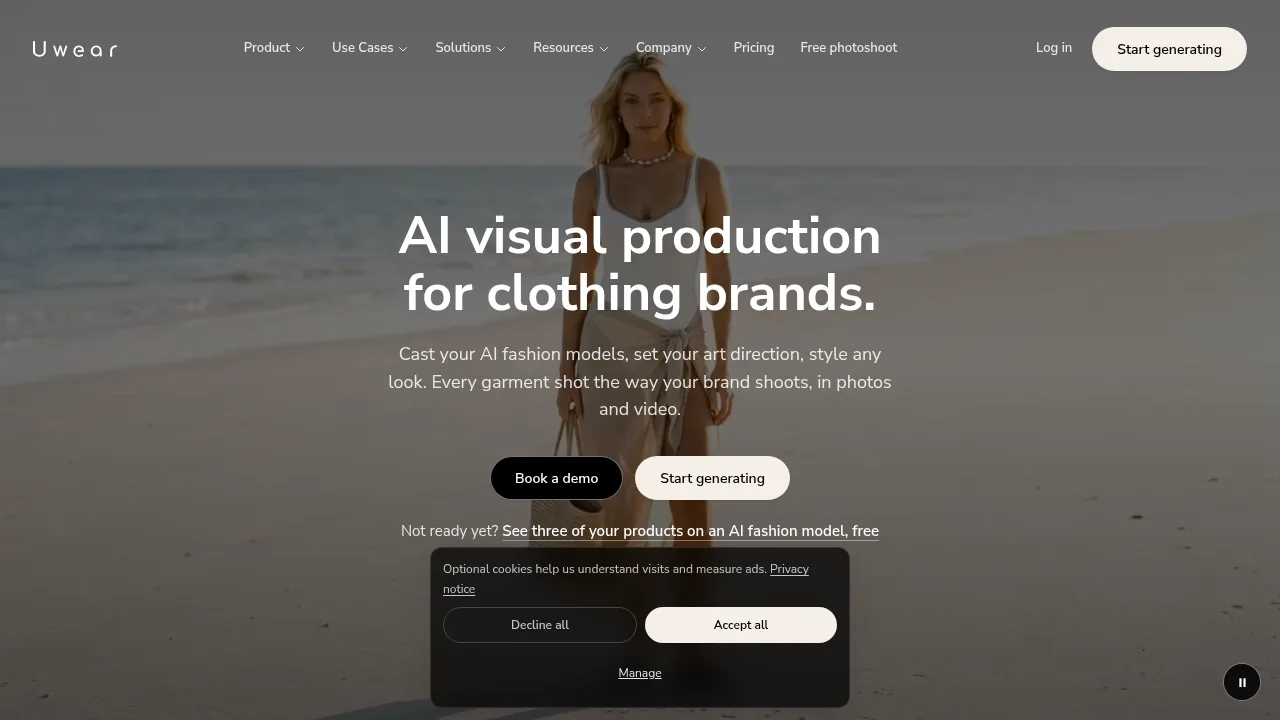
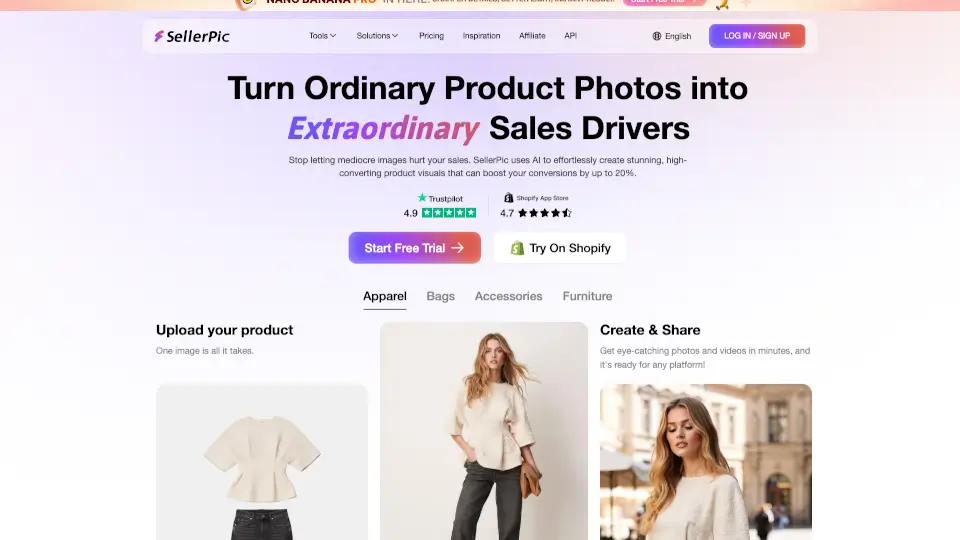
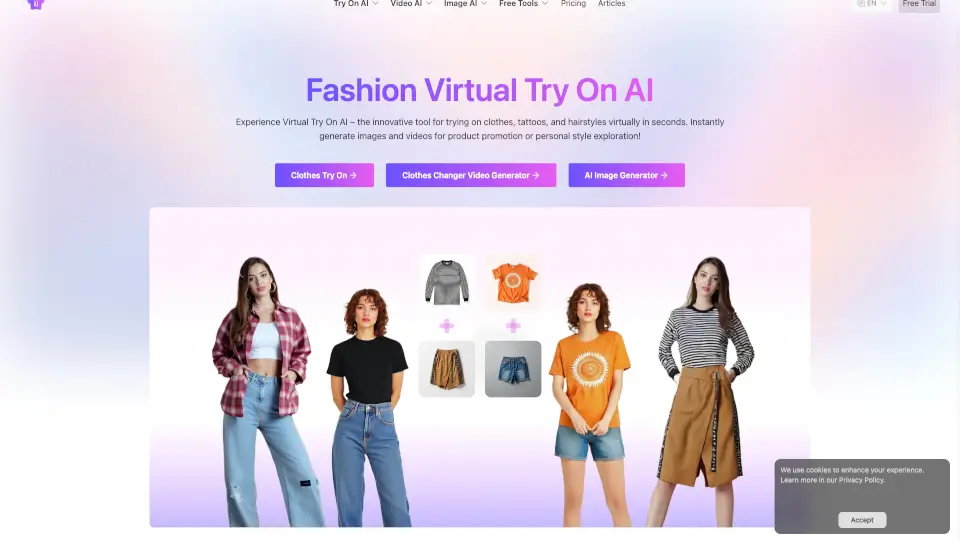
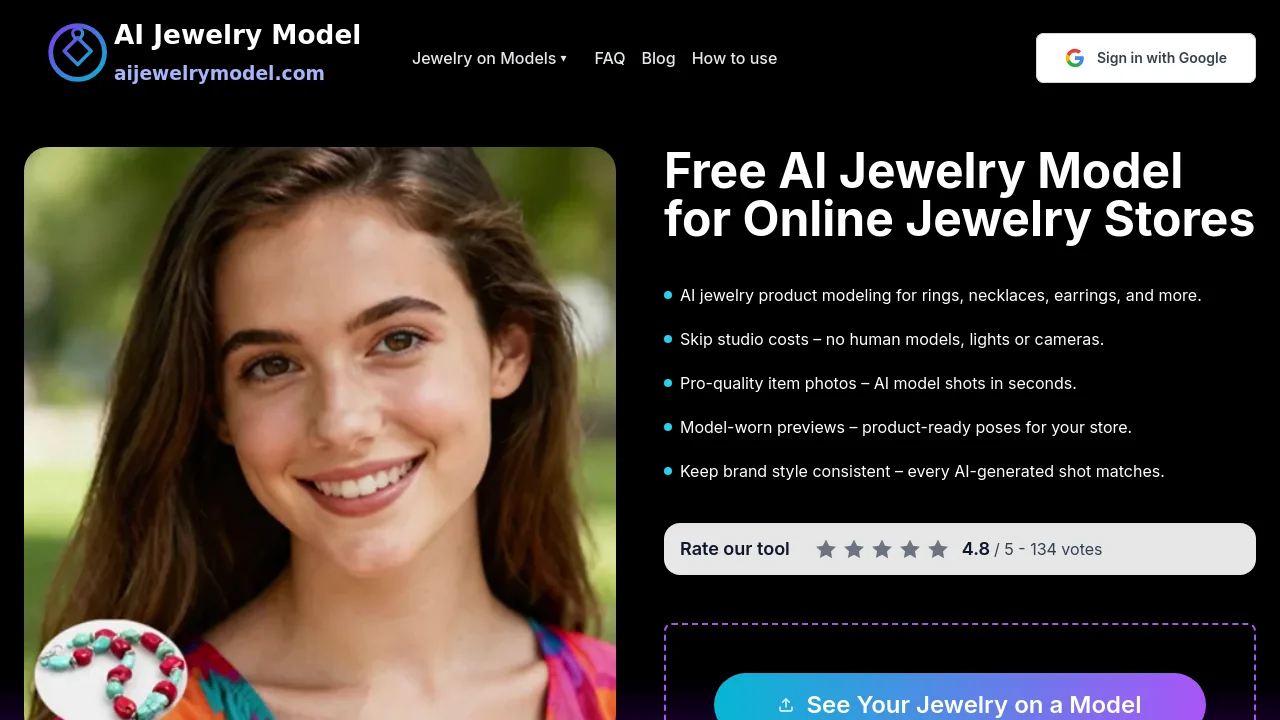
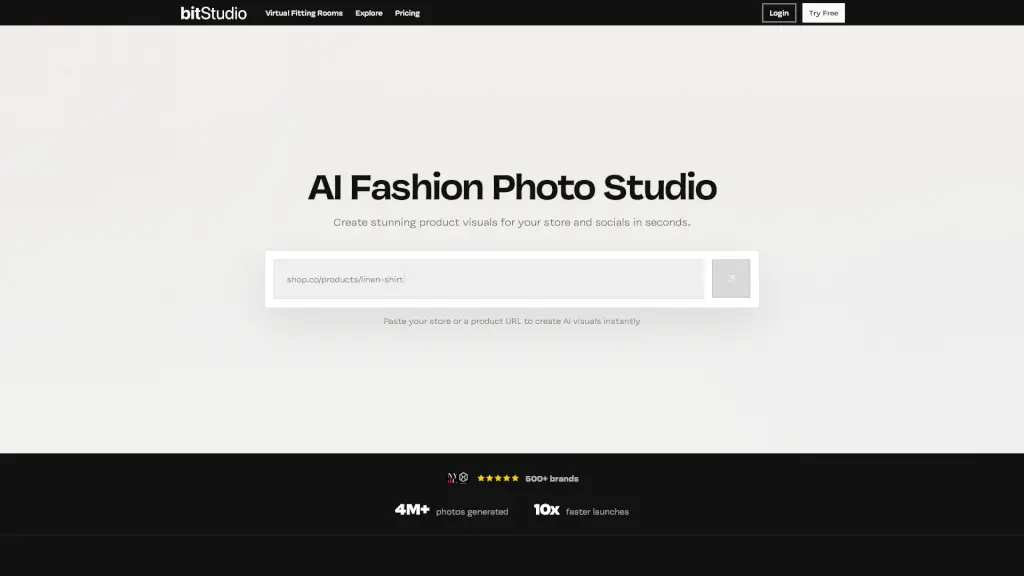
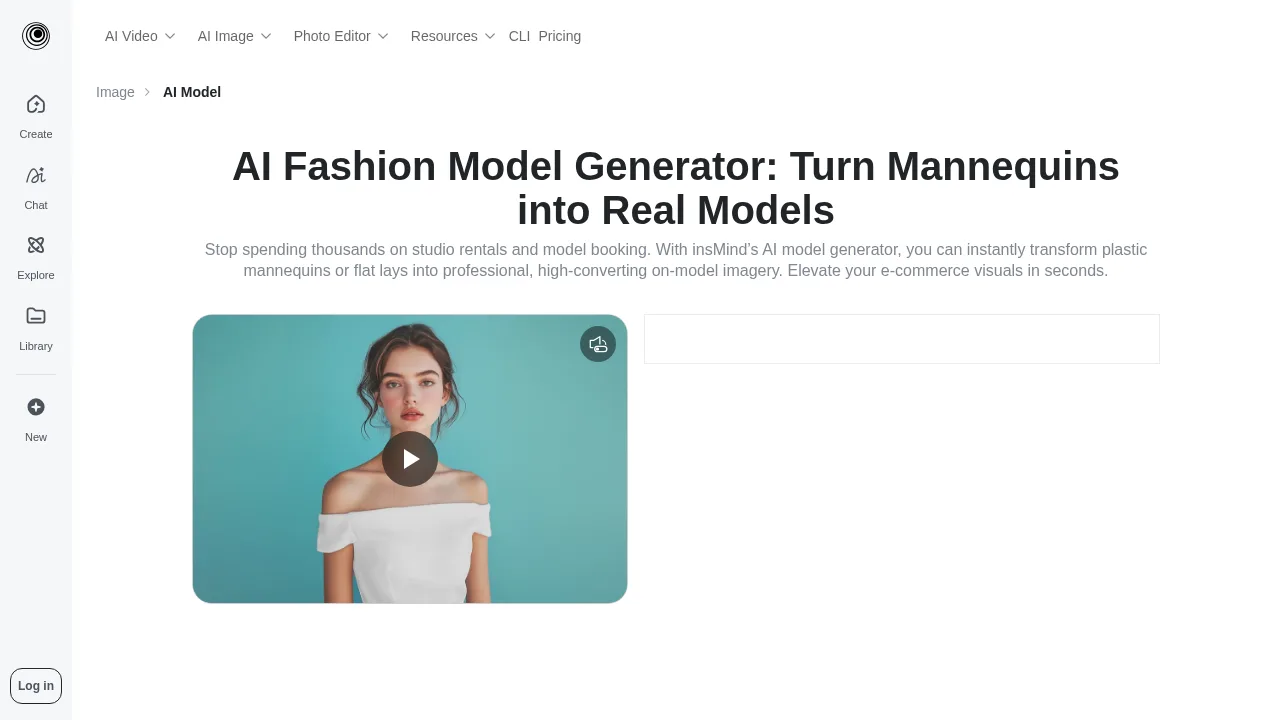
insMind is a web and mobile platform that transforms mannequin shots, flat lays, or homemade product photos into on-model imagery using AI-generated virtual models. It targets e-commerce sellers who need fashion photography without booking studios or live models. The tool requires uploaded photos to show the upper body and face; side profiles or lower-body-only images cannot be processed.
What are the features of insMind?
- Mannequin-to-model conversionReplaces plastic mannequins or ghost mannequin forms in uploaded clothing photos with generated human models while preserving original fabric textures, logos, prints, and cuts.
- Model customizationOffers selectable virtual models across various ethnicities, ages, genders, and body types for each uploaded garment photo.
- Background replacementApplies custom backgrounds to generated model photos to change the scene around the product.
- Face and skin tone swappingModifies existing model photos by changing faces or skin tones to match different target markets using the same base image.
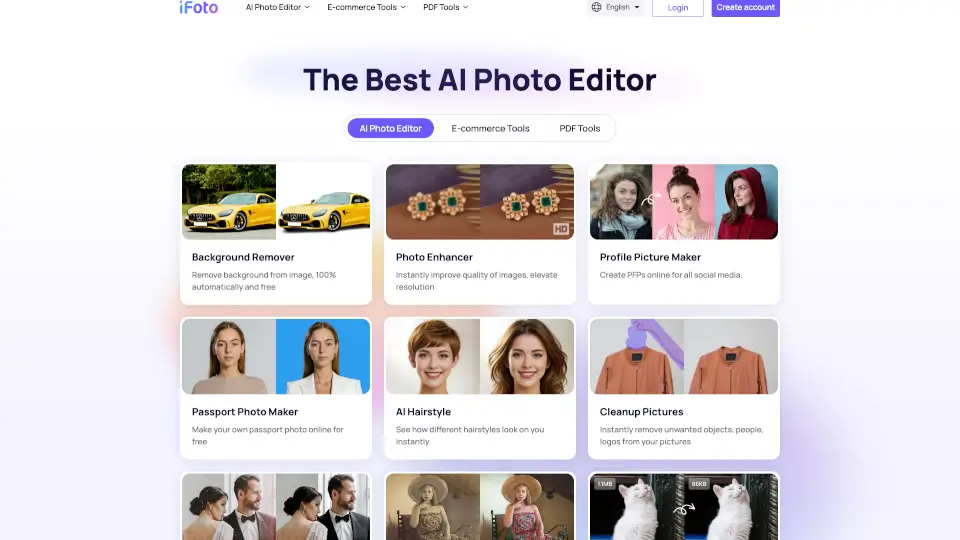
- Batch processingEdits multiple product photos together through an included batch photo editor.
What are the use cases of insMind?
- E-commerce catalog scalingConverts flat lay or mannequin shots into on-model listings for platforms like Shopify or Amazon without organizing physical photoshoots.
- Regional marketing localizationAdapts one base product photo for Asian, European, or American audiences by swapping the model's face or skin tone instead of reshooting.
- Small business product photographyUpgrades homemade clothing photos into studio-style images by adding generated models and adjusting backgrounds.
How to use insMind?
- Open the toolAccess insMind in a browser, navigate to Free Tools, select the AI Model tool, and start the upload process.
- Upload a photoSelect an original image from your device showing the upper body and face; side profiles or lower-body-only photos are not accepted.
- Select a model and backgroundChoose a virtual model from options covering different skin tones, body sizes, ages, and genders, and optionally add a custom background.
- Download the resultSave the generated on-model photo once satisfied with the output.
insMind Pricing Information:
- Free online accessThe AI fashion model tool can be tried online for free; available features and usage limits may vary by account and permissions.