
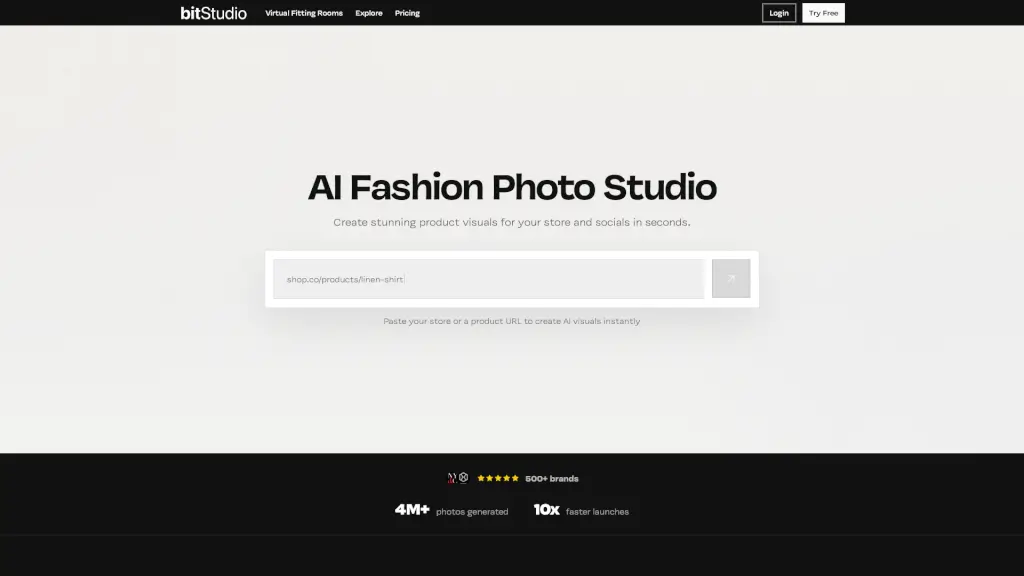
O que é bitStudio?
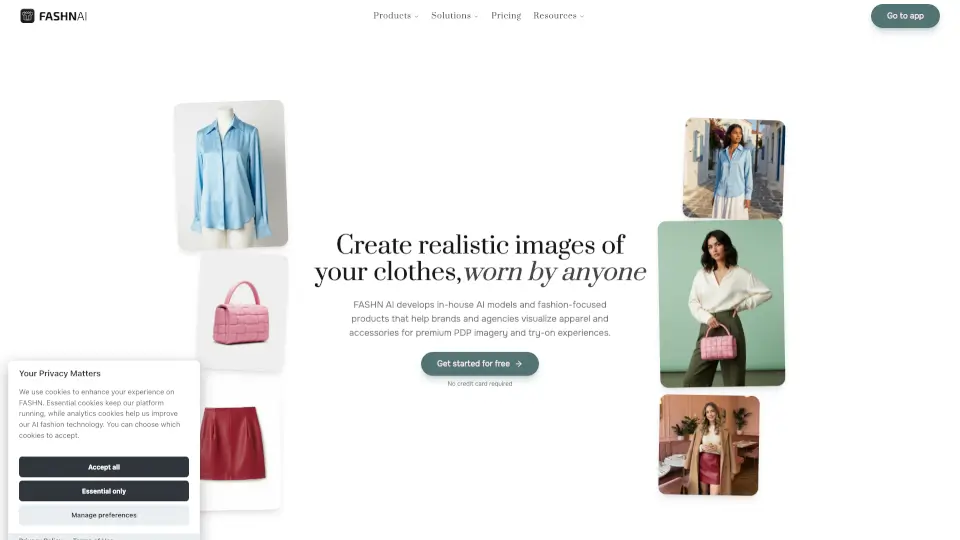
bitStudio é uma plataforma revolucionária que transforma fotos de roupas em conteúdo deslumbrante com modelos, permitindo que marcas de moda lancem suas coleções em horas, não meses. Com mais de 500 marcas confiando nela, o bitStudio ajuda a criar visuais de produtos incríveis para lojas e redes sociais em segundos. Basta colar o URL da sua loja ou produto, e o bitStudio faz o resto. Isso significa economia de tempo, redução de custos e um resultado final que parece uma verdadeira sessão de fotos.
Quais são as características de bitStudio?
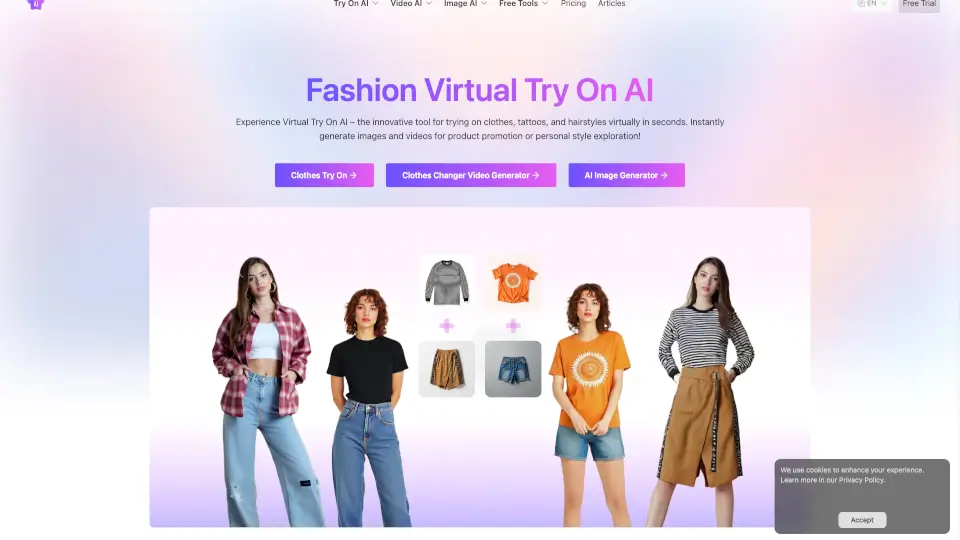
- Transformação de Fotos: Transforme qualquer foto de roupa em conteúdo com modelo em minutos.
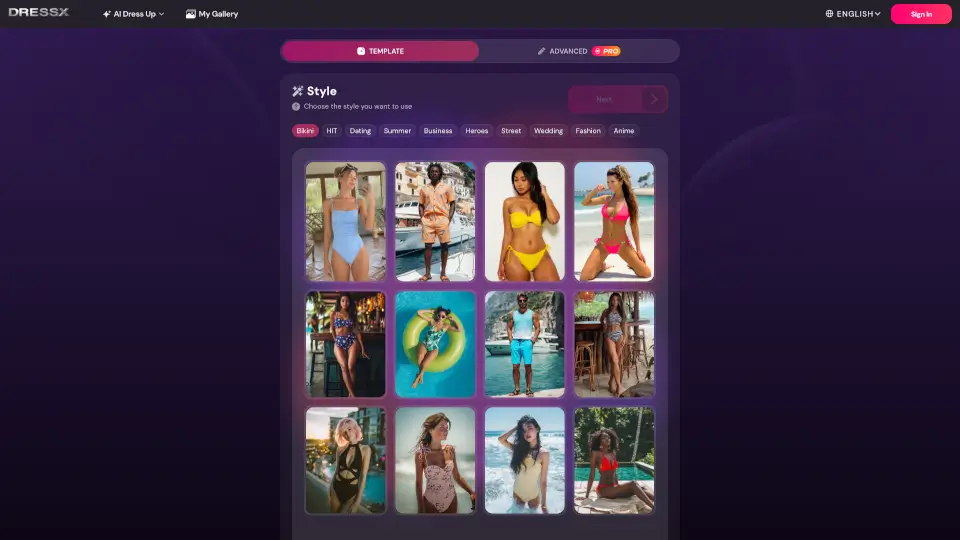
- Modelos Virtuais: Escolha entre uma variedade de modelos e crie seu próprio avatar.
- Cenas Personalizadas: Crie ambientes autênticos ou use imagens consistentes entre as fotos.
- Geração Rápida: Gere visuais em segundos e compartilhe-os em seu site, redes sociais ou campanhas digitais.
- Integração com Shopify: Facilite a integração com sua loja online.
- Cabines de Prova Virtuais: Aumente as conversões ao permitir que os clientes experimentem as roupas antes de comprar.
Quais são os casos de uso de bitStudio?
- Lançamento de Coleções Rápidas: Ideal para marcas que precisam lançar coleções rapidamente.
- Campanhas Digitais: Crie visuais impactantes para anúncios e postagens nas redes sociais.
- Conteúdo para E-commerce: Otimize o visual dos seus produtos na loja online.
- Protótipos de Design: Teste diferentes looks e estilos antes do lançamento.
- Materiais Promocionais: Desenvolva materiais promocionais de alta qualidade em pouco tempo.
Como usar bitStudio?
- Escolha o Modelo e a Roupa: Selecione ou crie um modelo e faça o upload das fotos das roupas.
- Defina a Cena e o Estilo: Carregue imagens para usar conjuntos consistentes ou descreva o ambiente desejado.
- Gere e Compartilhe: Gere suas fotos e adicione-as ao seu site, perfis de redes sociais ou campanhas digitais.
- Use Presets: Comece com um conjunto de presets curados para acelerar o processo.
- Personalize: Adapte os presets para atender às necessidades específicas da sua marca.