What is InfiniteTalk AI?
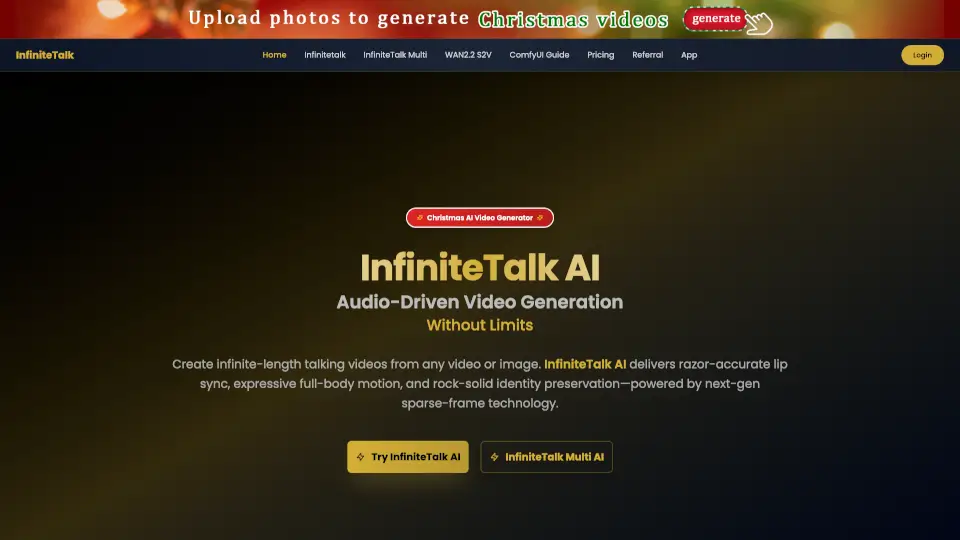
InfiniteTalk AI is a next-generation video dubbing tool that lets you create talking videos from any image or video. It uses advanced audio-driven technology to sync lips, facial expressions, and even body movements with your chosen audio. Whether you want to make podcasts, lectures, or fun social media clips, InfiniteTalk AI makes your videos look natural and professional—no matter how long they are.
What are the features of InfiniteTalk AI?
- Sparse-Frame Dubbing: Goes beyond lip-sync by animating head tilts, posture, and facial expressions for a lifelike result.
- Unlimited Video Length: Make videos as long as you want—perfect for lectures, podcasts, and presentations.
- Stable Full-Body Animation: Keeps hands, arms, and body positions smooth and steady, even in long videos.
- Precision Lip Alignment: Ensures lips match the audio perfectly for a professional look.
- Multi-Speaker Support: Add multiple characters, each with their own audio and controls, in one video.
- Flexible Inputs: Works with both images and videos, so you can start from a single photo or enhance an existing video.
- Memory-Aware Processing: Maintains consistency across long videos, avoiding sudden changes or visual breaks.
- HD Output Options: Choose from 480p, 720p, or 1080p for the quality you need.
- Efficient Performance: Runs smoothly even on computers with limited VRAM.
What are the use cases of InfiniteTalk AI?
- Content Creation: Make tutorials, educational videos, and storytelling content with avatars that stay consistent and lifelike.
- Entertainment & Media: Produce animated hosts, podcast visuals, and creative characters for your shows.
- Business Communication: Create training modules, investor updates, and product demos with natural-looking avatars.
- Accessibility: Help communities with avatars that provide clear spoken and visual cues.
- Research & Innovation: Explore digital humans, VR, and interactive AI for academic or developer projects.
- Multilingual Production: Keep the same avatar while delivering content in different languages.
How to use InfiniteTalk AI?
- Step 1: Upload your source video or image, plus the audio you want to use.
- Step 2: Let InfiniteTalk AI generate a lip-synced, full-body animated video.
- Step 3: Download your video in 480p, 720p, or 1080p and share it anywhere.