科大讯飞 logo

科大讯飞

5.0
(0 Reviews)
China72.71%

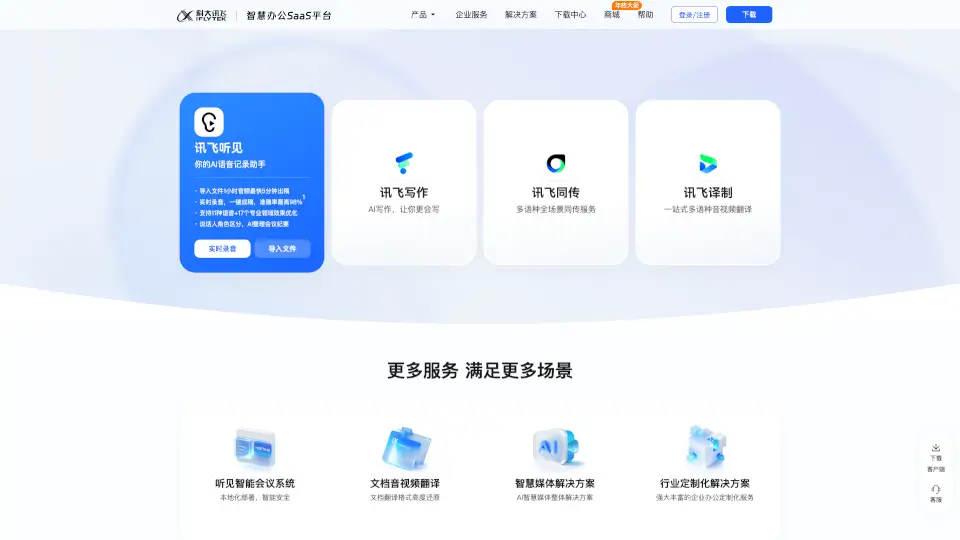
iFlytek Hearing is a versatile AI-powered tool for voice-to-text transcription, real-time translation, and meeting summaries, making it an essential tool for students, professionals, and anyone who needs to transcribe and translate audio.

Verified by SeekTool
科大讯飞

科大讯飞 Product Information

What is 科大讯飞?

Welcome to iFlytek Hearing, a powerful tool designed to make your life easier and more efficient. Whether you're a student, professional, or anyone in between, this app is here to help you turn audio into text, transcribe meetings, and even translate languages in real-time. With its advanced AI technology, iFlytek Hearing ensures that you never miss a word, making it the perfect companion for all your transcription and translation needs.

What are the features of 科大讯飞?

  • Voice to Text: Quickly and accurately convert your voice recordings into text.
  • Real-Time Transcription: Get instant transcriptions of live conversations, lectures, or meetings.
  • Multilingual Support: Translate and transcribe in multiple languages, breaking down language barriers.
  • AI Writing Assistant: Use AI to help you write, summarize, and organize your content.
  • Meeting Summaries: Automatically generate summaries of your meetings, capturing key points and action items.
  • Video Subtitling: Add subtitles to your videos, making them more accessible and engaging.

What are the use cases of 科大讯飞?

  • Students: Record and transcribe lectures for better note-taking and review.
  • Professionals: Transcribe important meetings and calls, ensuring you capture every detail.
  • Content Creators: Convert audio interviews and podcasts into text for easy editing and sharing.
  • Language Learners: Practice and improve your language skills by transcribing and translating audio.
  • Hearing Impaired: Access real-time transcriptions to better understand spoken conversations.
  • Remote Workers: Stay connected and informed during virtual meetings with accurate transcriptions.

How to use 科大讯飞?

  • Record Your Audio: Start by recording your meeting, lecture, or any other audio.
  • Upload the File: Upload the audio file to iFlytek Hearing.
  • Transcribe and Translate: Choose the language and start the transcription or translation process.
  • Edit and Share: Review the transcribed text, make any necessary edits, and share it with others.
  • Generate Summaries: Use the AI to generate a summary of the key points from your transcriptions.
科大讯飞 Contact Email:

[email protected]

Do you like this tool?

Upvote to help others discover it!

科大讯飞 Alternatives

通义听悟

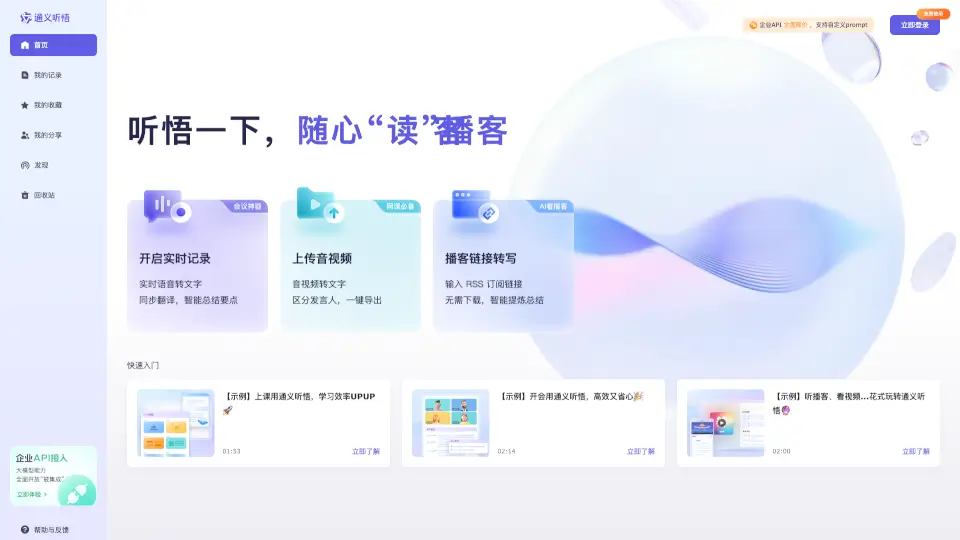
Tongyi Tingwu is an AI-powered assistant that transcribes, translates, and summarizes audio and video content, making it easier to stay organized and productive.

CN
82.39%
455.6K
5.0
听脑AI

听脑AI is a powerful recording to text assistant that offers real-time transcription, multi-speaker recognition, and smart summarization, making it ideal for meetings, classes, and more.

CN
87.49%
39.5K
4.0
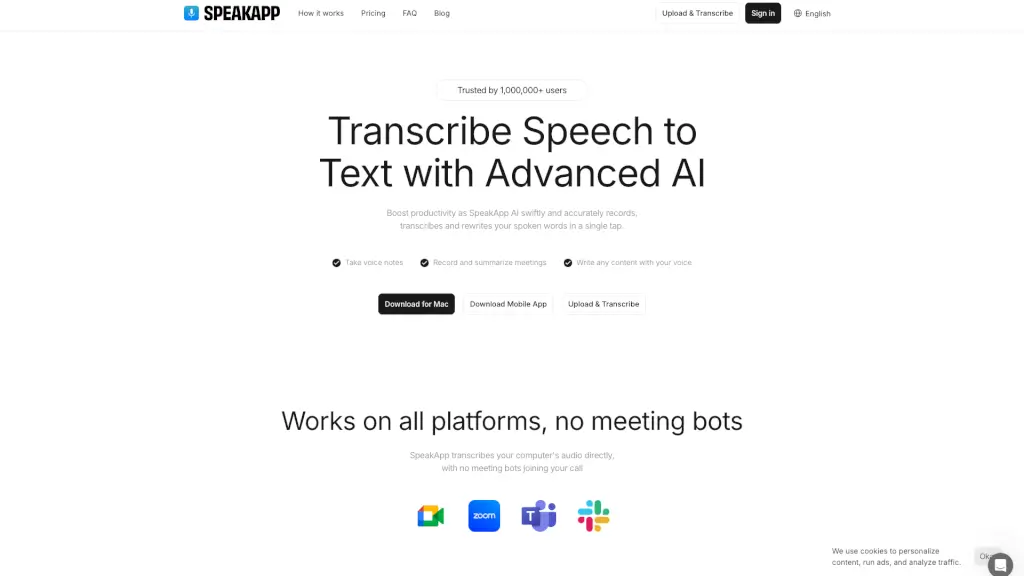
SpeakApp AI

SpeakApp AI instantly transcribes, summarizes, and translates speech to text with 99% accuracy—making it the go-to tool for students, professionals, and creators.

US
15.05%
409.3K
5.0
会译

会译 is a powerful AI-driven translation tool that supports over 54 languages, offering real-time, accurate translations for web pages, PDFs, and more, making it an essential tool for students, professionals, and language learners.

CN
85.23%
66.0K
5.0
Transkriptor

Transkriptor is a fast, accurate AI transcription tool that converts audio and video to text in 100+ languages, with smart features like meeting summaries, speaker identification, and searchable insights.

BR
12.95%
767.0K
5.0
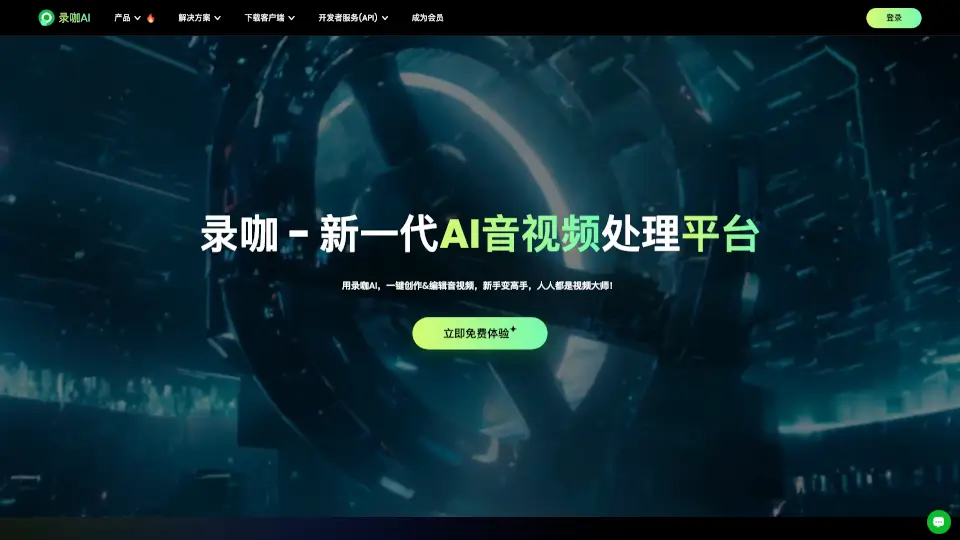
录咖

录咖 is an AI audio and video processing platform that helps creators, students, and professionals convert speech to text, generate subtitles, create voiceovers, and translate video content.

CN
78.91%
92.8K
5.0
TransDuck

Transduck is an AI transcription and translation tool that converts audio and video files into accurate, editable text with multi-language support, perfect for podcasts, interviews, and meetings.

VN
22.64%
148.1K
5.0
讯飞星火

Xunfei Spark is an advanced AI assistant that helps with homework, coding, content creation, and more, all through natural conversation.

CN
93.96%
330.0K
5.0

科大讯飞 Related Other Categories

科大讯飞 Traffic Analysis

💡 Insights

Medium Scale
100K-1M monthly visits. Growing tool with active development.
⚠️
Slight Decline
Traffic has slightly decreased recently.
💎
High Stickiness
Low bounce rate (34%) and deep engagement (3.5 pages/visit). Excellent user experience.
🌍
China Dominant
73% users from China. Optimized for this market.
  • Monthly Visits

    426.98K

  • Bounce Rate

    34.43%

  • Pages Per Visit

    3.54

  • Visit Duration

    00:02:48

  • Global Rank

    100594

  • Country Rank

    4792

Visits Over Time

Traffic Sources

SearchOrganic50.37%
Direct33.12%
SearchPaid8.46%
Referrals5.03%
SocialOrganic1.68%
GenAi0.68%
DisplayAds0.60%
Mail0.05%
SocialPaid0.00%
Affiliate0.00%

Top Keywords

1
讯飞听见
CPC$2.25
20.44KTraffic
2
语音转文字
CPC$1.26
5.38KTraffic
3
讯飞
CPC$3.02
4.73KTraffic
4
音频转文字
CPC$1.44
3.68KTraffic
5
录音转文字
CPC$1.40
1.85KTraffic

Top Regions

RegionPercentage
China
China
72.71%
United States
United States
8.85%
Hong Kong
Hong Kong
5.72%
Singapore
Singapore
3.44%
Taiwan
Taiwan
1.74%
Low
High

Powered by SimilarWeb

科大讯飞 FAQ

Can I use iFlytek Hearing for free?

Yes, iFlytek Hearing offers a free version with basic features. For more advanced features, you can upgrade to a paid plan.

How accurate is the transcription?

The transcription accuracy is very high, up to 98% as tested by the Anhui Electronics Product Supervision and Inspection Institute.

Does iFlytek Hearing support multiple languages?

Yes, iFlytek Hearing supports 11 different languages and 17 specialized fields, making it versatile for various needs.

Can I use iFlytek Hearing for video subtitling?

Absolutely! iFlytek Hearing can add subtitles to your videos, making them more accessible and engaging.

Is there a mobile app available?

Yes, you can download the iFlytek Hearing app from the App Store or Google Play.

Can I get a summary of my transcriptions?

Yes, iFlytek Hearing can automatically generate summaries of your transcriptions, highlighting key points and action items.

Is there customer support available?

Yes, you can contact customer support via email at [email protected] or call 4000-199-199 for assistance.

Can I use iFlytek Hearing for large files?

Yes, iFlytek Hearing can handle large audio files, and you can upload and transcribe them efficiently.

Is there a trial version available?

Yes, you can try iFlytek Hearing for free with limited features. To access all features, consider upgrading to a paid plan.

科大讯飞 Reviews

0

0

0 Reviews
Sign Into leave a review

Recent Reviews

No reviews yet

科大讯飞 Embed

Use website badges to drive community support for SeekTool.ai. They are easy to embed in your homepage or footer.

Light
Dark
科大讯飞 - Featured on SeekTool.ai科大讯飞 - Featured on SeekTool.ai
How to install?