
What is 录咖?
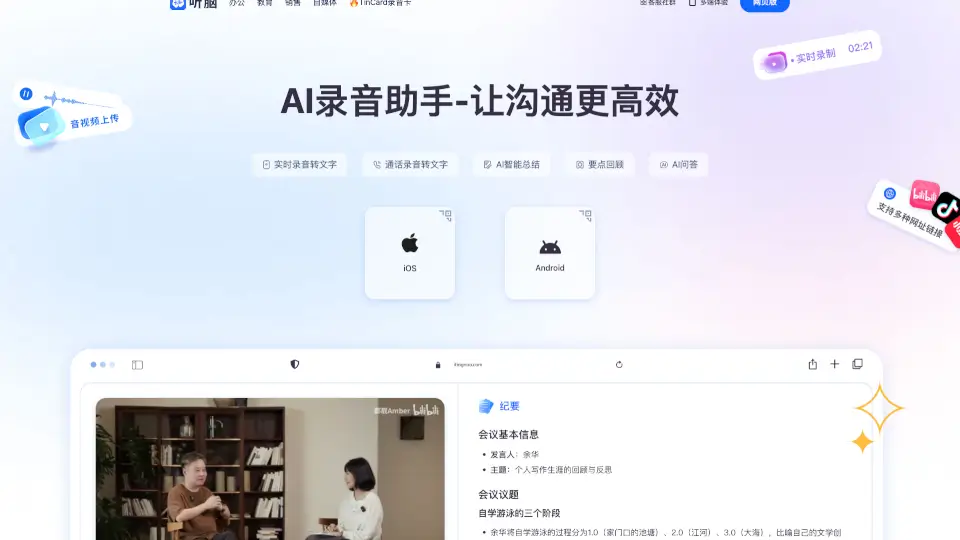
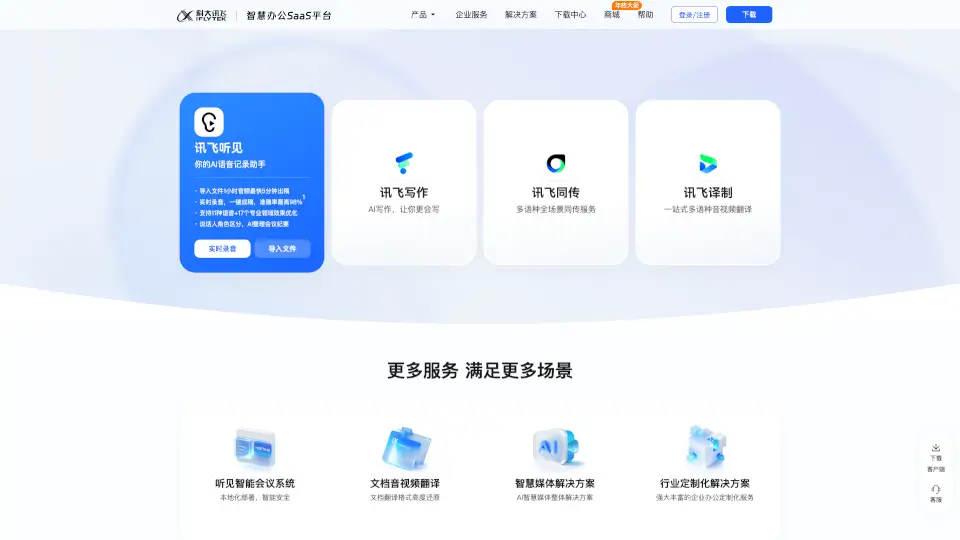
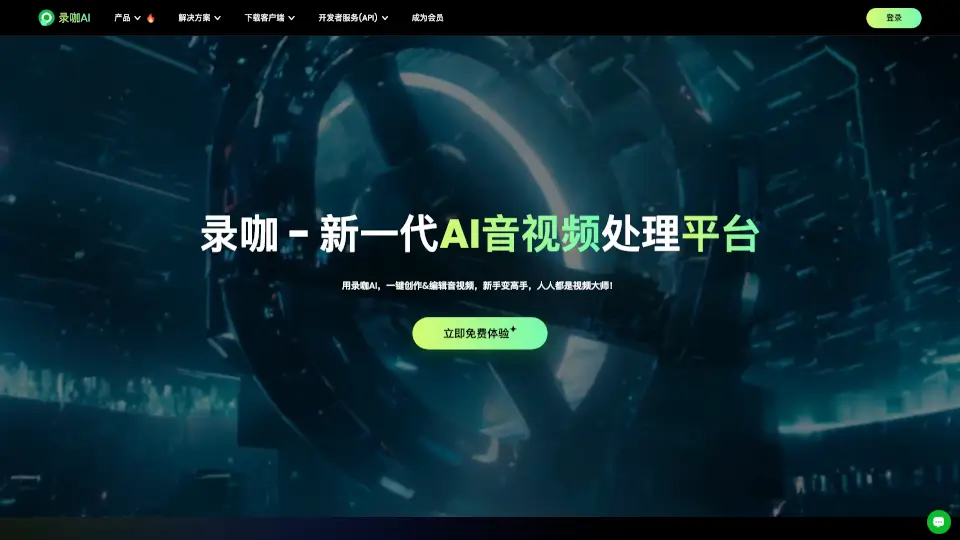
录咖 is an AI-powered audio and video processing platform designed for content creators, students, and business professionals. It helps users convert speech to text, generate subtitles, create voiceovers, and translate video audio across multiple languages—all from a single online interface. The tool covers the full workflow of transcription, translation, and content repurposing, making it suitable for anyone who regularly works with recorded meetings, lectures, or video content. It also includes AI video generation, video summarization, and watermark removal features.
What are the features of 录咖?
- AI Voice to TextConvert audio from meetings, lectures, or recordings into editable text with AI-powered summarization and translation.
- AI Subtitle GenerationAutomatically generate subtitles in 99 languages, including Chinese, English, Japanese, and German, with customizable display styles.
- AI Text to SpeechTurn written text into natural-sounding voiceovers using multiple real voices, including Cantonese, Minnan, and custom voice cloning.
- AI Video/Audio SummaryExtract key points and subtitles from any audio or video file, and let users ask questions about the content.
- AI Video TranslationTranslate and dub video audio into another language, producing multi-language video versions instantly.
- AI Video GenerationCreate videos from text input, with an AI writing assistant that helps generate video scripts.
What are the use cases of 录咖?
- Studentstranscribe recorded lectures and generate study notes using AI summarization and translation.
- Short video creatorsgenerate realistic voiceovers from scripts without needing to record their own voice.
- Business teamsconvert meeting recordings into searchable text documents with AI-generated action points.
- Content creatorsrepurpose long videos into short highlight clips using AI video slicing.
- Marketing teamstranslate and dub product videos for international audiences, including e-commerce and short drama localization.
How to use 录咖?
- Upload an audio or video file to the platform for transcription, subtitle generation, or translation.
- Select the target language and output format, such as text, SRT subtitle file, or translated video.
- Use the AI summary feature to generate key points or ask questions about the content.
- For text-to-speech, paste your script and choose a voice style, including custom cloned voices.
- Download the final output or export it directly to your editing workflow.