
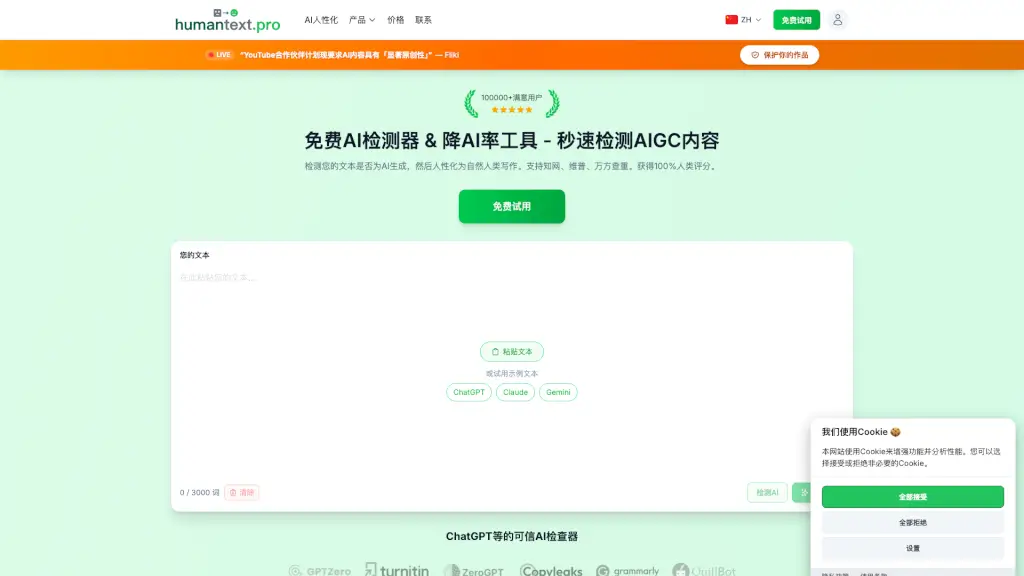
What is Humantext.pro?
Hey there! Ever worried that your carefully written work might get flagged as AI-generated? You're not alone. With AI detection tools becoming more common in schools and workplaces, it's a real concern. That's where humantext.pro comes in—it's a smart tool that checks your text for AI markers and then rewrites it to sound naturally human. Think of it as a shield for your writing, helping you get that 100% human score on detectors like Turnitin, GPTZero, and Grammarly. Whether you're a student, a writer, or just someone who wants their content to feel authentic, this tool has your back.
What are the features of Humantext.pro?
- 99% Human Score Rate: Achieves high human ratings across all major AI detectors, including Turnitin, GPTZero, and Originality.ai.
- Instant Results: Rewrites your AI-generated text into natural, human-sounding content in just seconds.
- Privacy First: Your content is encrypted and stored securely in your history, never shared with third parties.
- Preserves Original Meaning: Keeps your core message intact while making it sound like a real person wrote it.
- Supports 50+ Languages: Works with English, Spanish, French, Chinese, Japanese, and many more.
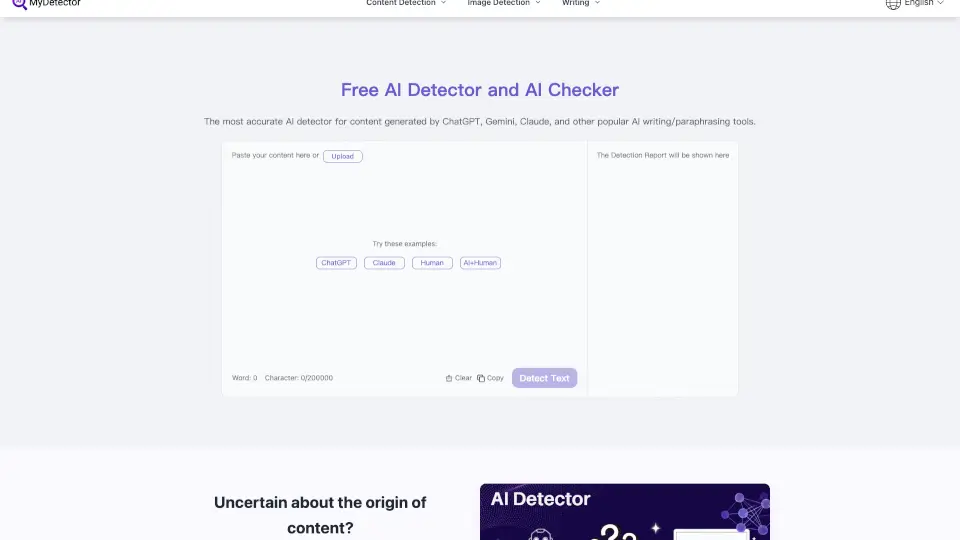
- Free AI Detector Included: Quickly check if your text is flagged as AI-generated before you humanize it.
What are the use cases of Humantext.pro?
- Student Essays & Assignments: Perfect for university students who want to ensure their AI-assisted drafts pass Turnitin and other academic detectors.
- Blog Posts & Articles: Great for content writers and bloggers who need to make their work sound more natural and engaging.
- Research Papers: Ideal for researchers who want to polish their writing to avoid AI detection while keeping the original meaning.
- Professional Reports: Useful for business professionals who need to submit clear, human-written reports without AI flags.
How to use Humantext.pro?
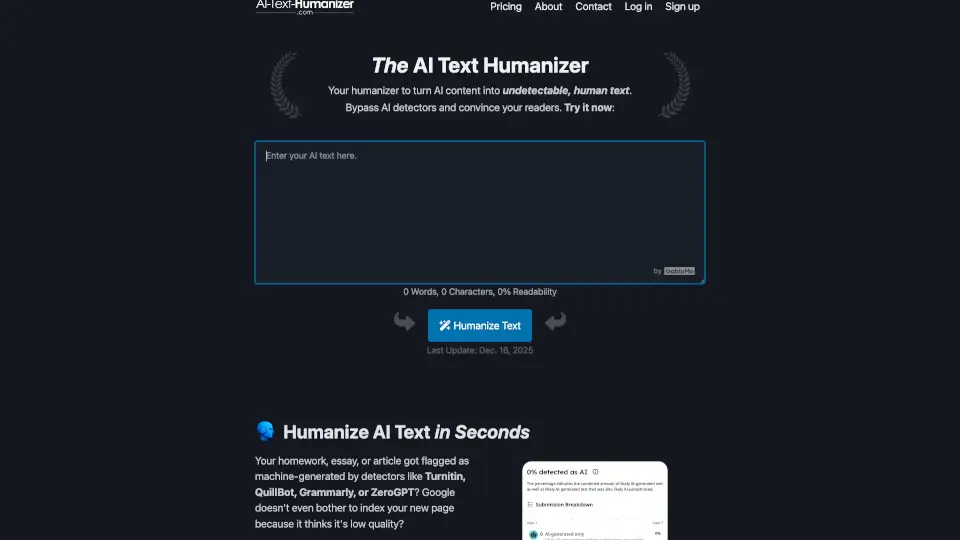
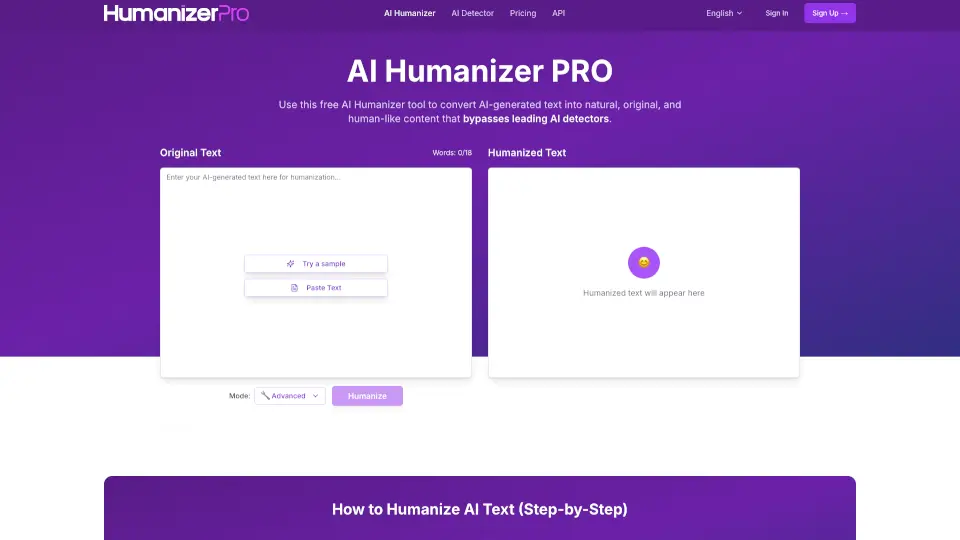
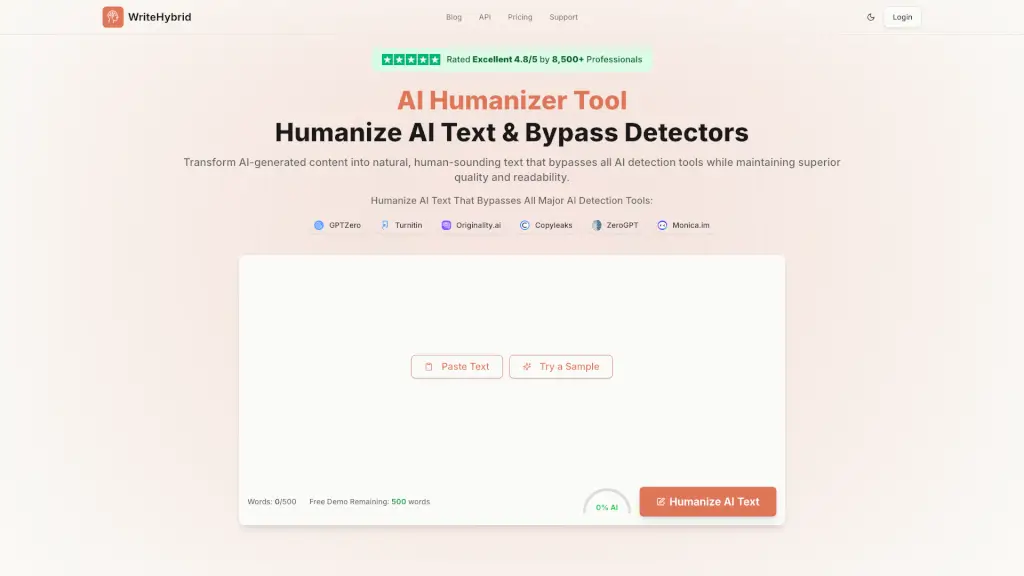
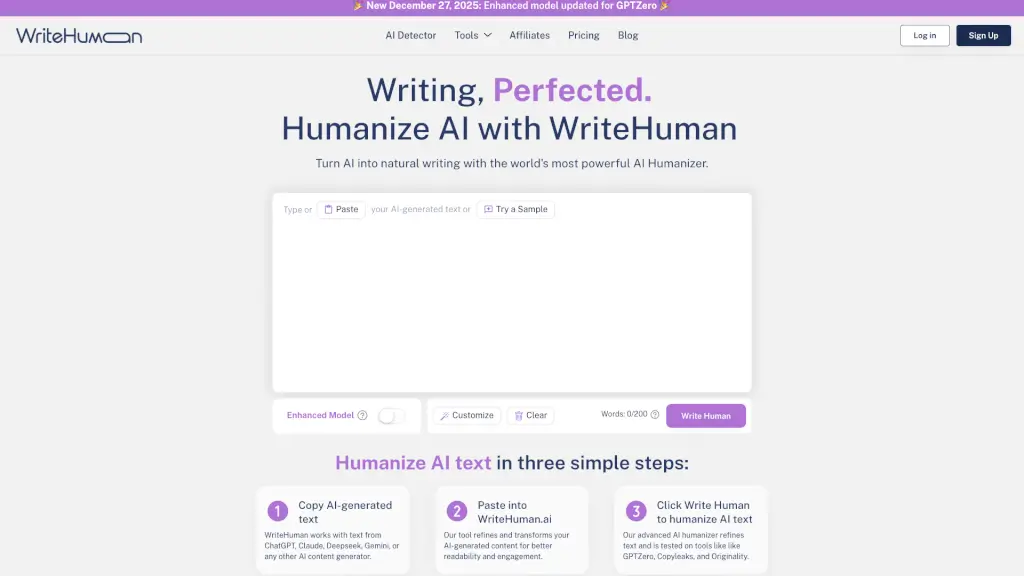
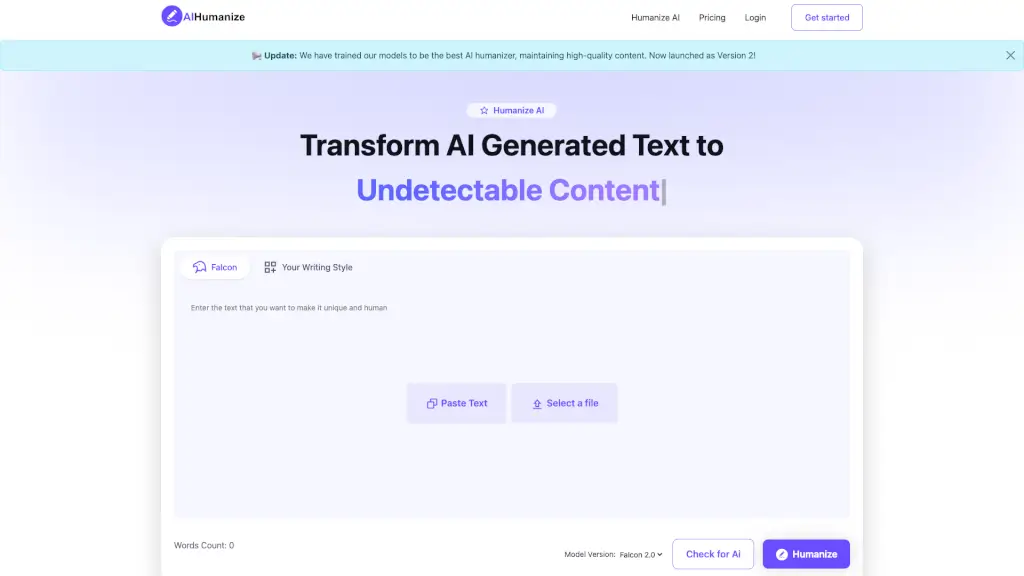
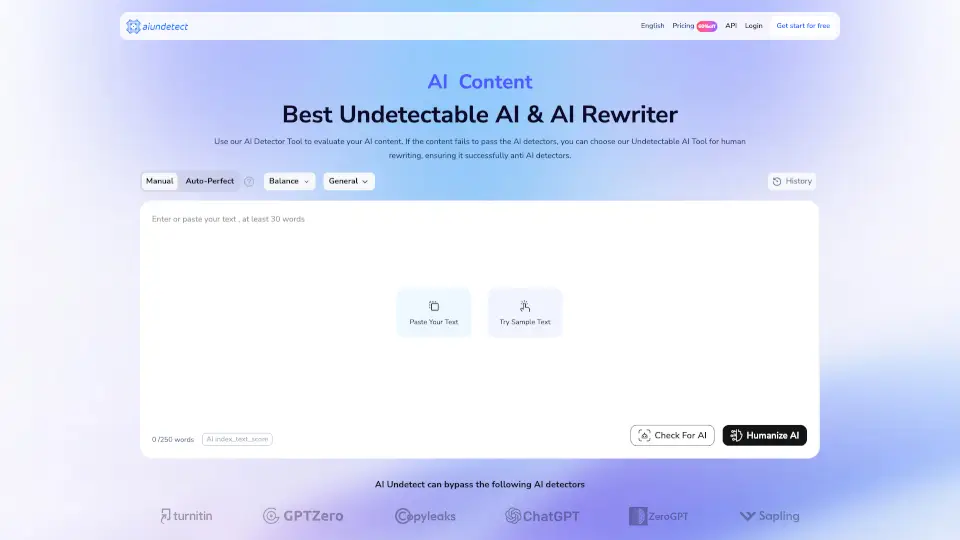
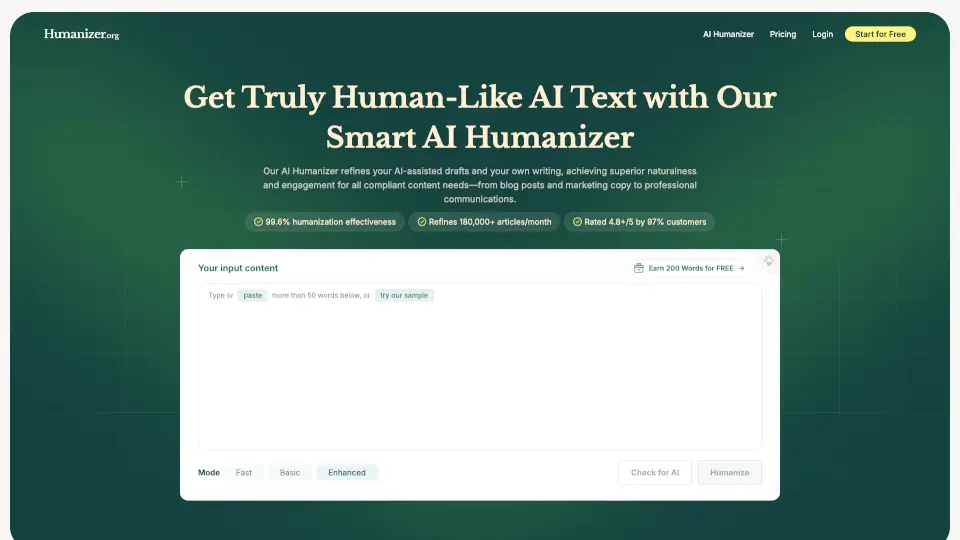
- Step 1: Paste Your Text: Copy and paste any text—whether it's an essay, assignment, or AI-generated draft—into the provided box.
- Step 2: Check AI Score: Click the "Detect AI" button to instantly see your human writing percentage and which detectors flag your text.
- Step 3: Humanize: Hit the "Humanize" button to get your 100% natural, high-quality version ready in seconds.
- Pro Tip: Start with the free trial (250 words) to test the waters before committing to a paid plan.