
What is HumanLayer?
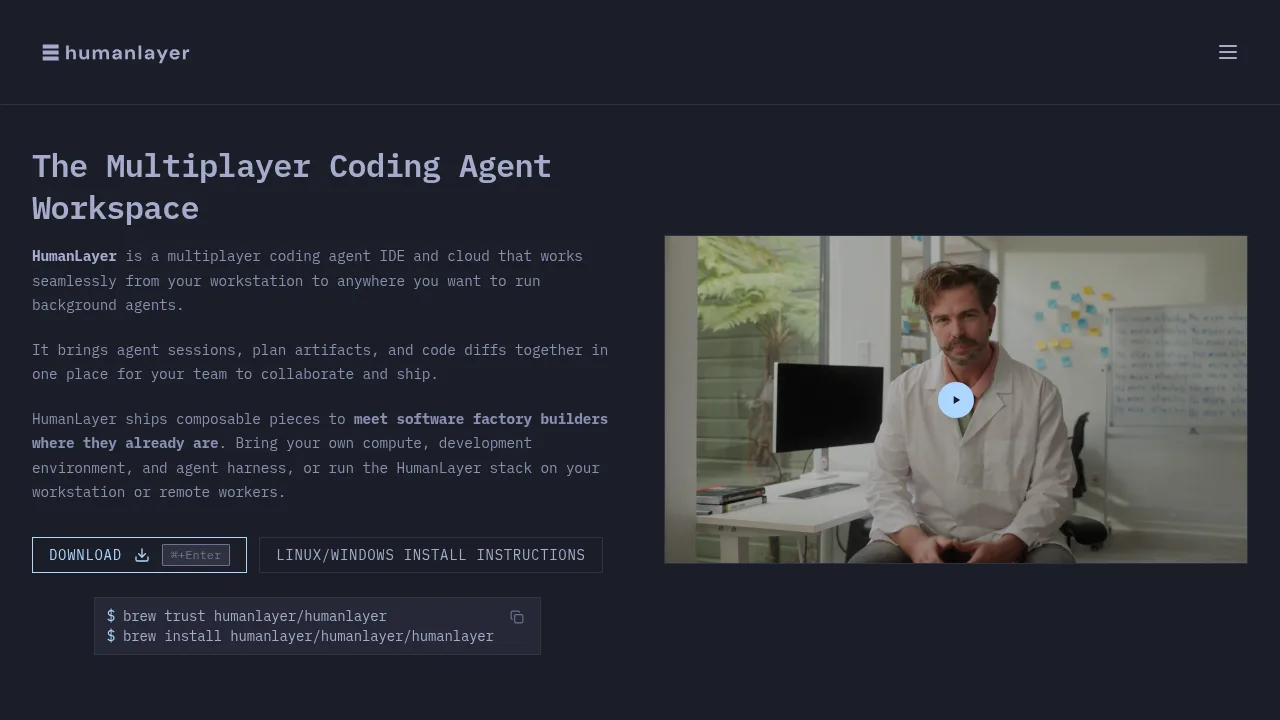
HumanLayer is a multiplayer coding agent IDE and cloud platform that groups agent sessions, plan artifacts, and code diffs into shared workspaces for engineering teams. It runs locally via a daemon or in the cloud, syncing across web, desktop, and mobile interfaces through its API. Users bring their own AI subscriptions or API keys rather than paying per-token fees to HumanLayer.
What are the features of HumanLayer?
- Task workspacesGroups agent sessions, artifacts, and worktrees so teams can collaborate on a single task from creation to implementation.
- Structured workflow phasesGuides agents through questions, research, design, structure, planning, and implementation steps with checkpoints for team review.
- Comment-driven artifact reviewAllows humans and agents to leave inline comments on versioned design documents, feeding decisions directly back to the agents.
- Local and cloud daemonsRuns multiple agent sessions in parallel on a workstation or spins up remote workers for long-running background tasks.
- Multi-repo worktree provisioningCreates isolated worktrees across selected repositories when spinning up a new task.
- Agent harness compatibilitySupports external coding agents including Claude Code, Codex, Copilot, and Fireworks using user-provided keys.
What are the use cases of HumanLayer?
- Enterprise codebase refactoringApplying structured workflows to million-line-of-code repositories by mapping dependencies and patterns before implementation.
- Cross-team design alignmentEngineers and product managers reviewing agent-drafted design docs together, resolving conflicts like UI hotkey overlaps before code generation begins.
- Unattended background executionLaunching long-running agent sessions on cloud daemons that continue working after the local laptop is closed.
How to use HumanLayer?
- Create a taskSelect a directory or repository, describe the work inline or import it from a Linear or Jira ticket, and choose a workflow such as RPI or Oneshot.
- Configure worktreesProvision isolated worktrees for one or more selected repositories, either immediately or deferred to the agent.
- Select an agentAssign a supported model or agent harness, such as Claude Opus 4.5, to execute the task.
- Launch the sessionStart the first agent session, which provisions the workspace and begins executing the chosen workflow phases.
HumanLayer Pricing Information:
- StarterFree; includes up to 3 team members and up to 200 sessions per month.
- Pro$100 per user per month; includes unlimited tasks and sessions, bring-your-own-key support, multi-repo workspaces, remote daemons, and real-time collaboration features.
- EnterpriseCustom pricing; adds SSO/SAML, audit logs, volume pricing, custom terms, and on-premises or private VPC deployment options.