
What is HuggingChat?
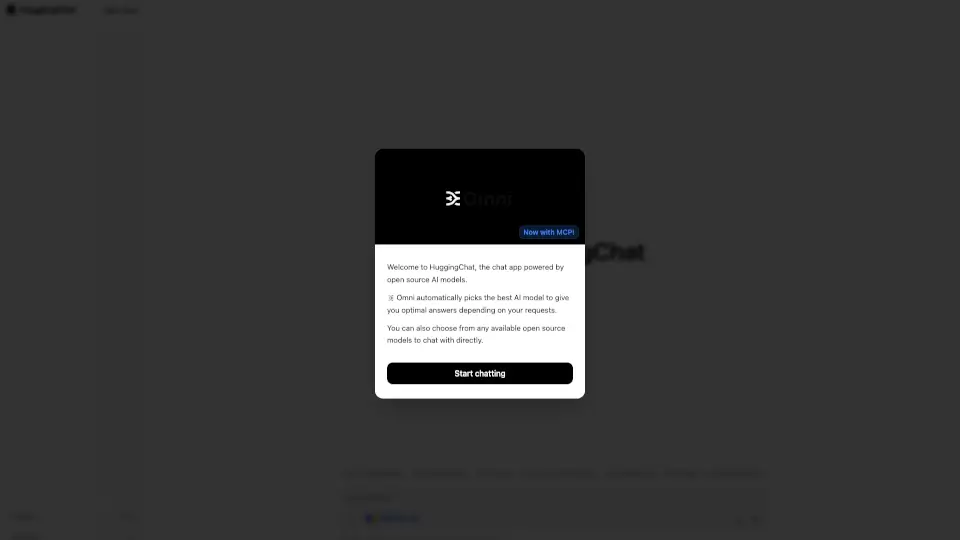
HuggingChat is an AI chat application that brings the community’s best open source models to your fingertips. Whether you need a quick answer, creative help, or just a friendly conversation, HuggingChat automatically picks the optimal model for your request — or lets you choose from a wide range of available models. With cutting‑edge inference speeds (like Gemma‑4‑31B at 700 tokens/s via Cerebras), image generation, and full web search integration, it’s designed to be both powerful and accessible to everyone.
What are the features of HuggingChat?
- Omni Model Selection: Automatically selects the best AI model for your query, balancing speed, accuracy, and capability.
- High‑Speed Inference: Run models like Gemma‑4‑31B at 700 tokens/s thanks to Cerebras inference – near‑instant responses.
- Open Source Model Access: Chat with dozens of top open source models (Llama, Mistral, Gemma, etc.) directly without any subscription.
- Image Generation: Create visuals on the fly – just ask HuggingChat to “Generate an image” and it delivers.
- Web Search & Live Data: Ask for latest world news, trending models, or real‑time information – the chatbot integrates search.
- MCP (Model Context Protocol) Support: Enables enhanced tool‑use and external integrations (e.g., plan a trip, compare technologies, find datasets).
- Custom Settings: Personalize your chat experience – adjust model, temperature, and other parameters.
What are the use cases of HuggingChat?
- Quick Research & Learning: Ask complex questions (e.g., “Explain quantum computing to a high school student”) and get clear, conversational answers.
- Creative Assistance: Brainstorm gift ideas, write poetry, or generate images for a project.
- Trip Planning: “Plan a trip to Japan with a $2,000 budget” – HuggingChat researches options and gives a structured itinerary.
- Technology Comparison: “Compare Python vs JavaScript for data science” – detailed, feature‑by‑feature analysis.
- Dataset Discovery: “Find a dataset on climate change” – searches Hugging Face’s vast dataset repository.
- SEO & Content Writing: Draft product descriptions, blog outlines, or social media posts with the help of specialized models.
How to use HuggingChat?
- Start a Chat: Go to HuggingChat (web or app) and type your question or request in the input box.
- Let Omni Choose or Pick a Model: For most queries, just hit send – Omni selects the best model. To manually choose, click the model selector and pick from the list (e.g., Gemma‑4‑31B for speed).
- Use Advanced Features: Type commands like “Generate an image of a futuristic city” or “Plan a trip to Paris” – the system will invoke the right tools.
- Customize Settings: In the “Settings” menu, adjust temperature, max tokens, or enable web search for real‑time answers.
- Explore Trending Models: Check the “Trending models” section to see what the community is using and try them instantly.