
What is HeyClicky?
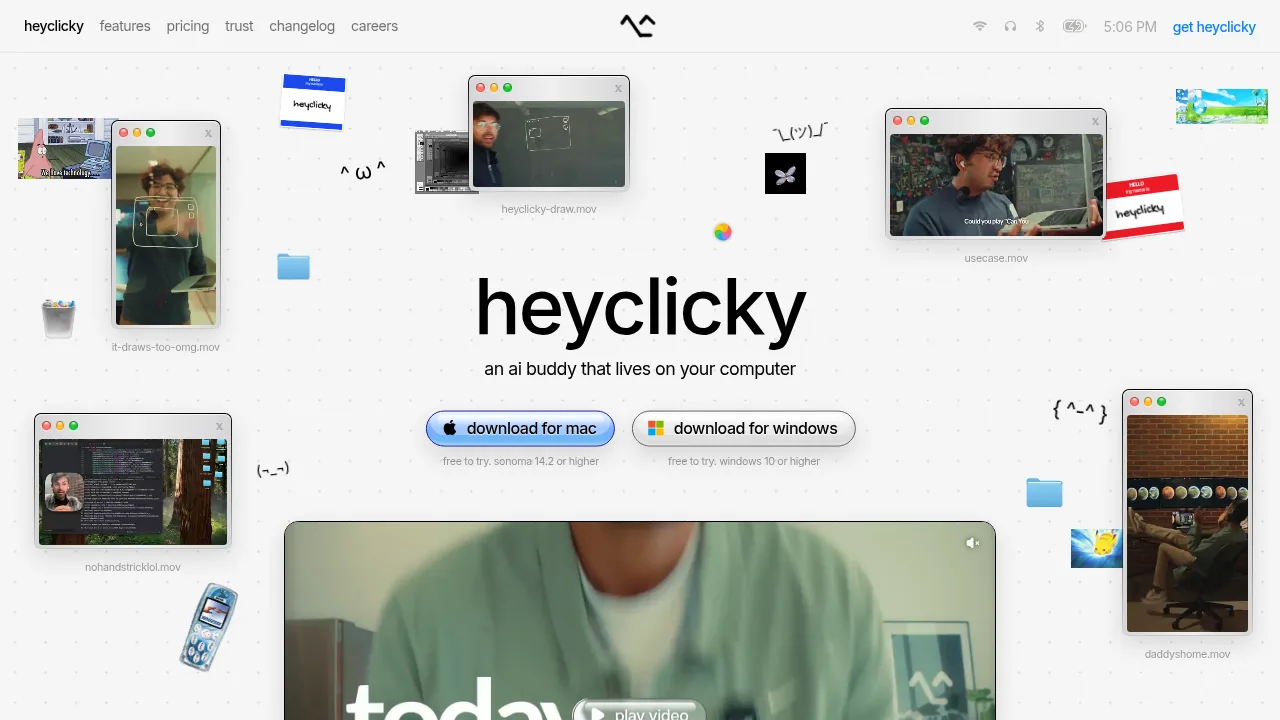
HeyClicky is a desktop AI assistant for Mac and Windows that interacts with users through voice and on-screen visuals. It activates only when the user presses a hotkey, allowing it to see the current screen and respond to spoken questions or execute tasks. The application requires macOS Sonoma 14.2 or higher, or Windows 10 or higher.
What are the features of HeyClicky?
- Screen-aware voice interactionActivates via a hotkey to capture the current screen view, allowing users to ask questions out loud about what they are working on.
- On-screen drawingRenders visual annotations directly on the display to point out interface elements or guide users through steps.
- Task agentsExecutes tasks on the user's behalf when triggered by saying "heyclicky agent," subject to monthly message limits per plan.
- DictationProvides speech-to-text input capabilities across plans.
- Application agnosticWorks with any visible application without requiring plugins or integrations, as it relies on screen visibility rather than app-specific connections.
What are the use cases of HeyClicky?
- Learning complex softwareA user mentioned using the tool to learn DaVinci Resolve, relying on its ability to see the application interface and provide guidance.
- Troubleshooting on-screen issuesUsers can ask out loud about whatever they are stuck on while the assistant views the same screen to walk them through the problem.
HeyClicky Pricing Information:
- Free$0 forever, no card needed; includes 25 talk messages per month, dictation, and 25 agent messages per month.
- Pro$20 per month, billed monthly; includes unlimited talk, unlimited dictation, and 150 agent messages per month.
- Max$100 per month, billed monthly; includes unlimited talk, unlimited dictation, and 1,000 agent messages per month.
- Student discount50% off the first month of the Pro plan for new and existing subscribers who provide a school email or student ID.