
GPT Subtitler logo

GPT Subtitler

5.0
(0 Reviews)
Thailand54.75%

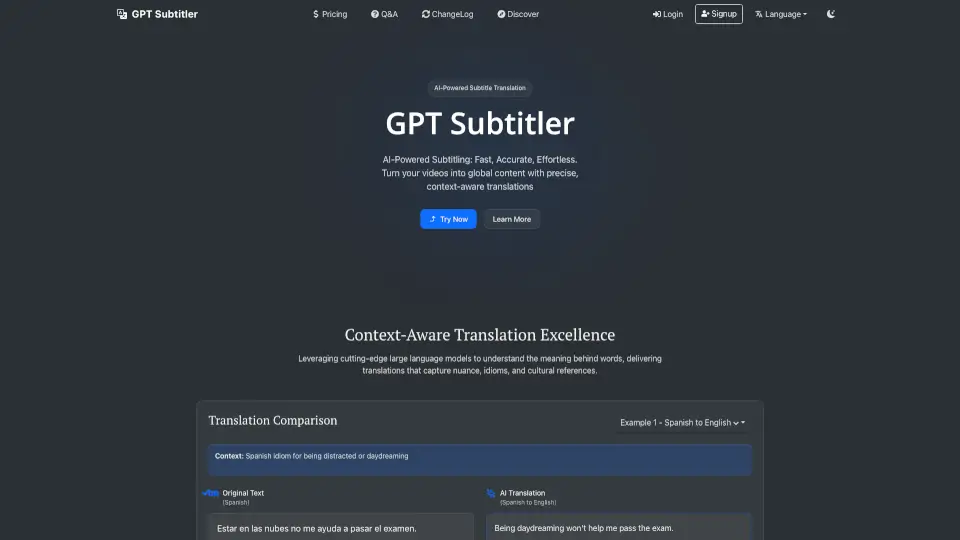
GPT Subtitler is an AI-powered subtitle translator and audio transcriber that helps creators reach global audiences with accurate, context-aware translations in over 100 languages.

Verified by SeekTool
Social Media:
GPT Subtitler

GPT Subtitler Product Information

What is GPT Subtitler?

GPT Subtitler is an AI-powered tool designed to make subtitle translation and audio transcription easy, fast, and accurate. With support for over 100 languages, it helps content creators break language barriers and reach global audiences. Whether you're translating subtitles or transcribing audio, GPT Subtitler uses advanced models like GPT and Whisper to deliver high-quality results.

What are the features of GPT Subtitler?

  • AI-Powered Subtitle Translation: Translate subtitles between multiple languages with context-aware accuracy, capturing nuances, idioms, and cultural references.
  • Whisper Audio Transcription: Convert audio and video files to accurate subtitles using OpenAI's Whisper model, supporting multiple languages.
  • Batch Translation: Process multiple subtitle files at once, maintaining consistent terminology and style.
  • Customizable Settings: Fine-tune translations with adjustable settings for different content types and audiences.
  • Support for Multiple LLM Providers: Choose from OpenAI, Claude, Gemini, DeepSeek, and more for your translations.
  • Token-Based Pricing: Affordable plans with options to use your own API key or account tokens.

What are the use cases of GPT Subtitler?

  • Content Creators: Expand your audience by translating videos into multiple languages.
  • Educators: Create accessible content for students worldwide.
  • Businesses: Reach global markets with translated videos and materials.
  • YouTubers: Add subtitles in multiple languages to grow your international viewership.

How to use GPT Subtitler?

  1. Upload Your File: Start by uploading your subtitle file (SRT format) or paste the content directly.
  2. Select Languages: Choose the source and target languages for translation.
  3. Configure Settings: Adjust settings like batch size, model, and additional context to customize your translation.
  4. Process Translation: Let GPT Subtitler handle the translation while preserving timing and formatting.
  5. Download: Once done, download your translated subtitles in your preferred format.
GPT Subtitler Contact Email:

support@gptsubtitler.com

Do you like this tool?

Upvote to help others discover it!

GPT Subtitler Alternatives

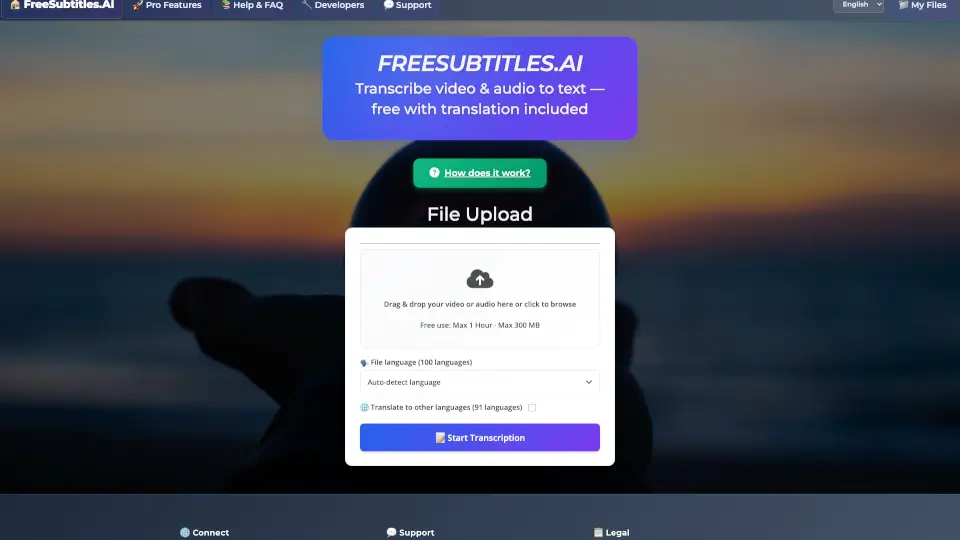
FreeSubtitles.AI

FreeSubtitles.AI

FreeSubtitles.AI offers free and paid transcription services with automatic translation, supporting over 100 languages. It’s perfect for students, professionals, and content creators. ---

US
9.68%
77.8K
5.0
SubEasy.ai

SubEasy.ai

SubEasy is a cutting-edge AI platform for transcription, translation, and subtitle generation, designed to simplify and enhance your workflow.

ES
24.07%
530.3K
5.0
GPTScribe

GPTScribe

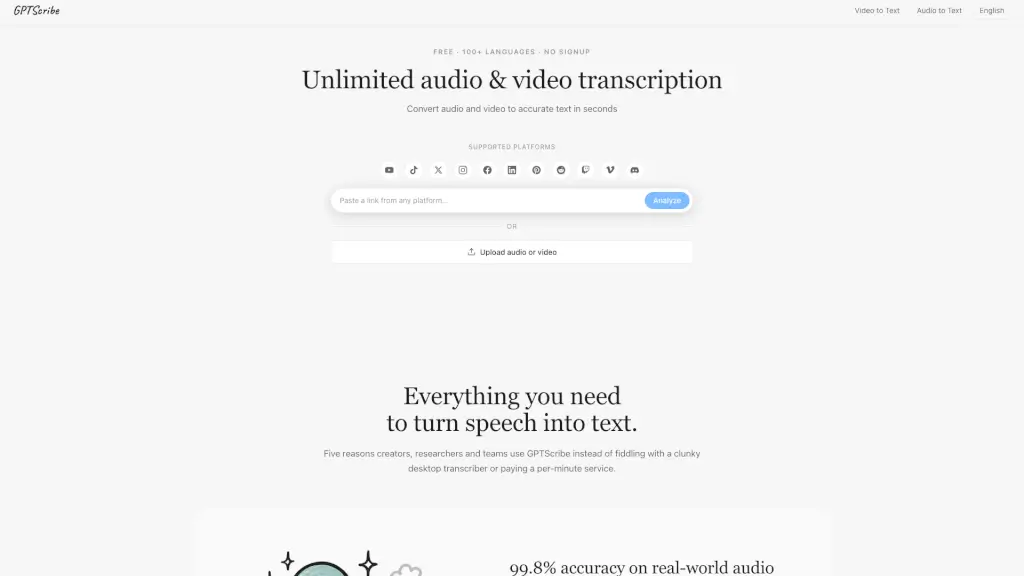
GPTScribe is a free, no-signup AI tool that transcribes audio and video to text with 99.8% accuracy in 100+ languages and exports subtitles instantly.

MX
100.00%
303
3.0
ScriptMe

ScriptMe

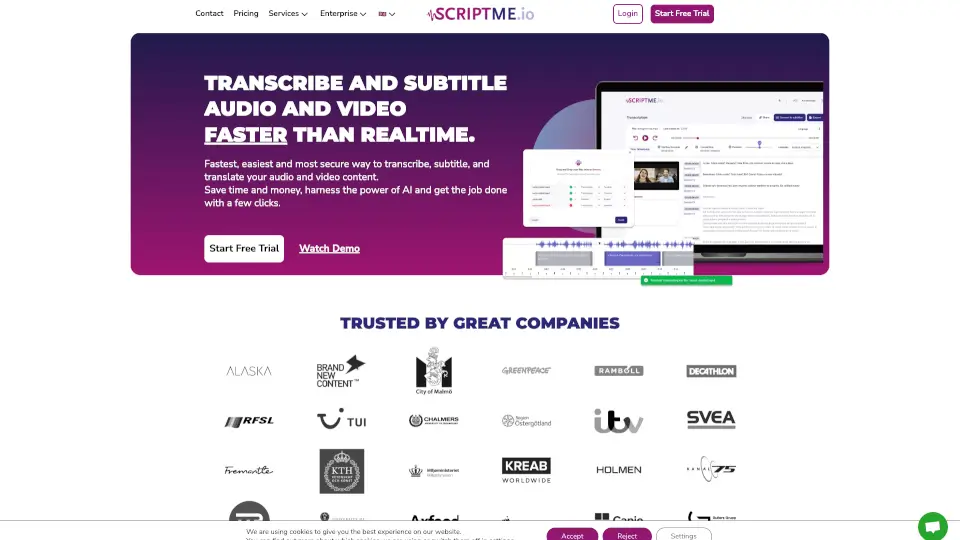
ScriptMe is the ultimate tool for fast, accurate, and secure transcription and subtitling in over 30 languages. Perfect for professionals, students, and content creators.

BR
13.43%
160.3K
5.0
Transcri.io

Transcri.io

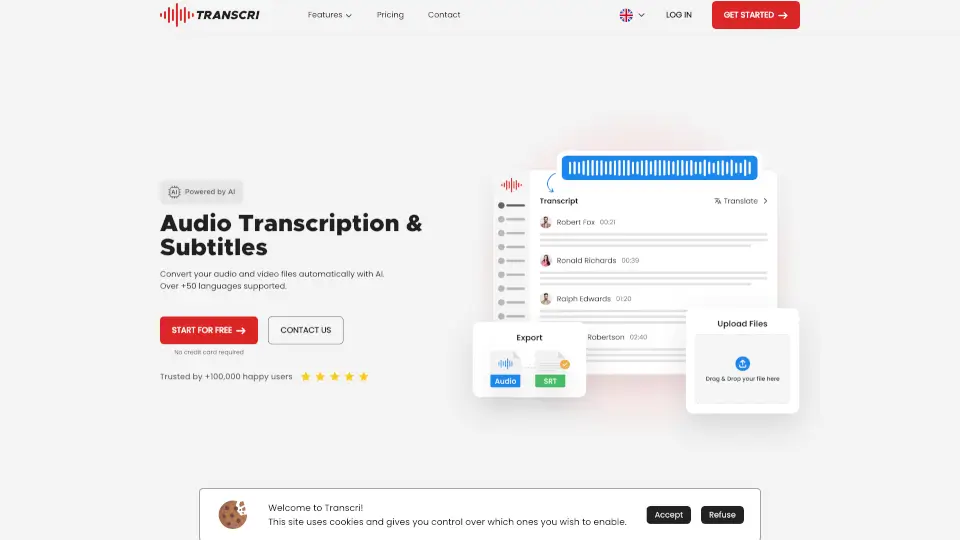
Transcri is an AI-powered transcription and subtitle generator that supports 50+ languages, offering fast, accurate, and secure solutions for audio and video files.

FR
13.25%
252.1K
5.0
SubTranslateAI.com

SubTranslateAI.com

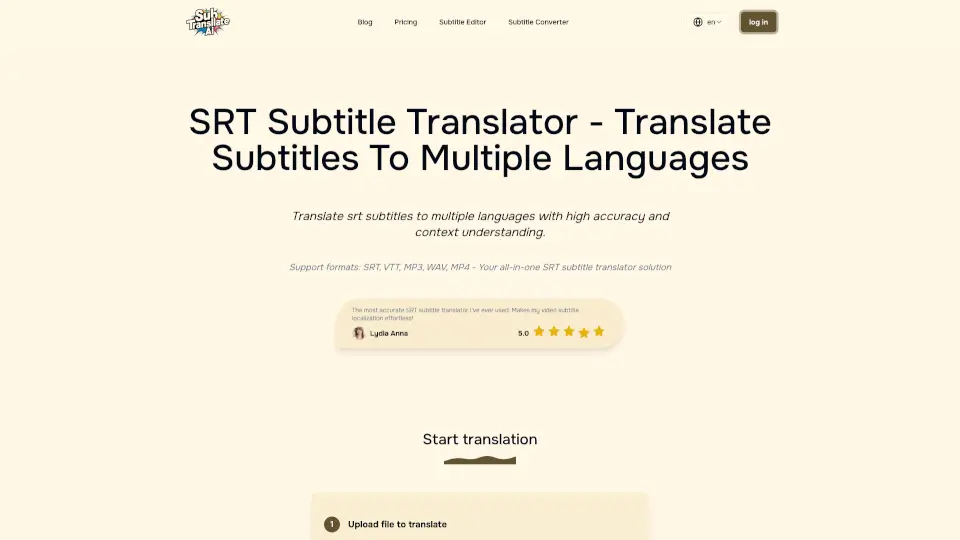
Srt Translator is the easiest way to translate subtitles with AI. Fast, accurate, and affordable—perfect for creators and businesses alike.

TW
9.68%
64.5K
5.0
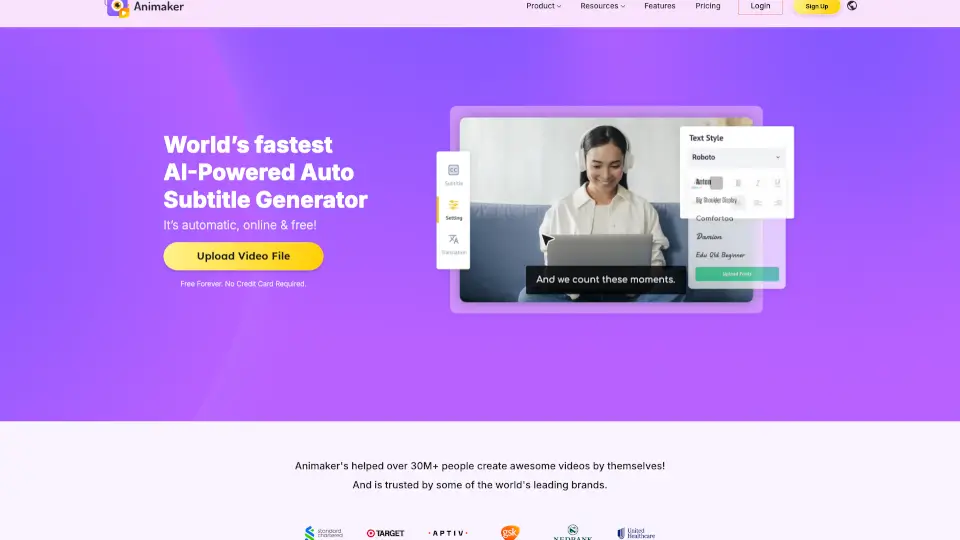
Animaker’s Subtitle Generator

Animaker’s Subtitle Generator

Animaker’s free AI-powered subtitle generator creates, customizes, and translates accurate video captions in 134 languages with just one click.

US
17.00%
932.4K
5.0
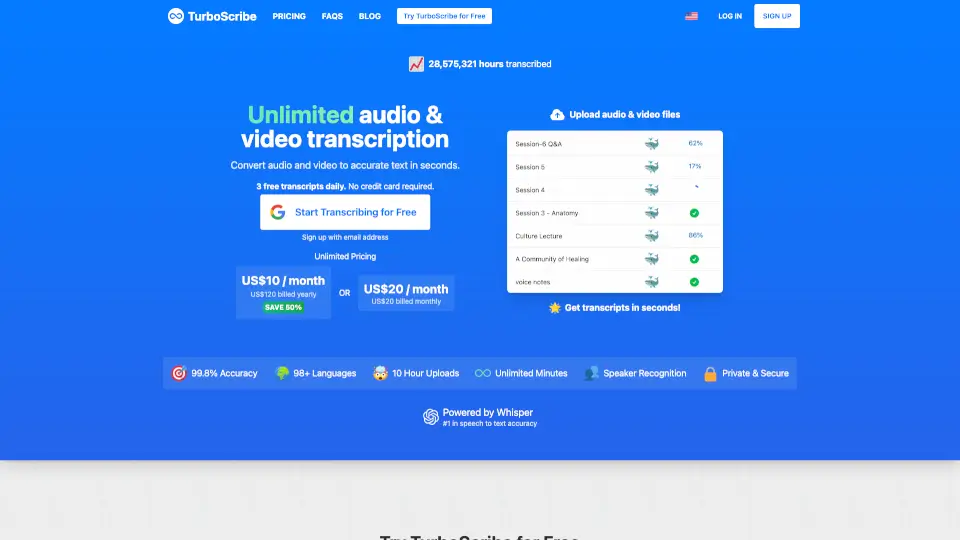
TurboScribe

TurboScribe

TurboScribe is a lightning-fast, highly accurate AI transcription tool that converts audio and video to text in 98+ languages with unlimited minutes for paid users.

BR
12.78%
27.3M
5.0

GPT Subtitler Related Other Categories

GPT Subtitler Traffic Analysis

💡 Insights

🌱
Emerging Tool
10K-100K monthly visits. Niche or new tool with potential unique value.
📊
Steady Growth
Recent growth of 24%. Product is in a healthy upward trend.
💎
High Stickiness
Low bounce rate (34%) and deep engagement (5.3 pages/visit). Excellent user experience.
🎯
Strong Brand
87% direct traffic. High user loyalty.
  • Monthly Visits

    79.54K

  • Bounce Rate

    34.28%

  • Pages Per Visit

    5.28

  • Visit Duration

    00:01:18

  • Global Rank

    360840

  • Country Rank

    42052

Visits Over Time

Traffic Sources

Direct86.77%
Search Organic8.81%
Referrals1.80%
Social Organic1.16%
Mail0.78%
Gen Ai0.68%
Search Paid0.00%
Social Paid0.00%
Affiliate0.00%

Top Keywords

1
gptsubtitler
300Traffic
2
subtitle translator openai
120Traffic
3
gpt subtitler
110Traffic
4
ai subtitle translate
90Traffic
5
ai subtitles translator
80Traffic

Top Regions

RegionPercentage
Thailand
Thailand
54.75%
France
France
8.21%
Slovenia
Slovenia
3.65%
Vietnam
Vietnam
3.33%
Indonesia
Indonesia
2.61%
Low
High

Powered by SimilarWeb

GPT Subtitler FAQ

How do I translate subtitles?

Sign in, upload your subtitle file, select languages, configure settings, and start the translation process. You can use your API key or account tokens.

What file formats are supported?

GPT Subtitler supports SRT (SubRip Text) files. Convert other formats using tools from subtitletools.com.

How much does it cost?

GPT Subtitler offers a free plan with daily tokens, plus Basic and Premium plans for higher usage. Visit the pricing page for details.

What are token costs based on?

Token costs depend on input and output tokens, varying by model. Estimate costs in the "Translation Cost" section.

Can I use my own API key?

Yes, you can use your OpenAI, Claude, or Gemini API key for translations without using account tokens.

How do I get an API key?

Visit OpenAI, Claude, or Gemini's website to generate your API key and use it in the settings.

What is Whisper transcription?

Whisper transcription automatically converts audio/video files to subtitles using OpenAI's Whisper model.

How do I use Whisper transcription?

Upload your audio/video file or provide a YouTube URL, select the language, and start transcription.

What languages are supported?

GPT Subtitler supports over 100 languages, including fictional ones like Elvish or Valyrian.

How are translations processed?

Translations are processed by sending subtitle content in batches to AI models, guided by prompts and user settings.

What are few-shot examples?

Few-shot examples are sample translations that guide the AI to improve accuracy and style.

How do I share translation settings?

Share settings via a link by clicking the 'Share' button in the settings modal.

Can I use settings from others?

Yes, access shared settings via links and load them into your translation settings.

How do I change my username?

Edit your username in the account settings.

How do I write effective custom instructions?

Be specific, provide examples, and focus on one aspect at a time. Use the Instruction Library for templates.

What is the best model for translation accuracy?

Gemini-pro is recommended, but test models like Claude-3.5-sonnet, GPT-4o, and DeepSeek for specific languages.

How do I get a refund?

GPT Subtitler Reviews

0

0

0 Reviews
Sign Into leave a review

Recent Reviews

No reviews yet

GPT Subtitler Pricing

Free Plan

Daily token allowance for translating approximately 30 minutes of video using the GPT-4o-mini model.
Free
  • Limited to ~30 minutes video translation
  • GPT-4o-mini model usage

Basic Plan

Suitable for higher usage with 5% discount on token usage.
Not explicitly stated
  • Higher usage limit
  • 5% discount on token usage

Premium Plan

Advanced features with 10% discount on token usage.
Not explicitly stated
  • Advanced features
  • 10% discount on token usage

GPT Subtitler Embed

Use website badges to drive community support for SeekTool.ai. They are easy to embed in your homepage or footer.

Light
Dark
GPT Subtitler - Featured on SeekTool.aiGPT Subtitler - Featured on SeekTool.ai
How to install?