What is Godmode?
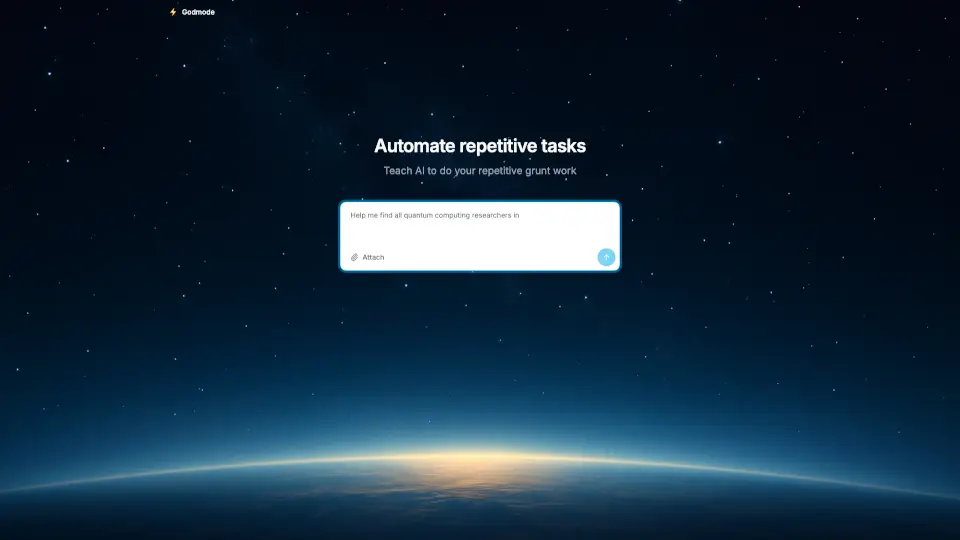
Godmode.space is the world’s first AI agent platform built for everyday users—not just developers or tech experts. With over 1 million users, it lets you create, customize, and deploy your own AI agents to automate tasks, answer questions, or even run mini-apps—all without writing a single line of code. Think of it as your personal digital assistant that you can train, share, and scale however you like.
Whether you're a student organizing research, a small business owner handling customer queries, or a creator building interactive experiences, Godmode gives you the power to make AI work for you, not the other way around. It’s designed to be intuitive, fast, and genuinely useful from day one.
What are the features of Godmode?
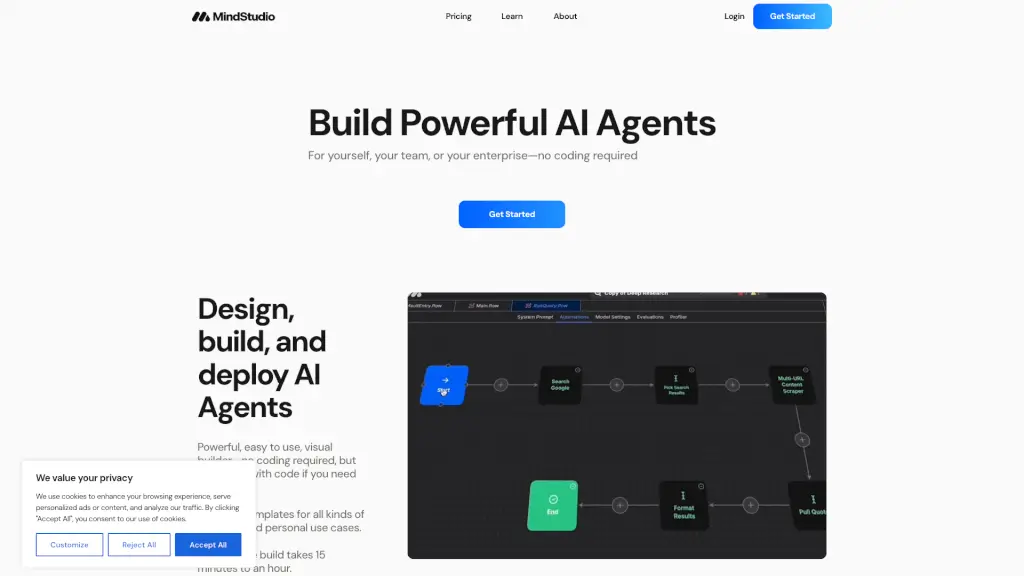
- No-Code AI Agent Builder: Create custom AI agents using simple prompts—no programming required.
- Pre-Built Templates: Jumpstart projects with ready-made agents for common tasks like summarizing articles, analyzing data, or generating social posts.
- Real-Time Collaboration: Share agents with teammates or friends and work together in real time.
- Multi-Platform Access: Use your agents on the web, via browser extensions, or embed them into websites.
- Custom Knowledge Integration: Feed your agents specific documents, links, or instructions so they respond with your context in mind.
- Usage Analytics: Track how your agents perform and refine them based on real interactions.
What are the use cases of Godmode?
- A student creates an AI study buddy that explains complex topics using their class notes.
- An e-commerce store owner builds a 24/7 customer support agent that answers FAQs about shipping and returns.
- A content creator designs a viral tweet generator trained on their unique voice and past posts.
- A project manager automates meeting summaries by connecting Godmode to their calendar and transcript tools.
- A nonprofit uses a donation FAQ bot to reduce volunteer workload while improving donor experience.
- A developer prototypes product ideas by testing user flows with conversational AI before coding.
How to use Godmode?
- Sign up at https://godmode.space with your email or Google account.
- Choose “Create New Agent” and give it a name and purpose (e.g., “Travel Planner” or “Homework Helper”).
- Add instructions, upload files, or select a template to define how your agent behaves.
- Test your agent instantly in the preview window and tweak responses until it feels right.
- Share your agent via link, embed it on your site, or use the browser extension for on-the-go access.
- Monitor usage stats and update your agent as your needs evolve.