
What is GigaChat?
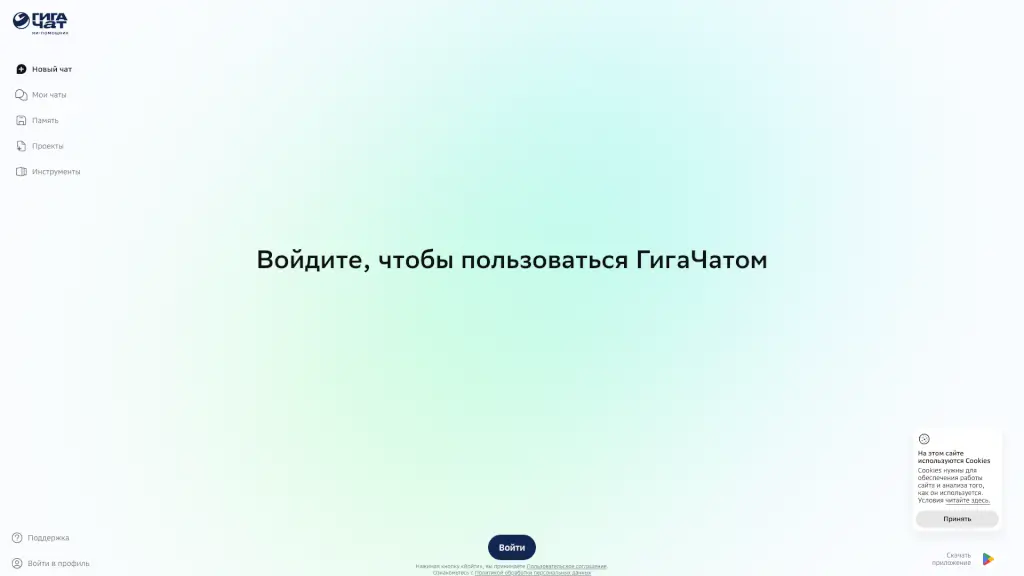
GigaChat is a Russian-language AI model developed by Sber, designed to engage in conversations, answer questions, compose texts, write code, and even generate images. It's perfect for anyone looking to get quick and accurate information, or just have a friendly chat. Whether you're a student needing help with homework, a professional looking for coding assistance, or someone who just wants to explore the creative side of AI, GigaChat is here to help.
What are the features of GigaChat?
- Multilingual Support: GigaChat primarily speaks Russian but also understands English, making it accessible to a broader audience.
- Text Generation: The AI can create high-quality text, from essays and stories to more technical documents.
- Code Writing: Need help with coding? GigaChat can assist in writing and debugging code, making it a valuable tool for developers.
- Image Generation: Beyond text, GigaChat can also generate images based on your input, adding a visual dimension to its capabilities.
- Conversational AI: Engage in natural, human-like conversations, making it feel like you’re talking to a real person.
What are the use cases of GigaChat?
- Homework Help: Students can use GigaChat to get explanations and examples for their assignments.
- Coding Assistance: Developers can get help with writing and debugging code.
- Creative Writing: Writers can use GigaChat to brainstorm ideas, get feedback, and even co-write stories.
- Language Learning: Practice Russian or English by having conversations with GigaChat.
- Project Planning: Get help organizing and planning projects with detailed outlines and suggestions.
- Customer Support: Businesses can use GigaChat to provide 24/7 customer support, answering common queries and providing solutions.
How to use GigaChat?
- Visit the Website: Go to giga.chat to start using GigaChat.
- Activate JavaScript: Ensure that JavaScript is enabled in your browser settings for the best experience.
- Start a Conversation: Type your question or request in the chat box and hit enter.
- Explore Features: Try out different features like text generation, code writing, and image creation.
- Use Multilingual Capabilities: Switch between Russian and English as needed.