

What is Get Magic Tools?
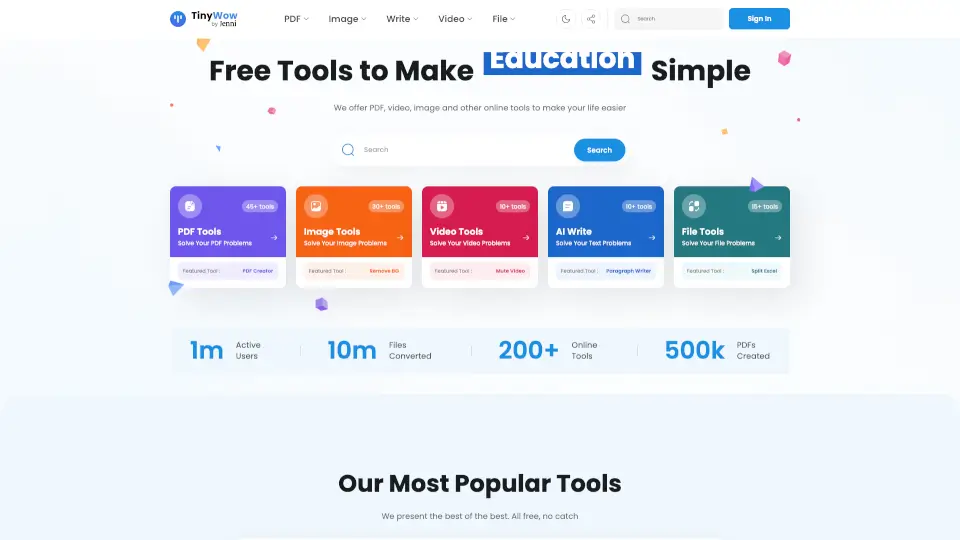
GetMagicTools is a versatile online platform designed to help users enhance their digital experience with a variety of tools and features. Whether you're a student, a professional, or just someone looking to streamline your online tasks, GetMagicTools offers a range of solutions to make your life easier. From image editing to file conversion, this platform is packed with useful tools that can save you time and effort.
What are the features of Get Magic Tools?
- Image Editor: Edit, resize, and enhance your images with ease.
- File Converter: Convert files between different formats quickly and efficiently.
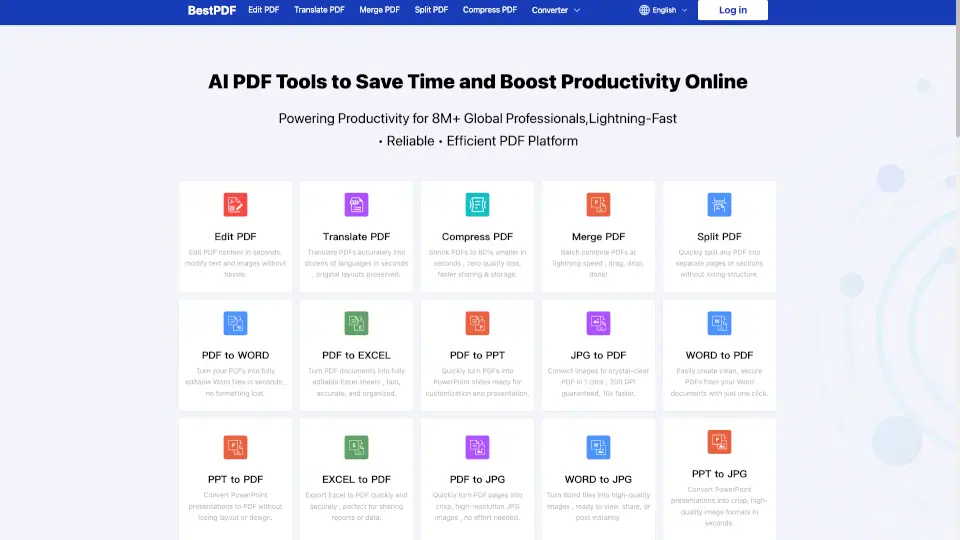
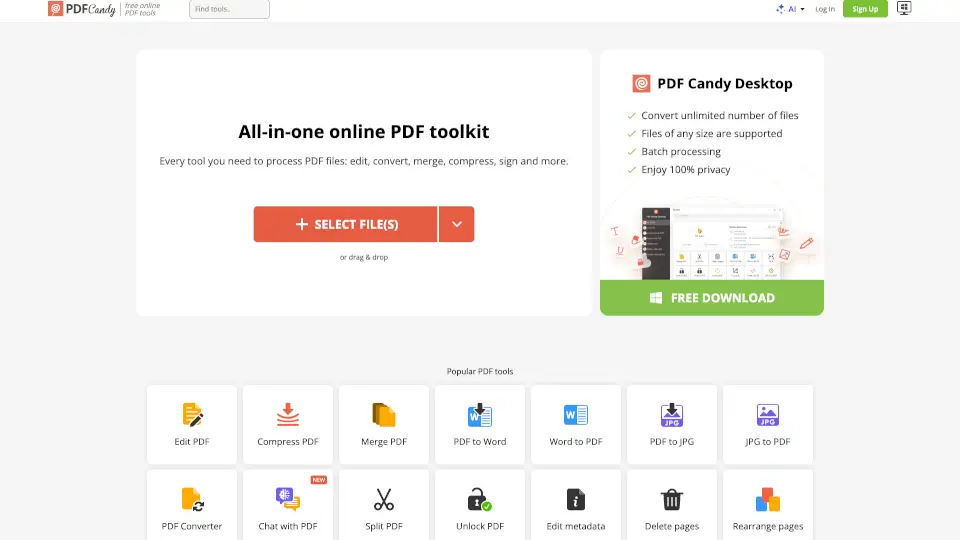
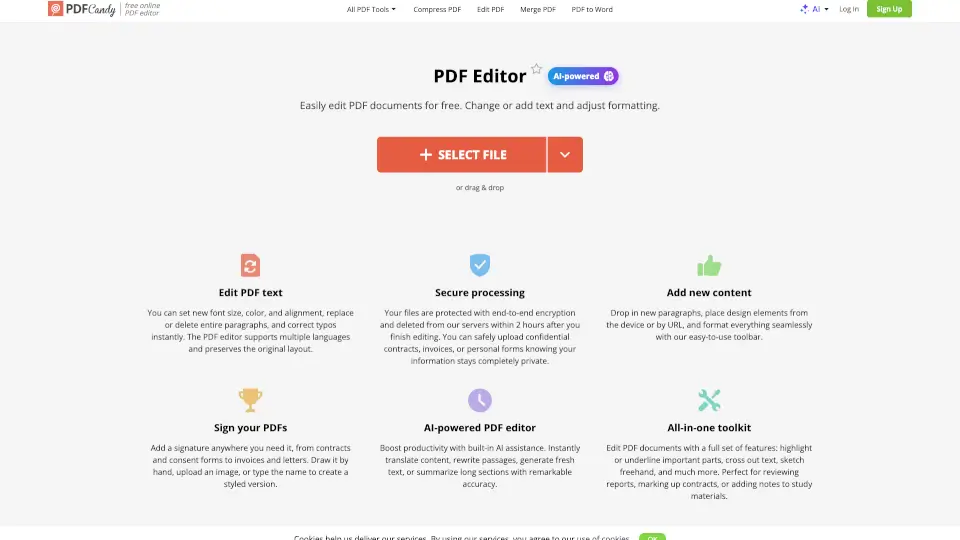
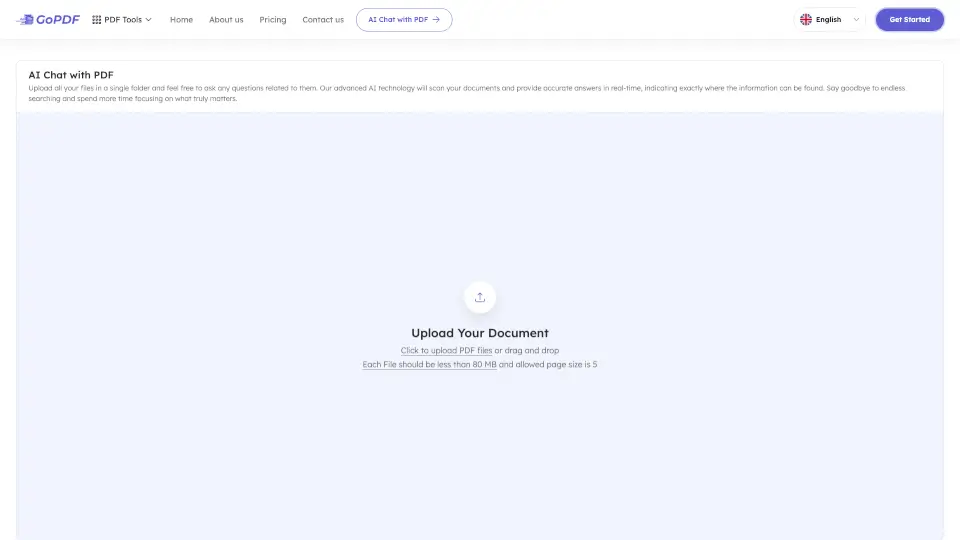
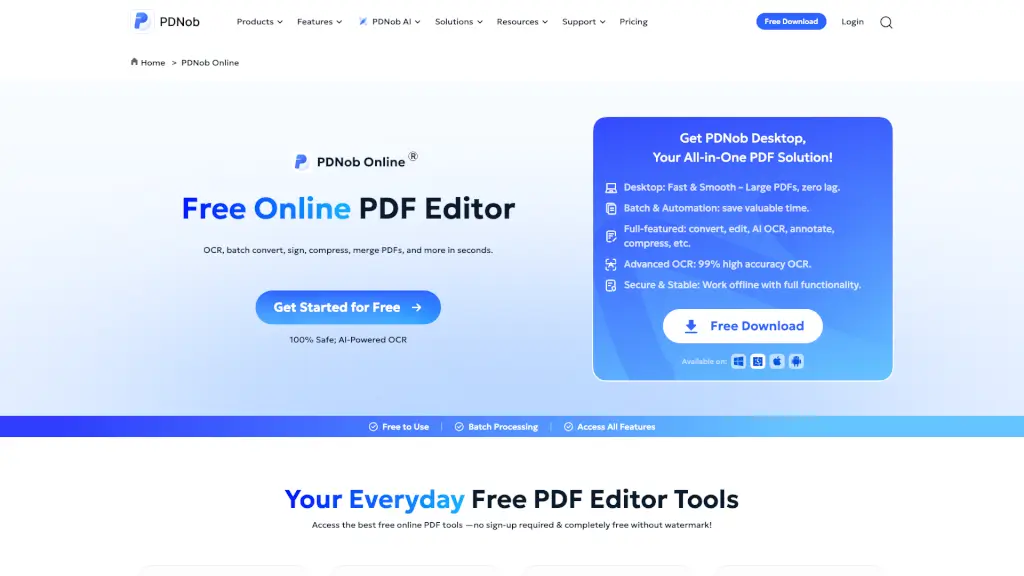
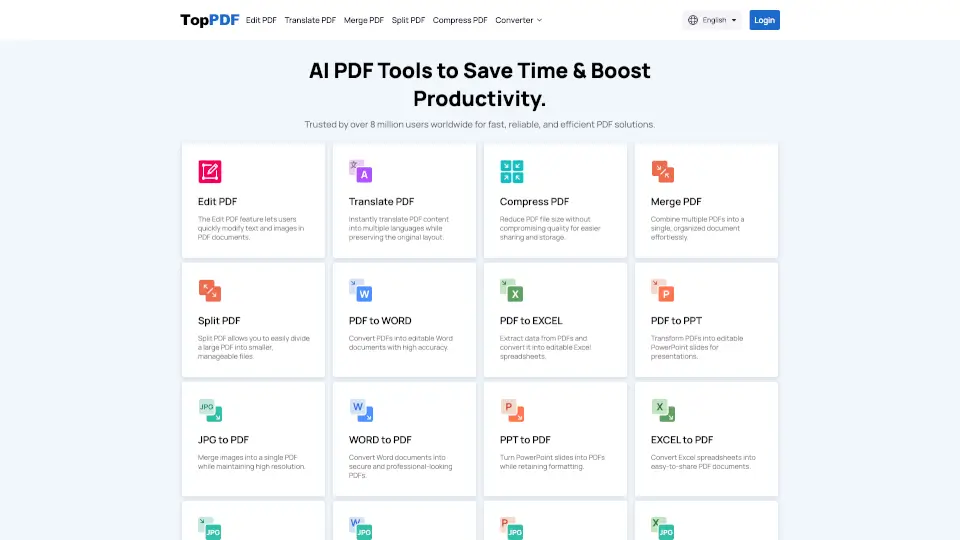
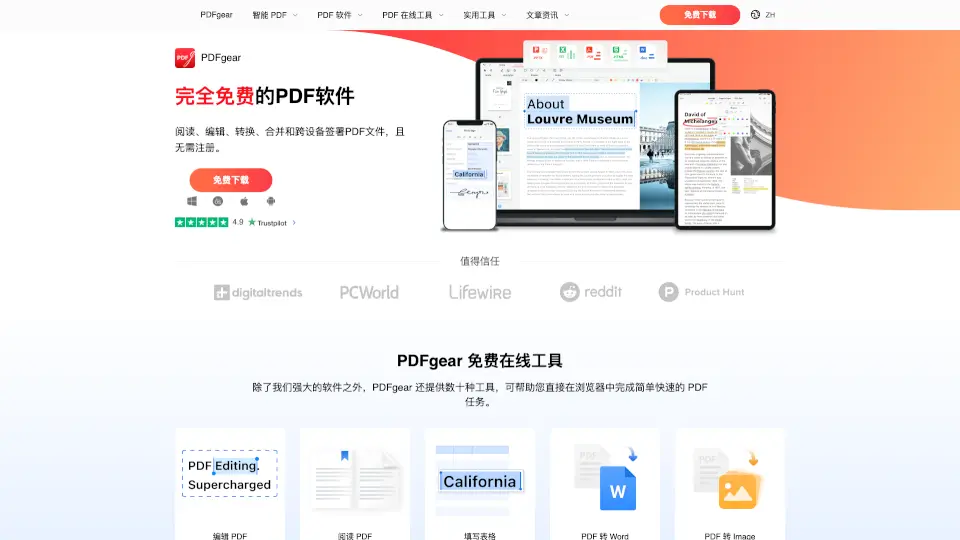
- PDF Tools: Merge, split, and compress PDFs to manage your documents better.
- Text Tools: Generate, format, and manipulate text for various purposes.
- Design Tools: Create stunning graphics and designs with user-friendly templates.
- Data Extraction: Extract data from images and documents for easy processing.
What are the use cases of Get Magic Tools?
- Students: Use the image editor and design tools to create visually appealing presentations and projects.
- Professionals: Convert and manage files, and use the PDF tools to handle important documents.
- Marketers: Generate and format text for social media posts and marketing materials.
- Photographers: Enhance and edit photos to improve their quality and appeal.
- Writers: Use the text tools to format and generate content for articles and blogs.
- Small Business Owners: Create professional-looking graphics and manage documents efficiently.
How to use Get Magic Tools?
- Visit the GetMagicTools website at https://getmagictools.com.
- Choose the tool you need from the homepage.
- Follow the on-screen instructions to upload your file or input your data.
- Customize your settings and apply the desired changes.
- Download the processed file or copy the generated output.