

What is Google Gemini?
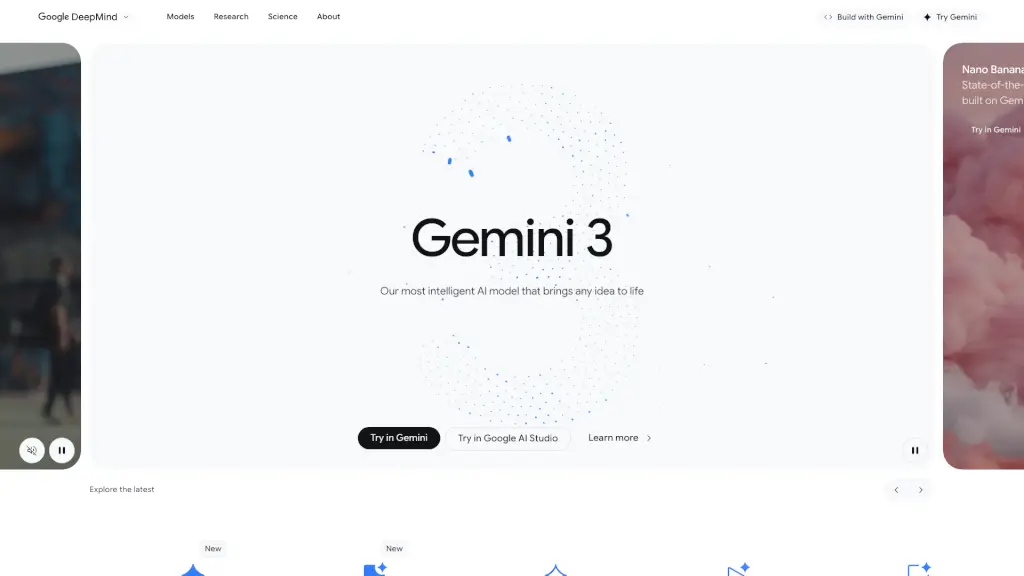
Meet Gemini, your personalized AI assistant designed to help you with writing, planning, learning, and more. With the latest Gemini 2.0 Flash, you can easily start new conversations and save your recent chats for future reference.
What are the features of Google Gemini?
- User-Friendly Interface: Gemini offers a simple and intuitive design, making it easy for anyone to use.
- Personalized Assistance: Tailors responses based on your needs, whether for school projects or personal tasks.
- Audio Overview Generation: Quickly generates audio summaries of your conversations for easy listening.
- Location-Based Services: Provides relevant information based on your location, enhancing your experience.
What are the use cases of Google Gemini?
- Writing Help: Get assistance with essays, reports, or creative writing.
- Study Aid: Use Gemini to clarify concepts and help with homework.
- Planning Events: Organize your schedule and plan events effortlessly.
- Learning New Skills: Access resources and tips for learning new subjects.
How to use Google Gemini?
- Sign Up: Create an account to start using Gemini.
- Start a Conversation: Use the chat feature to ask questions or seek assistance.
- Save Conversations: Log in to save and revisit your recent chats.