
What is Foxy AI?
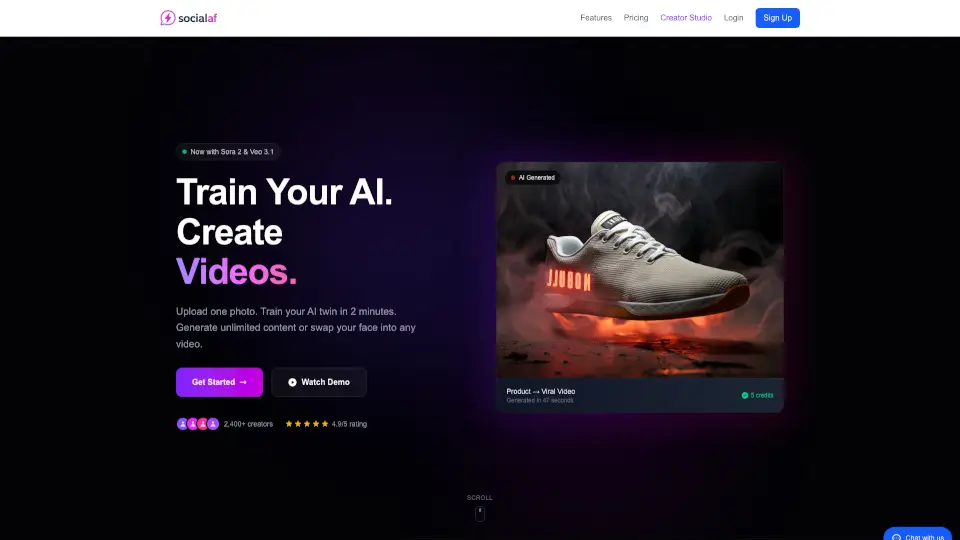
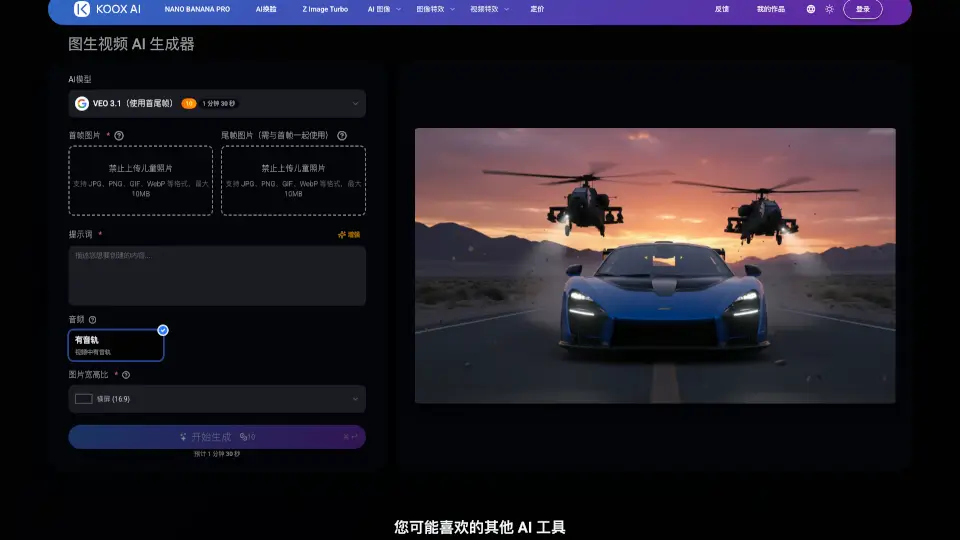
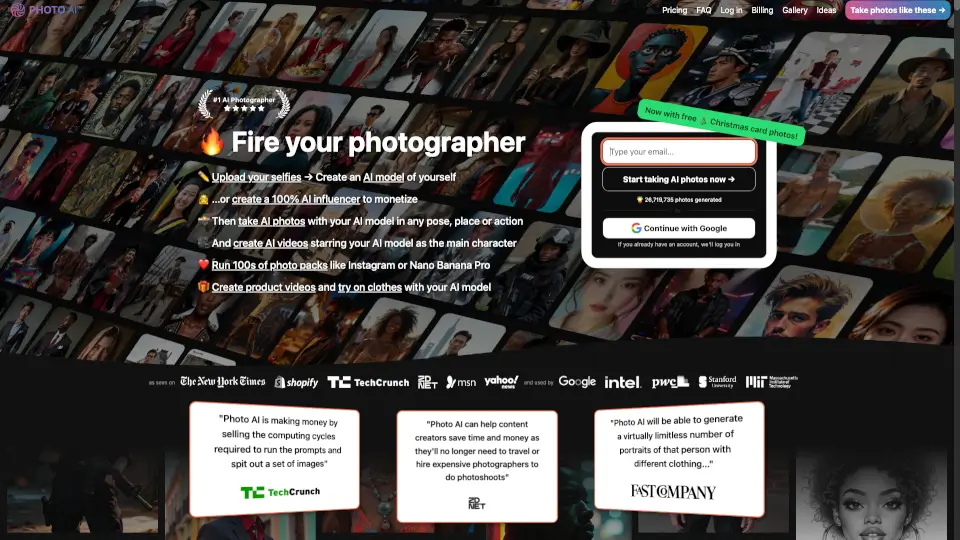
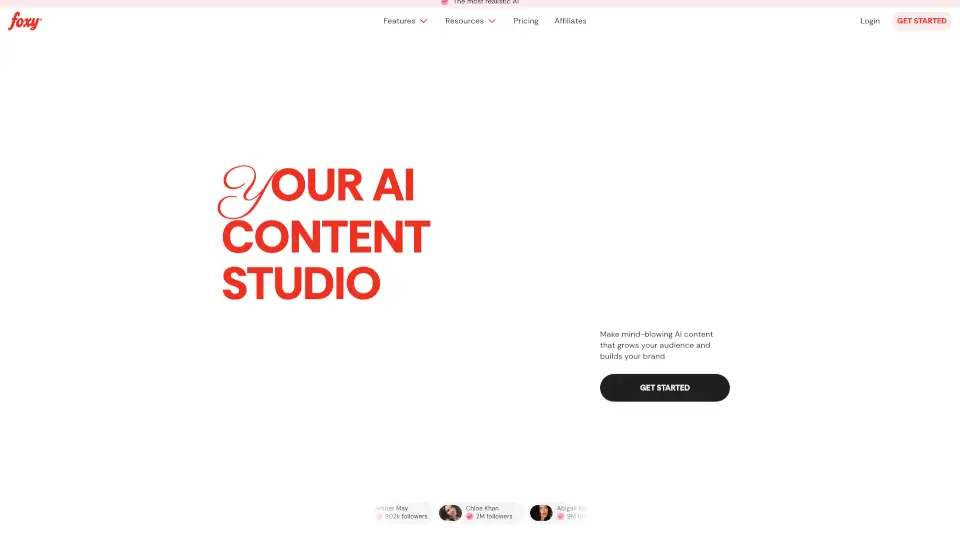
Foxy AI is an AI video and image generator built for content creators, marketers, and businesses who want to produce realistic photos and videos of themselves or products without photoshoots. The tool uses a personal AI model trained from uploaded photos to generate stylized content in seconds. It’s designed for social media posts, Reels, and Shorts, with presets for fashion, beauty, lifestyle, and ecommerce. Trusted by over 100k creators, Foxy AI helps users post more frequently while maintaining a polished, on-brand look.
What are the features of Foxy AI?
- Ultra‑realistic AI images: Generate highly realistic photos of yourself in any setting or style, with accurate tattoos and details, using a personal AI model trained from your uploads.
- AI videos and reels: Create short‑form videos (Reels, Shorts) with one tap, built for social media platforms like Instagram, TikTok, and YouTube.
- Viral presets & templates: Choose from pre‑made scroll‑stopping templates that make your feed visually consistent and engaging without manual editing.
- Collaborative content creation: Work with friends or team members remotely to generate content together, no matter where they are.
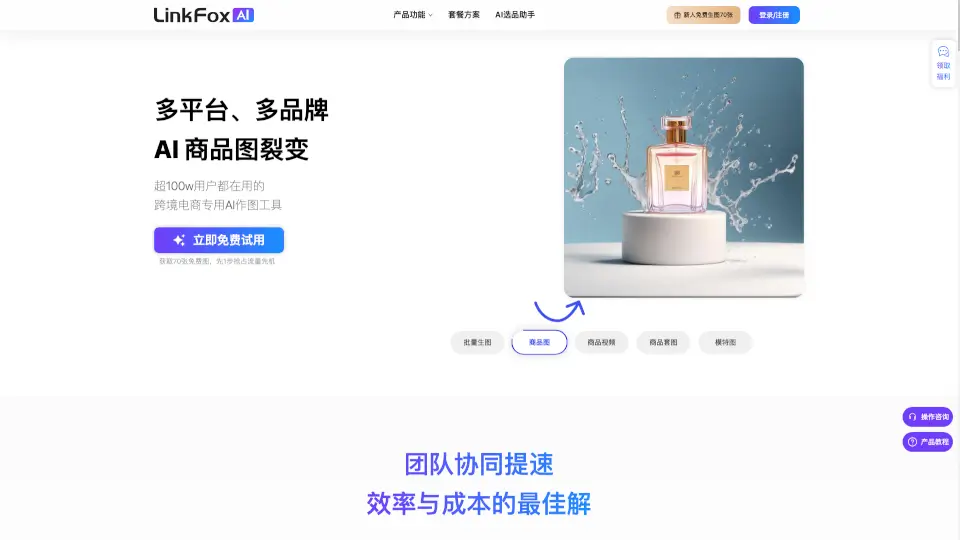
- Product & outfit transformation: Upload any product or outfit and let the AI generate promotional content around it, ideal for ecommerce and brand showcases.
What are the use cases of Foxy AI?
- Social media creator posting daily Reels and images without scheduling photoshoots or hiring a photographer.
- Ecommerce brand showcasing products on models in different settings to test visual ads and social posts.
- Fitness or travel influencer creating location‑specific content (e.g., beach, gym) without traveling to each place.
- Musician or artist generating promotional visuals and album‑style images for social media campaigns.
- Virtual influencer management creating and maintaining a fictional persona with consistent AI‑generated visuals.
How to use Foxy AI?
- Upload 5–10 clear photos of yourself from different angles and distances to train your personal AI model.
- Describe the content you want (e.g., “me in a coffee shop wearing a leather jacket”) or pick a preset template.
- Customize the output by choosing style, setting, and aspect ratio; generate images or videos with one tap.
- Review and download the generated content; adjust prompts or presets if the results need refinement.
- Use the “Create Together” feature to invite collaborators and co‑create content in real time.