
What is Fotor?
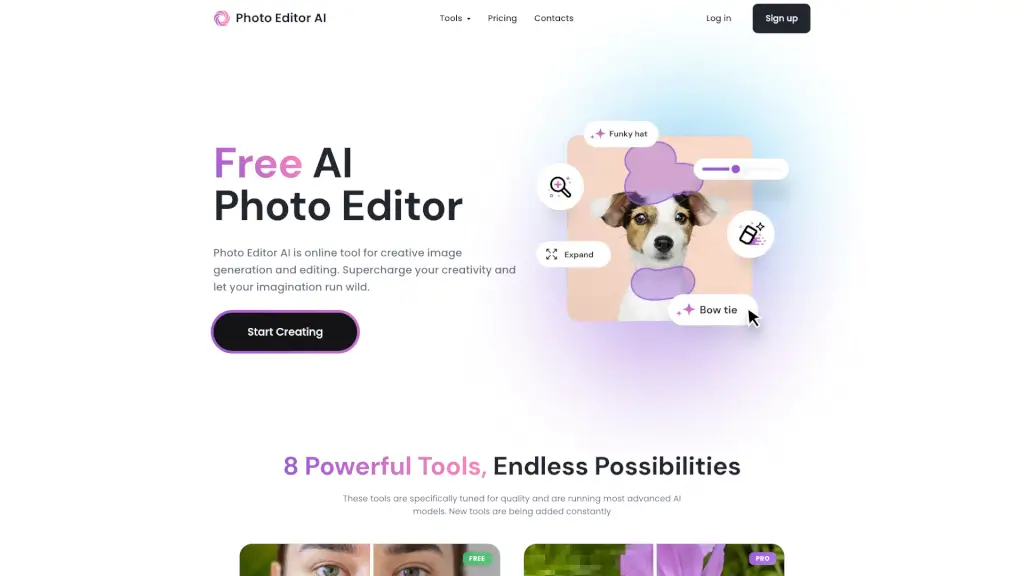
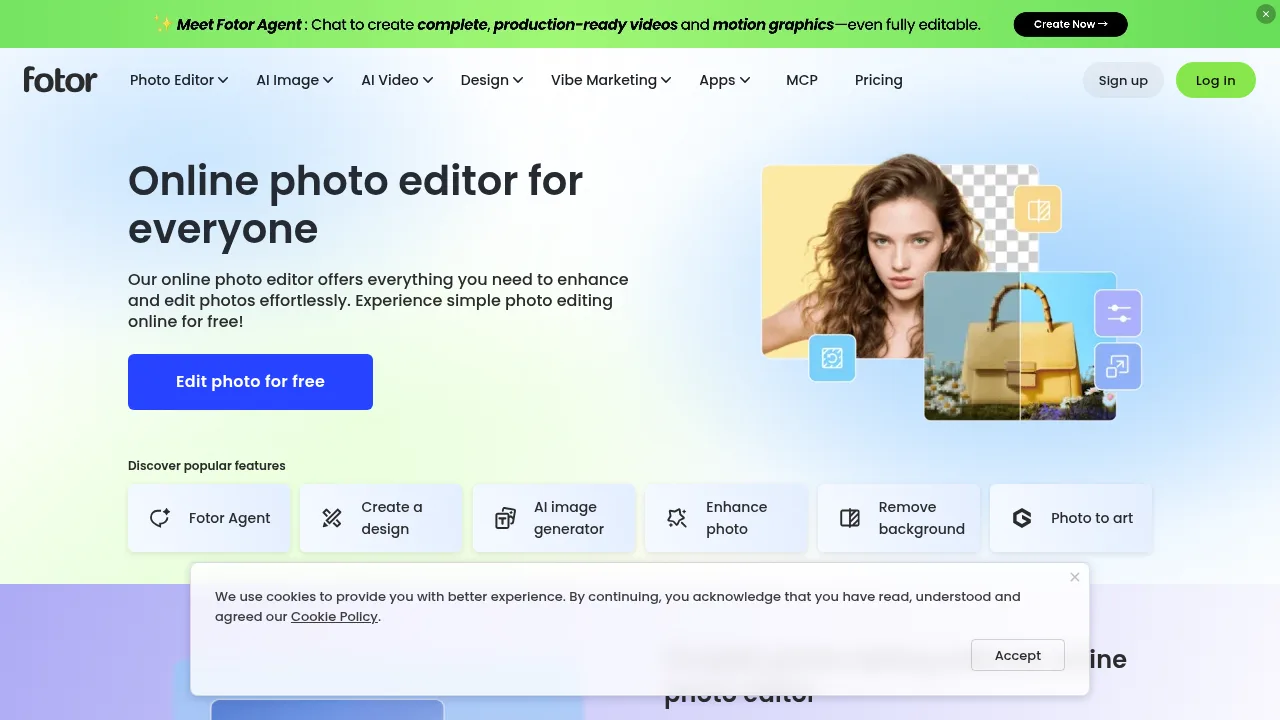
Fotor is an online photo editor and generative AI platform for enhancing, modifying, and creating images and videos. It is accessible via web browser on Windows and Mac, with mobile apps available for iOS and Android. The vendor states that a free plan allows users to edit and export images without watermarks.
What are the features of Fotor?
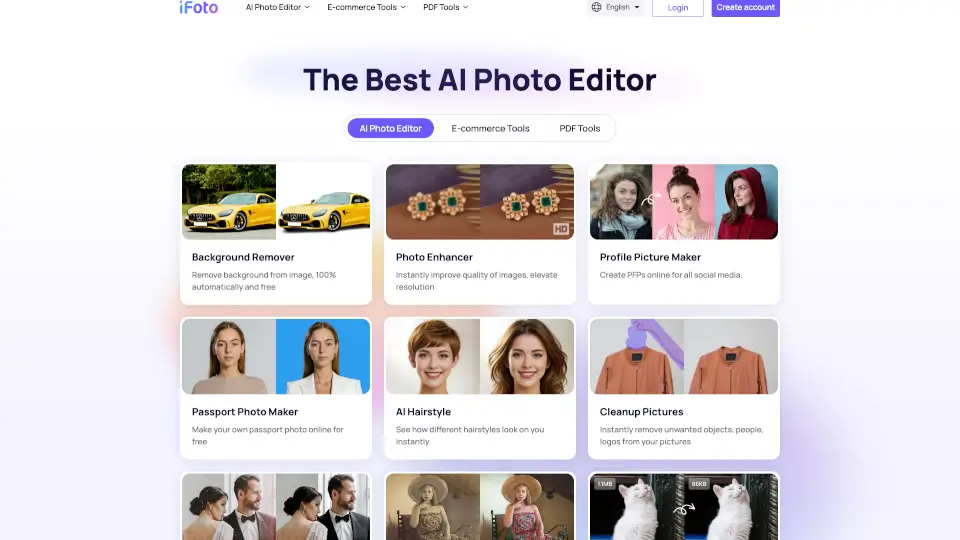
- AI image enhancementAutomatically adjusts lighting, unblurs images, and enhances details to improve photo quality.
- Background removal and replacementRemoves image backgrounds or replaces them using AI-generated scenes.
- Object removalErases unwanted objects, people, text, watermarks, or stamps from photos.
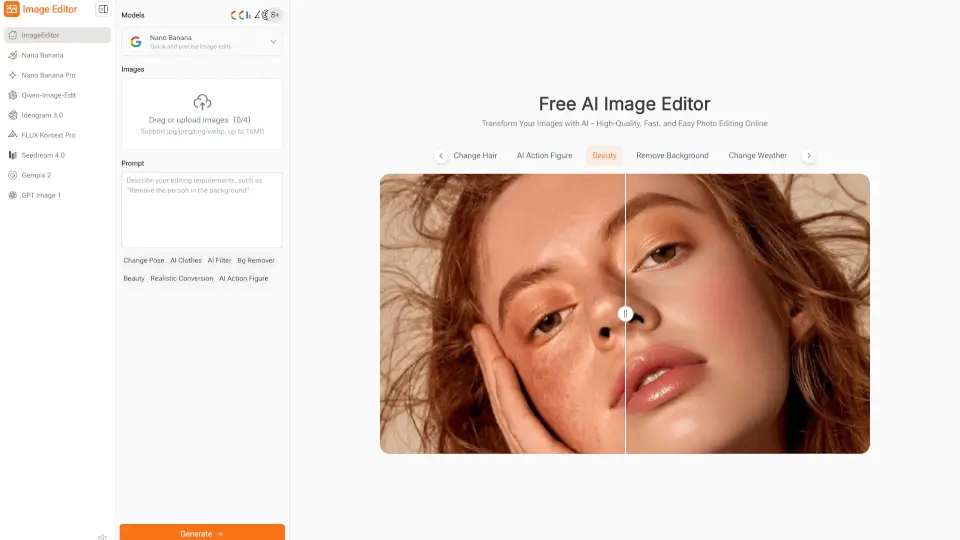
- Text-to-image generationCreates images from text prompts using models such as Flux, GPT Image 2, Gemini AI, and others.
- AI video generationProduces videos from text or images using models including Veo 3, Kling AI, Hailuo AI, and Wan.
- Batch photo editingEdits and enhances multiple photos simultaneously.
What are the use cases of Fotor?
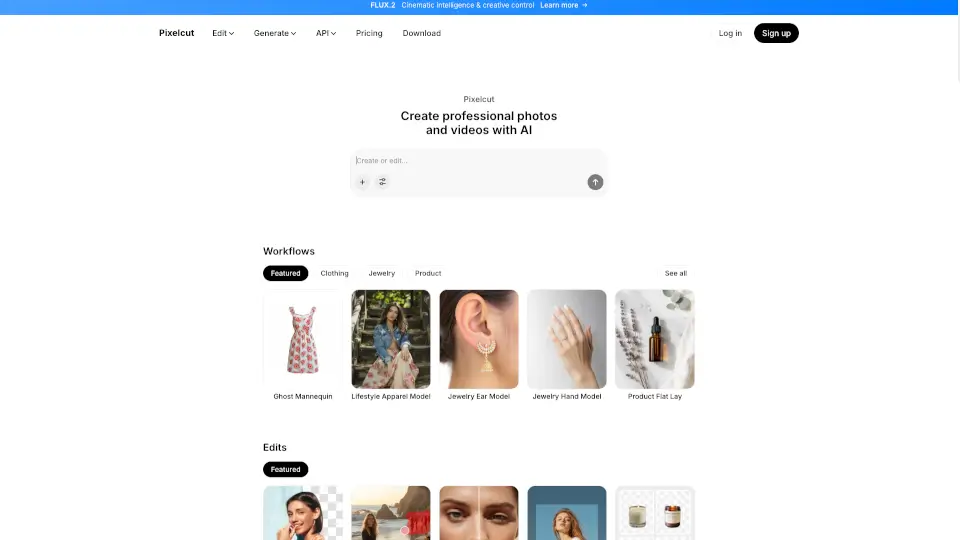
- E-commerce product photographyGenerates ghost mannequin effects, AI fashion models, and studio-quality backgrounds from flatlay product images.
- Professional profile creationTransforms uploaded selfies into professional headshots or avatars for platforms like LinkedIn.
- Marketing ad productionConverts product links or images into video ads and generates poster visuals for campaigns.
How to use Fotor?
Web workflow:
- Upload photoUpload or drag and drop a photo into the online editor.
- Edit photoAdjust lighting, color, and exposure, apply effects, or customize with text, stickers, and frames.
- Download and shareExport the edited photo in JPG, PNG, or PDF format.
Fotor Pricing Information:
- Free planAllows editing and exporting images without watermarks; advanced features require an upgrade.
- Fotor ProPaid upgrade for access to advanced features; specific pricing is not stated in the source.