
What is Floor Plan AI?
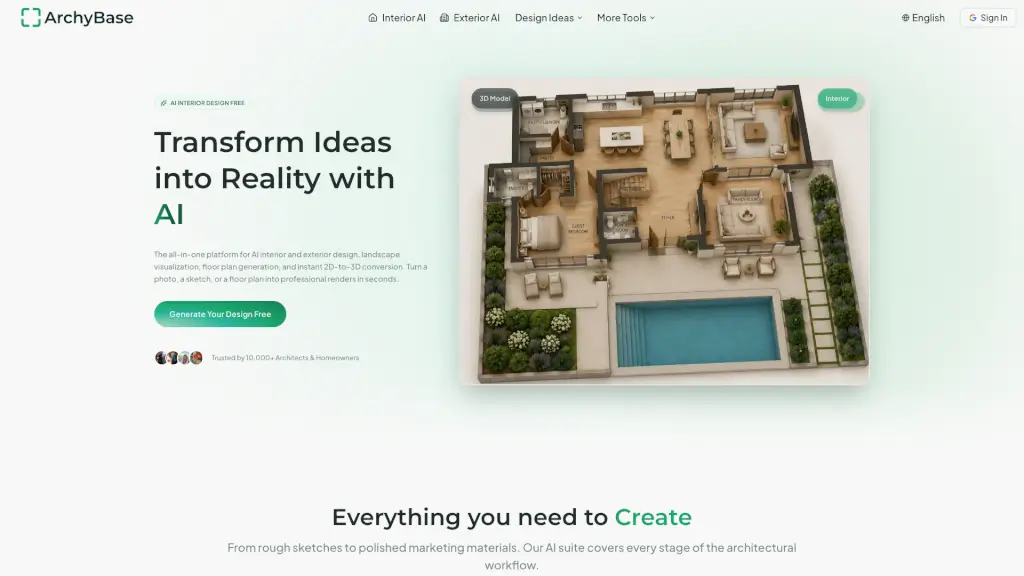
Welcome to Floor Plan AI, the ultimate tool for creating and editing house layouts online. Whether you're a homeowner looking to renovate or an architect planning a new project, Floor Plan AI makes it easy to design detailed floor plans in minutes. With smart tools and a user-friendly interface, you can plan layouts, rooms, and spaces with precision and creativity. The best part? It's all free and accessible from any device.
What are the features of Floor Plan AI?
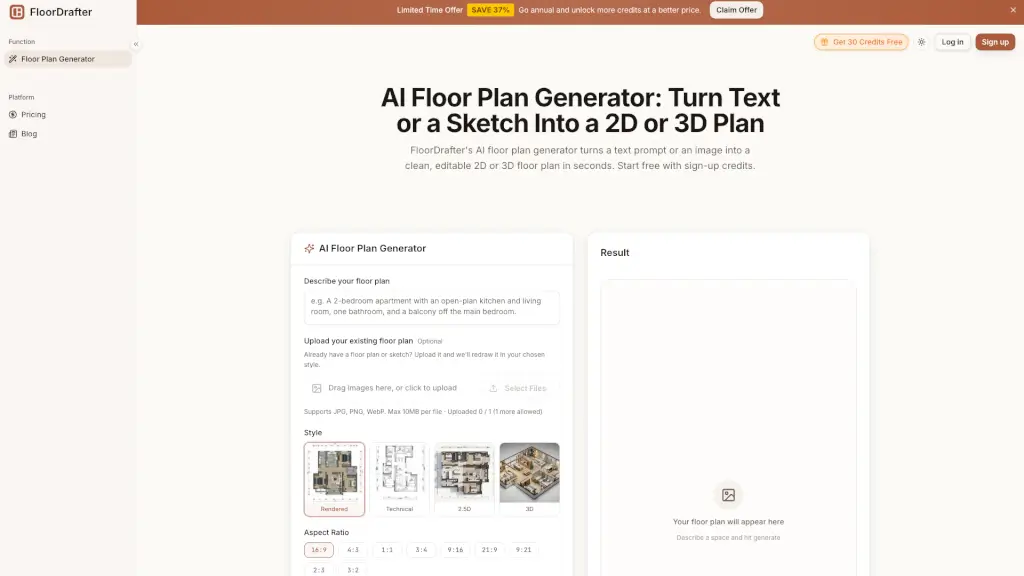
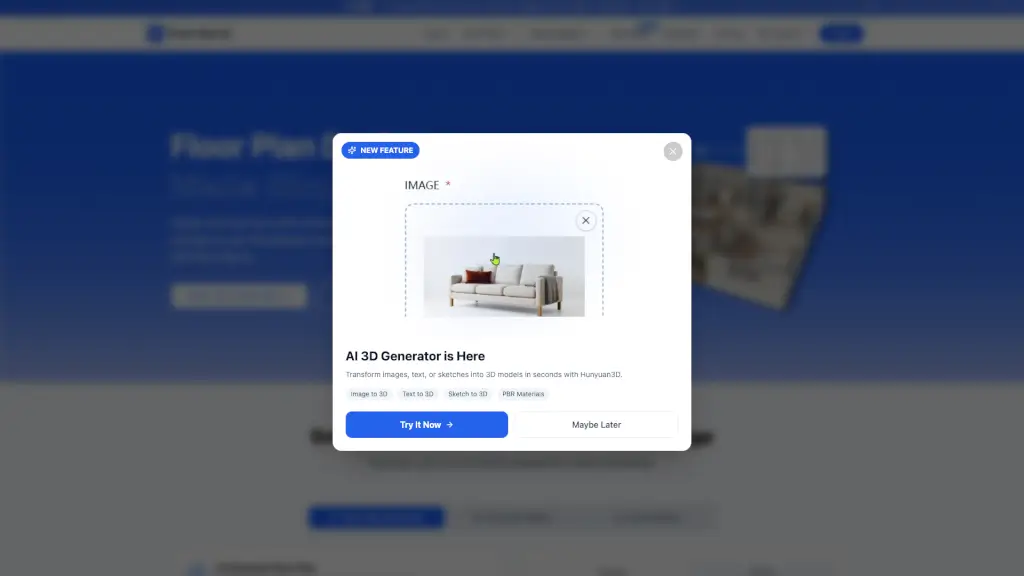
- AI 3D Generator: Transform images, text, or sketches into 3D models in seconds.
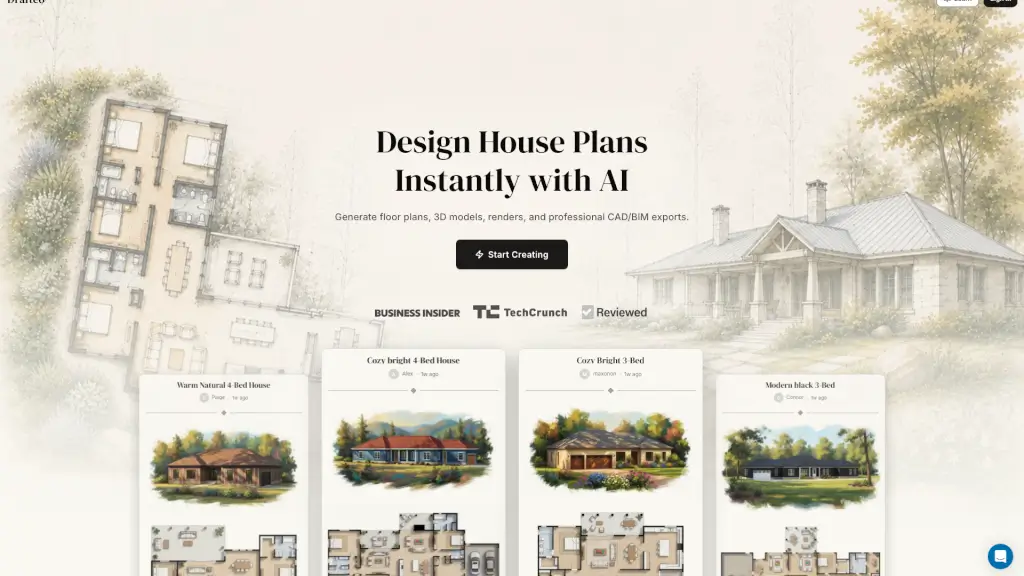
- Floor Plan Generator: Create professional floor plans based on your requirements.
- Collaborative Planning Workspace: Invite designers, homeowners, and contractors to collaborate in real time.
- Secure Design Management: All your architectural plans and layout data are encrypted with enterprise-grade security.
- Cross-Platform Design Access: Plan your spaces on desktop, tablet, or mobile devices.
- Cloud Sync & Version History: Every layout you create is automatically backed up with version control.
What are the use cases of Floor Plan AI?
- Home Renovation: Plan and visualize your home renovation projects with ease.
- New Home Construction: Create detailed blueprints for new home builds.
- Interior Design Projects: Experiment with different interior styles and furniture arrangements.
- Architectural Drafts: Quickly generate and modify architectural drafts for client presentations.
- Commercial Spaces: Design floor plans for offices, restaurants, and other commercial buildings.
- DIY Projects: Get creative with DIY home improvement projects using accurate and detailed floor plans.
How to use Floor Plan AI?
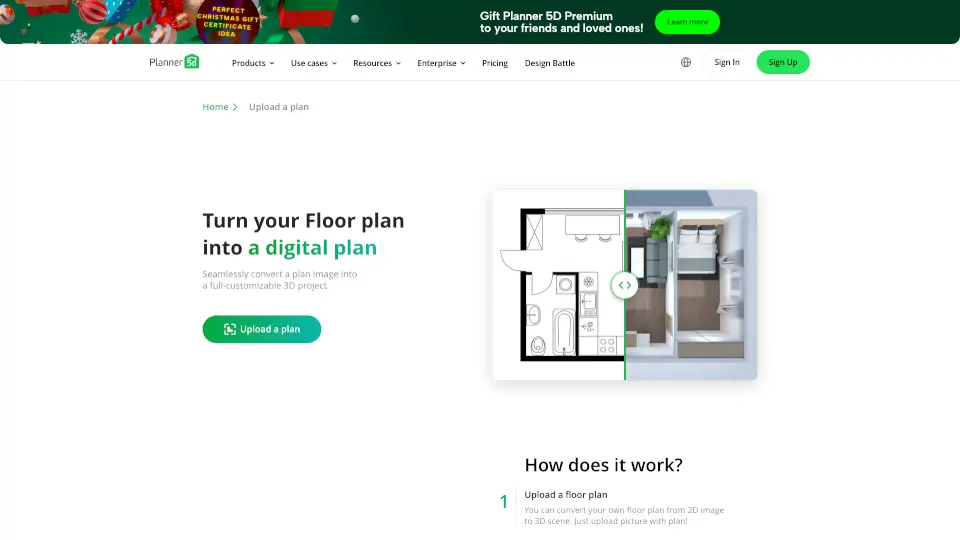
- Upload or Start from Scratch: Upload an existing layout or start drawing walls, rooms, and spaces directly online.
- Customize Layout & Style: Adjust proportions, add furniture, and explore multiple layout options generated by the system.
- Download or Share: Export your finished layout or share it with your team for collaboration and review.
- Use AI 3D Generator: Transform your 2D designs into 3D models for a more realistic view.
- Collaborate in Real Time: Invite others to join your project and make changes together.
- Review and Restore: Use the version history to review older drafts and restore earlier iterations if needed.