
What is AI Social Post Generator?
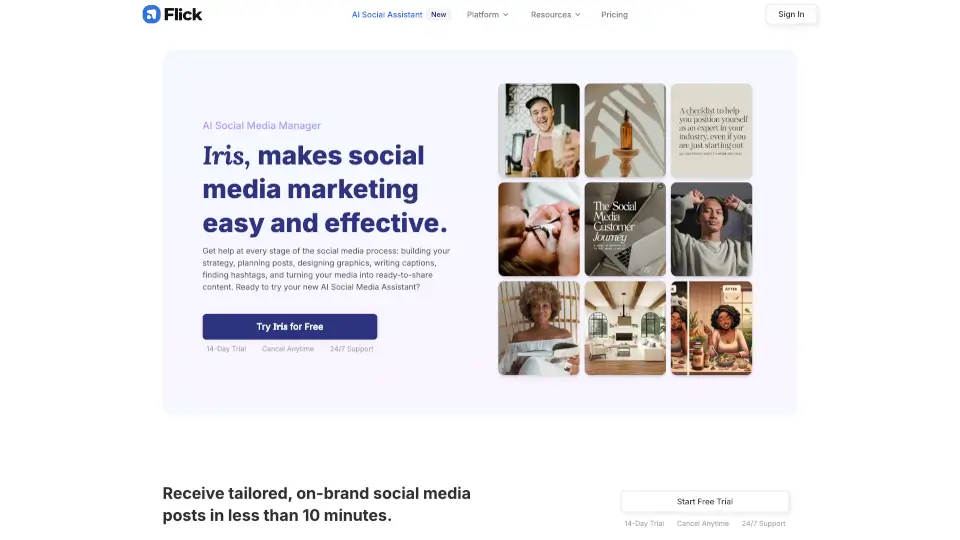
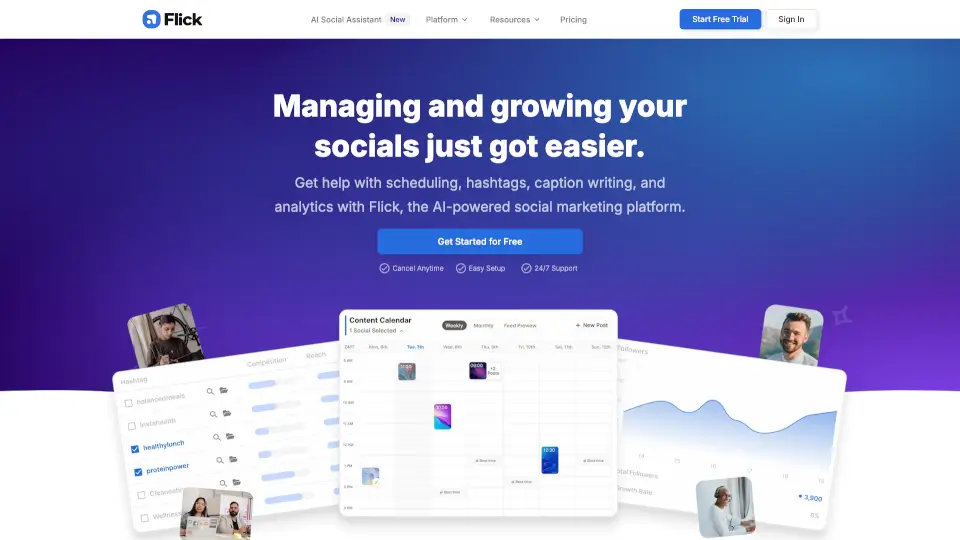
Flick is an AI social media marketing platform designed for business owners, marketers, and creators who need help managing Instagram and other social channels. It combines hashtag research tools, visual post scheduling, AI caption writing, and analytics reporting into one dashboard. The platform helps users plan content ahead of time, find effective hashtags, and track what's working. Flick also offers an AI Social Assistant (Iris) for strategy, planning, and content ideas, making it a practical fit for users who want to reduce manual social media management work.
What are the features of AI Social Post Generator?
- AI Social Assistant (Iris): Provides strategy, planning, content ideas, and caption writing to help users reduce workload and improve content quality.
- Hashtag Research & Management: Search, find, manage, and analyze hashtags in 20+ languages, with tracking for performance and banned hashtag checking.
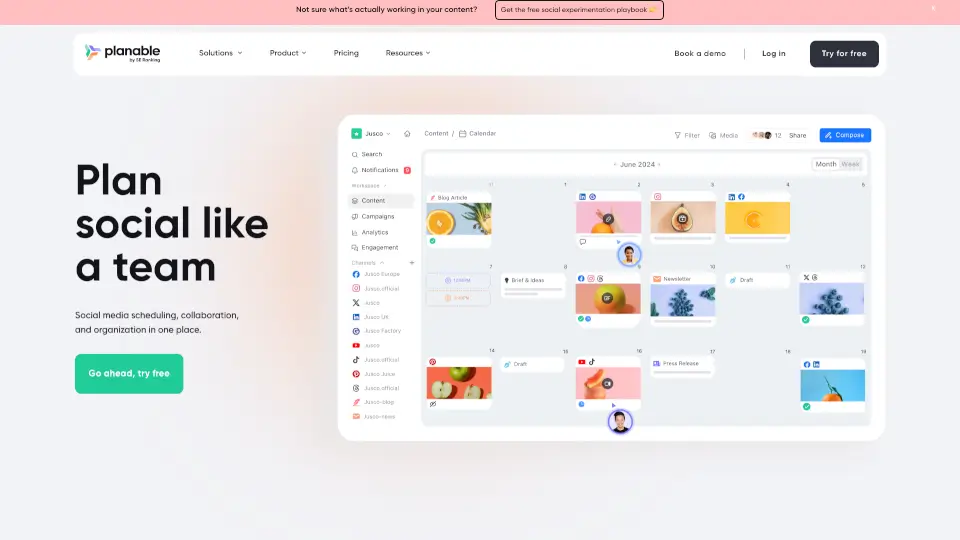
- Visual Post Scheduler: Plan and schedule posts for Instagram, Facebook, TikTok, and LinkedIn using a drag-and-drop calendar with feed preview functionality.
- Analytics & Reporting: Track what's working and what isn't with Instagram analytics reports, hashtag performance tracking, and actionable insights.
- Mobile App Access: Manage hashtags, scheduling, and analytics on the go with dedicated iOS and Android apps that sync with the web platform.
What are the use cases of AI Social Post Generator?
- Social media managers scheduling posts across multiple client accounts while researching niche hashtags for better visibility.
- Instagram coaches and creators planning content calendars, testing hashtag strategies, and reviewing analytics to optimize post performance.
- Small business owners using AI tools to generate caption ideas and maintain a consistent posting schedule without dedicated marketing staff.
- Marketers tracking which content performs best across Instagram, Facebook, TikTok, and LinkedIn from one centralized dashboard.
How to use AI Social Post Generator?
- Start a free trial by signing up on the Flick website and connecting your social media accounts to begin setup.
- Explore the hashtag tools by searching for relevant hashtags, creating collections, and checking banned hashtags before posting.
- Use the post scheduler to visually plan your feed, drag and drop content, and schedule posts across connected platforms.
- Review analytics regularly to see which hashtags and content types drive the most engagement and adjust your strategy accordingly.