
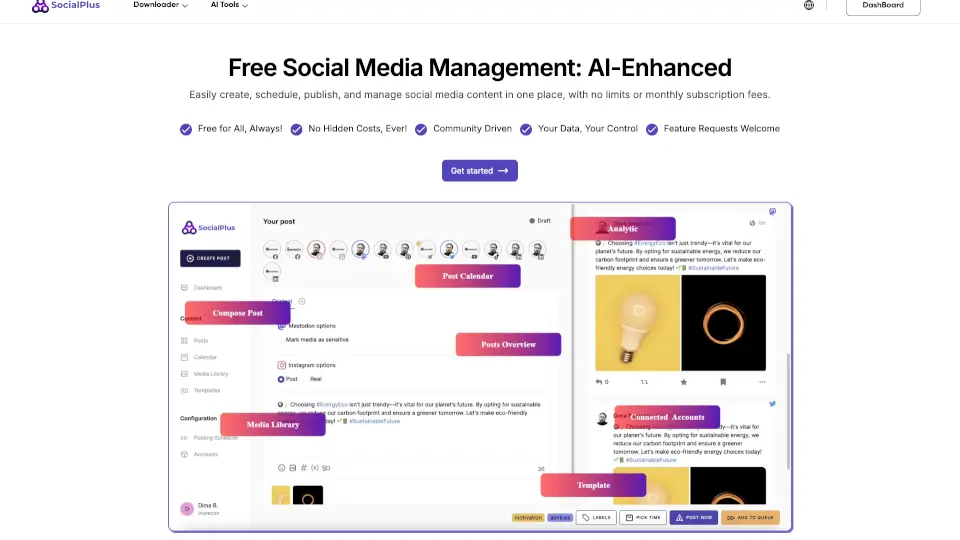
What is SocialPlus AI?
SocialPlus AI is a free social media management tool designed for individuals, creators, and small businesses who need to manage multiple social platforms from one dashboard. It supports Facebook, Mastodon, X, Instagram, LinkedIn, Pinterest, TikTok, YouTube, Threads, and Google Business. The tool combines scheduling, AI-powered content generation, and media downloaders—all with no monthly subscription fees. It’s built for users who want to plan, publish, and analyze posts across accounts without paying for premium software. SocialPlus also emphasizes privacy and GDPR compliance, though exact legal certifications should be verified independently.
What are the features of SocialPlus AI?
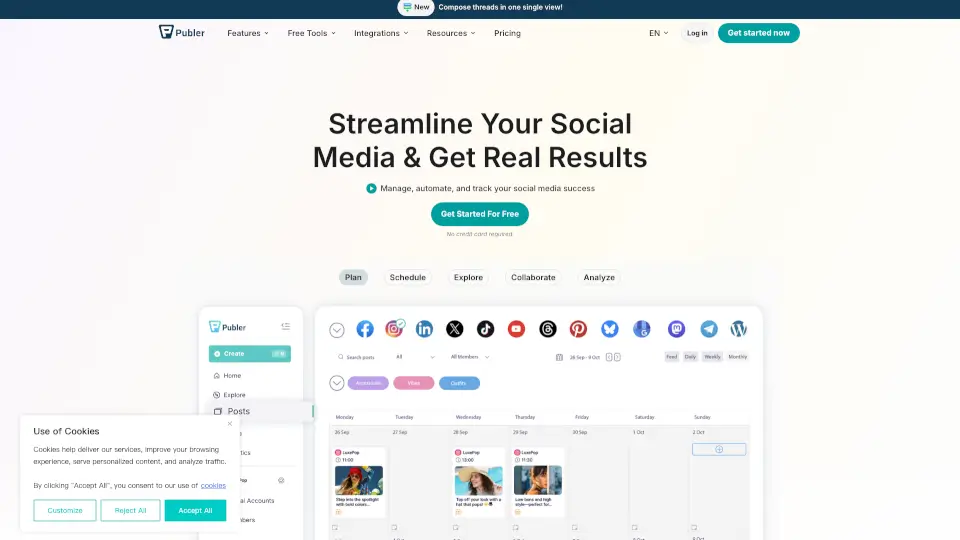
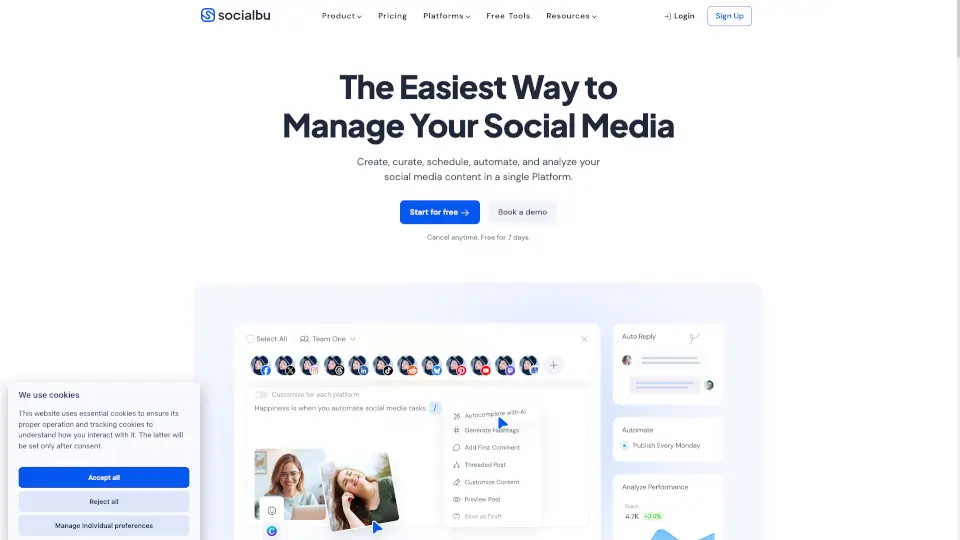
- Multi-Platform Scheduling: Schedule and publish posts across Facebook, Instagram, LinkedIn, TikTok, YouTube, and more from a single calendar view (weekly or monthly).
- AI Content Generators: Create Instagram captions, Reels, TikTok scripts, YouTube videos, and social media fonts using integrated AI tools—no separate AI subscription needed.
- Media Downloaders: Download videos, audio, and images from YouTube, Instagram, TikTok, and other platforms in formats like MP3, MP4, OGG, and WAV.
- Post Preview & Versions: Preview how your content will look on each platform before publishing, and create multiple versions to test different messages.
- Tag Groups & Hashtag Management: Organize hashtags into reusable groups to speed up posting and maintain consistent SEO-like tagging across posts.
- Analytics & Calendar Views: Track engagement metrics (likes, shares, comments) and view your content schedule in a monthly or weekly layout to plan ahead.
What are the use cases of SocialPlus AI?
- Social media manager: Schedule two weeks of posts across LinkedIn, Instagram, and Facebook in one sitting without juggling multiple apps.
- Content creator: Use AI to generate Instagram Reels or TikTok videos from a script idea, then schedule them for optimal posting times.
- Small business owner: Download competitor YouTube videos as MP3 for market research, then repurpose insights into branded social posts.
- Event marketer: Create a weekly calendar of posts for a product launch, preview each version per platform, and adjust tag groups before publishing.
How to use SocialPlus AI?
- Sign up with a Google account at SocialPlus.ai to access the dashboard immediately.
- Connect your social media accounts (Facebook, Instagram, LinkedIn, etc.) from the “Connected Accounts” section.
- Create a new post, choose the platforms you want to publish to, and write or paste your content.
- Use the AI tools (e.g., caption generator, Reels creator) to enhance your post before scheduling.
- Review your post preview, schedule it on the monthly or weekly calendar, and publish automatically.