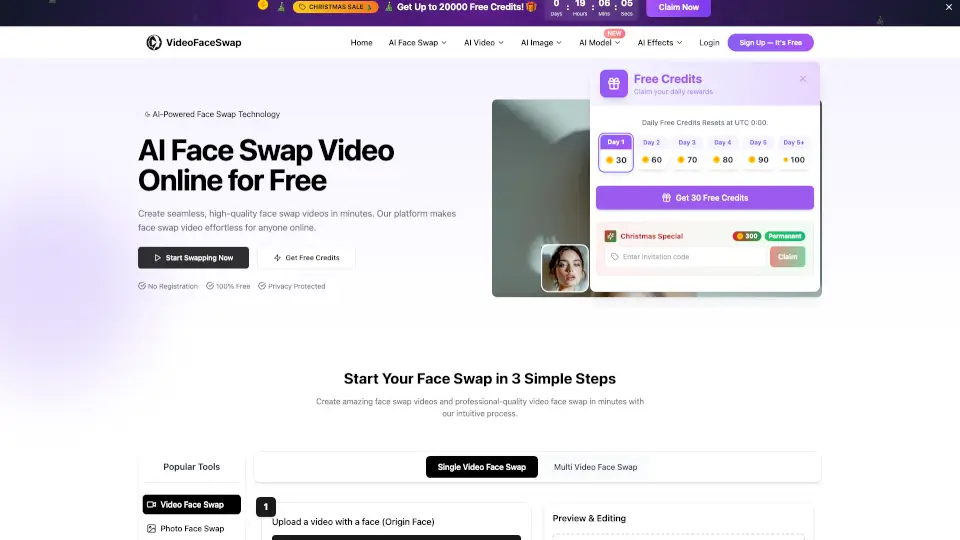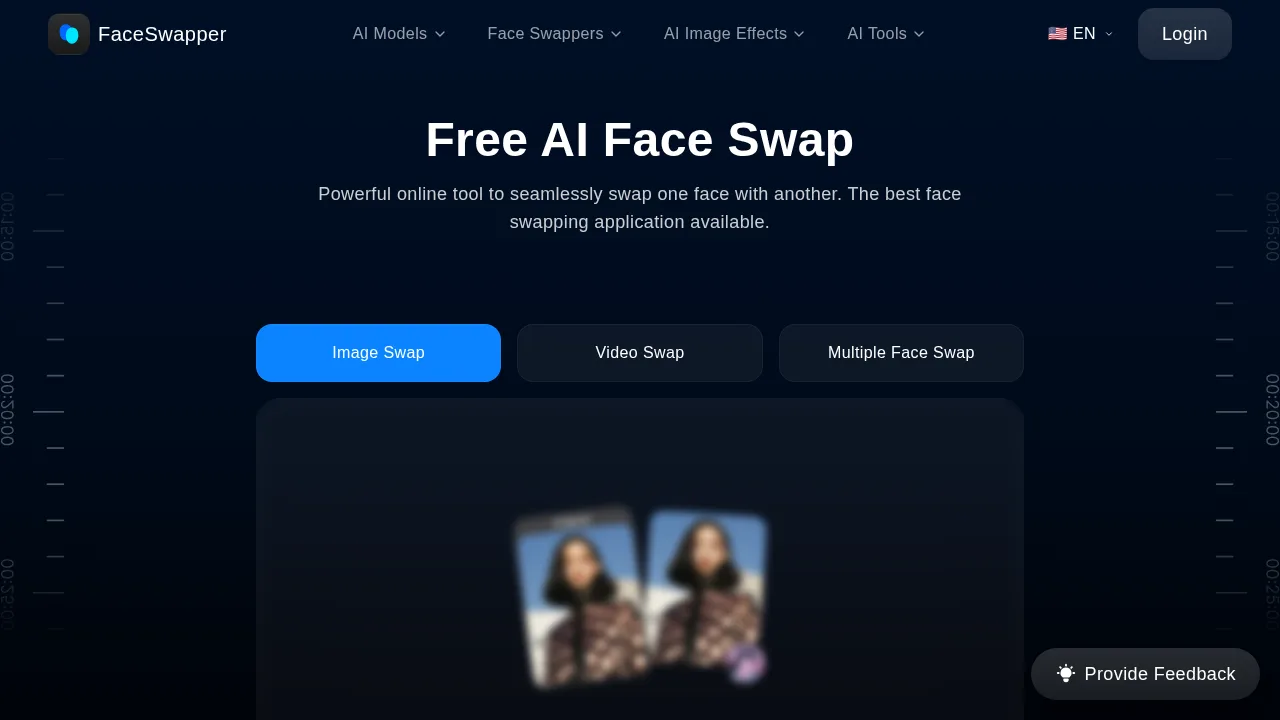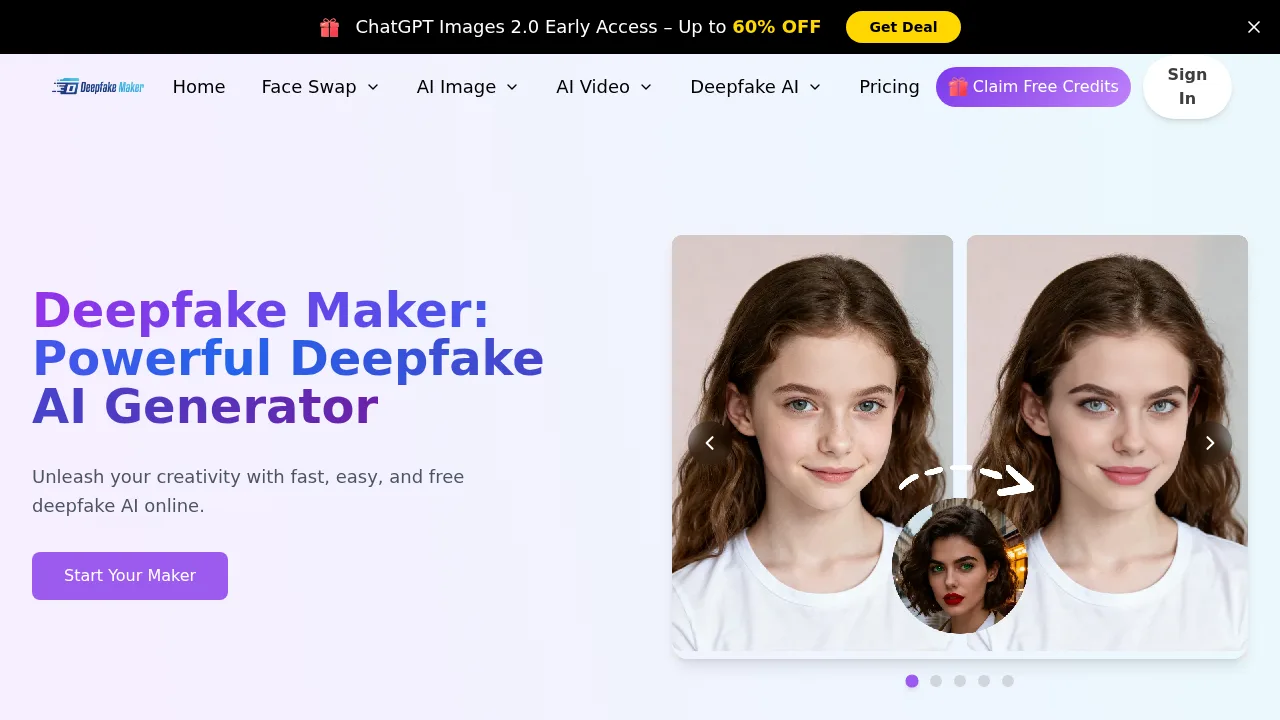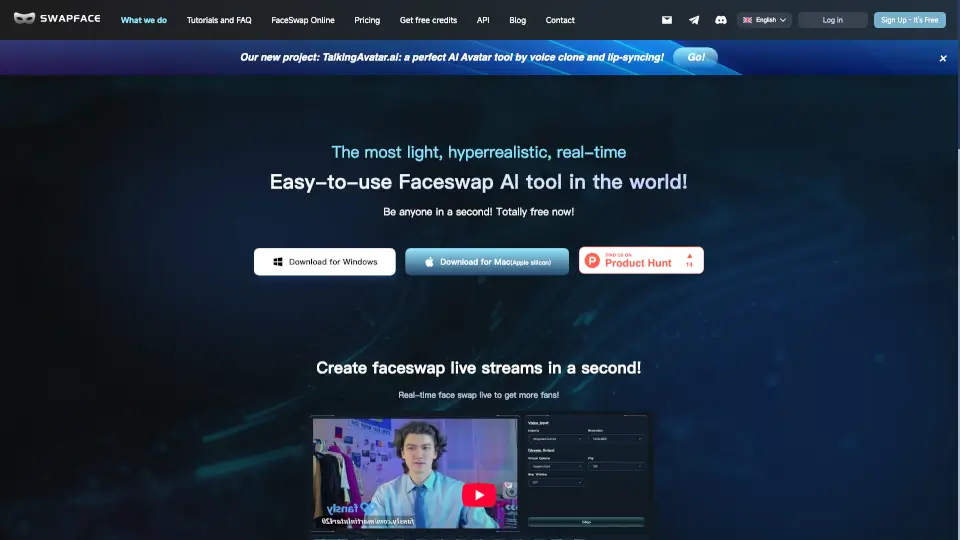

What is Fakeface?
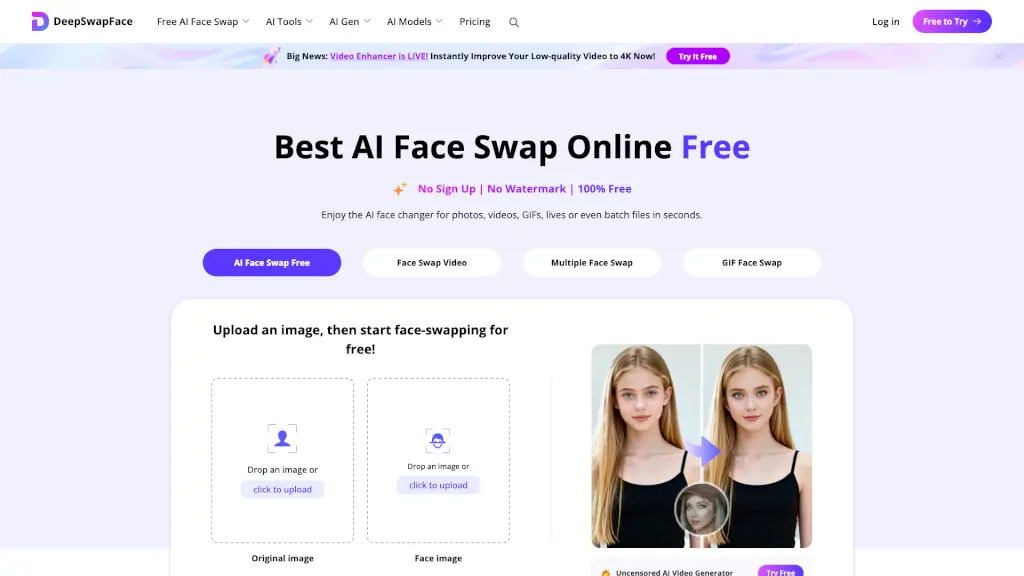
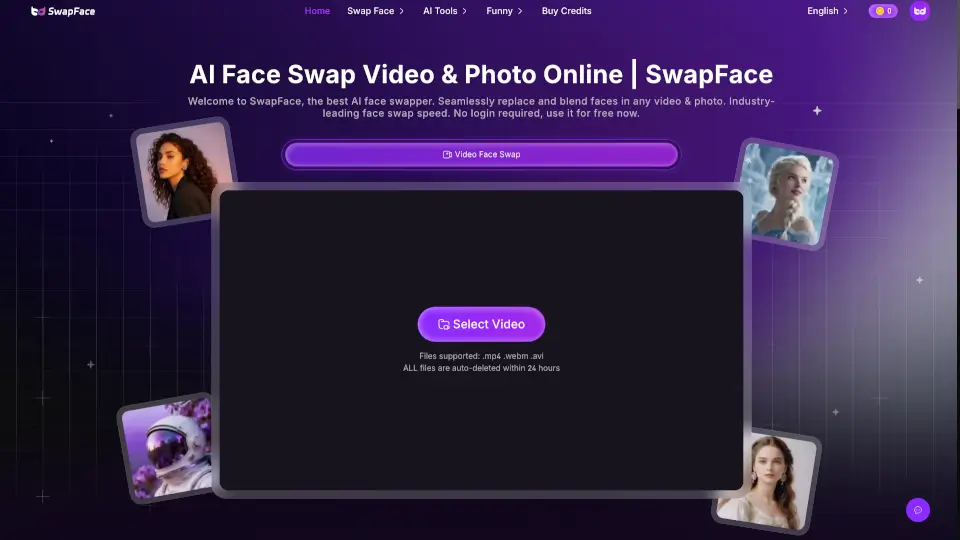
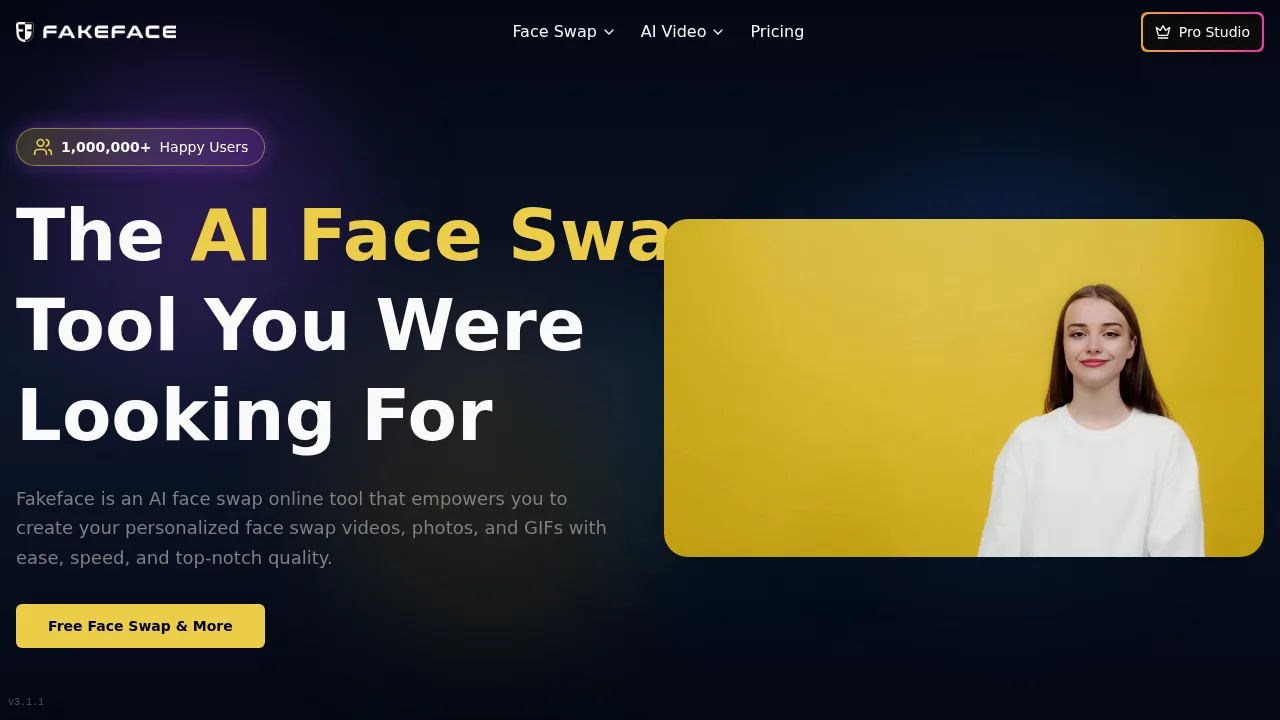
Fakeface is a browser-based AI tool that replaces faces in photos, videos, and GIFs. It processes uploads up to 2GB across multiple media formats without requiring software installation. Commercial use of generated content is restricted to premium plans.
What are the features of Fakeface?
- Video face swapReplaces faces in MP4 and MOV video files, with the vendor claiming processing times of 10-30 seconds depending on length.
- Photo face swapSwaps faces in JPG, PNG, and WEBP images, with the vendor stating processing takes 1-2 seconds.
- GIF face swapApplies face replacements to animated GIF files.
- Multiple face swapAssigns a different replacement face to each person detected in a single media file.
- Batch face swapReplaces all faces in uploaded media simultaneously with one action.
- Image to videoTransforms static images into video output.
What are the use cases of Fakeface?
- Replacing actor faces in film or commercial post-production to avoid reshoots.
- Testing different face variations in marketing advertisements before scheduling photo shoots.
- Generating face swap memes or social media videos for platforms like YouTube, TikTok, and Instagram.
How to use Fakeface?
Web workflow:
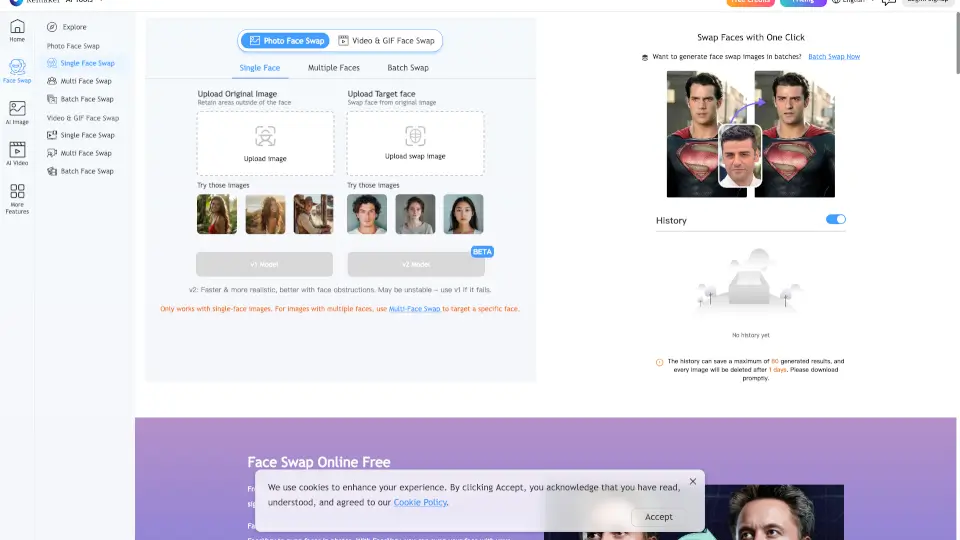
- Upload a target video, photo, or GIF file.
- Upload a source facial photo to apply as the replacement.
- Generate the processed face swap output.
Fakeface Pricing Information:
- Free tier: Provides daily credits for face swapping in videos, photos, and GIFs at no cost; requires login to access.
- Premium plans: Required for faster processing speeds, additional credits, and commercial use rights. Specific prices are not stated in the source.