
What is Facetune?
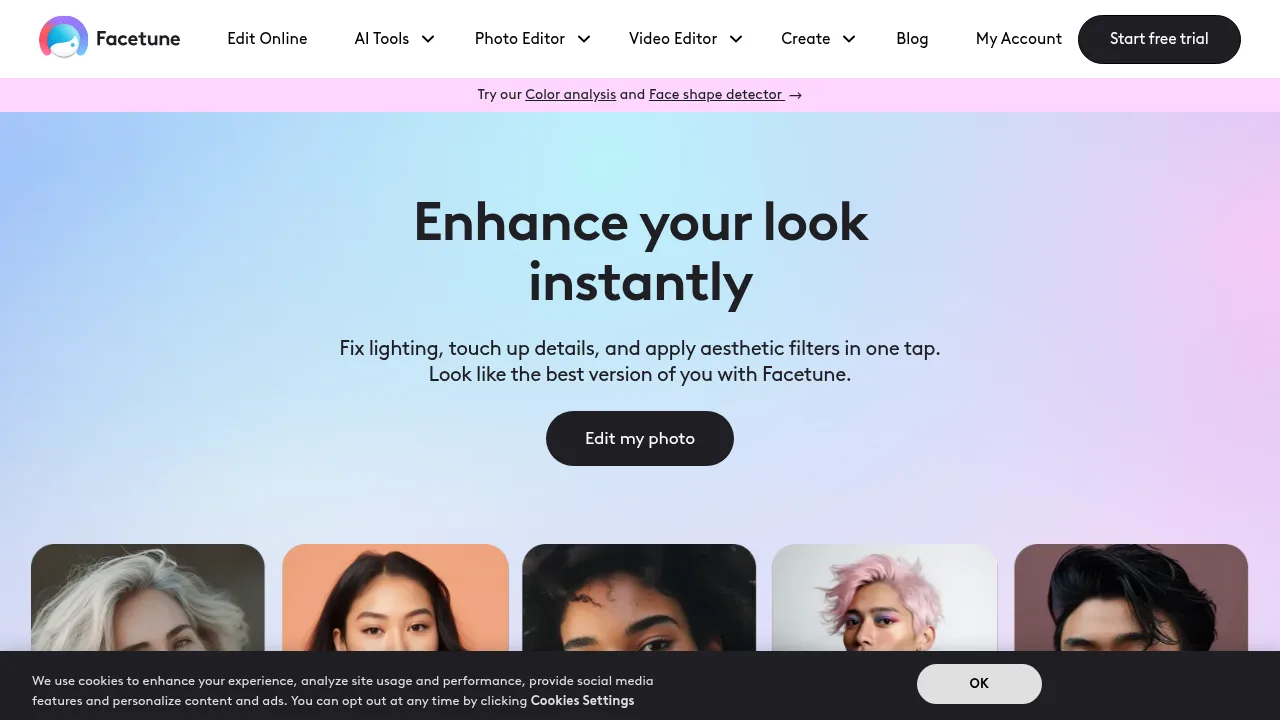
Facetune is a photo and video editing tool that enhances, retouches, and reshapes digital content. It is accessible as a mobile app or directly in a web browser without a download. A VIP subscription removes watermarks from edits and unlocks advanced tools beyond the free feature set.
What are the features of Facetune?
- Face and body reshapingAdjusts facial features and body shape in photos using AI tools to alter appearance while maintaining natural-looking results.
- Video face editingApplies makeup, skin enhancement, and reshaping effects frame-by-frame to videos.
- Object removal (Vanish)Removes text, people, and objects from photos.
- Color analysis and face shape detectionAnalyzes skin tone, eye color, hair, and facial features to recommend palettes, hairstyles, makeup placement, and accessories.
- Background removal and blurringIsolates subjects by removing or blurring backgrounds in both photos and videos.
- Virtual try-on toolsSimulates hairstyles, hair colors, bangs, beards, outfits, and nail polish on uploaded photos.
What are the use cases of Facetune?
- Professional headshotsGenerates polished LinkedIn headshots from phone selfies using AI background replacement and retouching tools.
- Real estate listingsBrightens property spaces and removes visual distractions from real estate photos.
- Passport photosCrops, sizes, and polishes photos at home to create passport-ready images.
How to use Facetune?
- Download or open the editorInstall the Facetune app or access the web editor in a browser on a PC, Mac, tablet, or phone.
- Select mediaChoose a photo or video to edit.
- Apply toolsUse the editor to enhance, reshape, retouch, or apply creative effects.
Facetune Pricing Information:
- Free accessIncludes a mix of basic editing features. Edits may contain a watermark.
- VIP subscriptionProvides unlimited access to all features and watermark-free editing. Includes a 7-day free trial.