
What is Fabric?
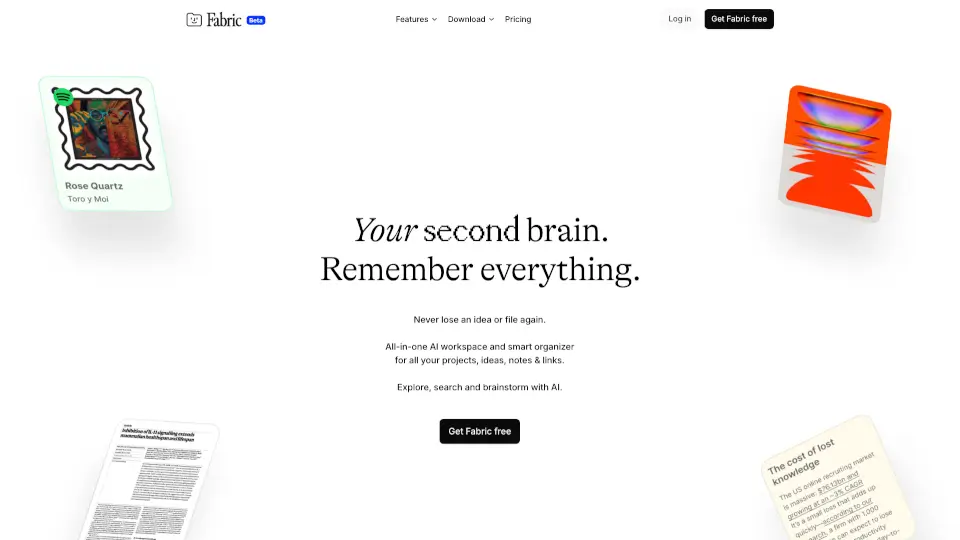
Fabric is your AI-powered workspace designed to think with you—not just for you. Whether you're a student organizing research, a designer brainstorming visuals, or a founder managing projects, Fabric acts as a personal AI collaborator that knows your files, ideas, and workflows. It’s more than a note-taking app—it’s a living hub where your documents, meetings, tasks, and inspirations connect intelligently.
Unlike generic AI tools that require constant context-pasting, Fabric’s AI already understands everything in your library. Write, sketch, record, and collaborate—all in one place—while your AI assistant helps draft, search, and act on your behalf. With end-to-end encryption and cross-platform sync, your work stays secure, organized, and always within reach.
What are the features of Fabric?
- Personal AI Assistant: Drafts documents, answers questions using your files, and takes action—all without manual context switching.
- Deep Search Across Everything: Find content by meaning (not just keywords) across PDFs, videos, emails, Notion, Google Drive, and more—including color and visual search.
- Infinite Canvas & Whiteboards: Brainstorm visually with moodboards, diagrams, and freeform layouts that link directly to your notes and assets.
- Auto-Generated Meeting Notes: Record conversations and get AI-summarized notes synced with timestamps—so you never miss a key detail.
- Smart Tasks & Reminders: Create actionable to-dos linked to specific files or projects, with due dates, priorities, and snooze options.
- Publish & Share Securely: Share spaces internally or publish externally with fine-grained access control and built-in analytics.
- Email-to-Fabric: Every user gets a personal email address—forward messages or attachments, and your AI will process them automatically.
- Cross-Platform Sync: Works seamlessly on web, iOS, Android, and via Chrome extension, with support for 20+ file types including EPUB, CSV, Figma, and YouTube links.
What are the use cases of Fabric?
- A researcher uses Fabric to search across hundreds of academic PDFs by concept (“studies on neuroplasticity in aging”) and instantly finds relevant excerpts.
- A design team creates a moodboard on the infinite canvas, drops in brand assets, uses color search to find matching references, and annotates feedback directly on images.
- A student records lecture audio, gets auto-transcribed notes, links them to class readings, and sets reminders for upcoming assignments—all in one space.
- A startup founder forwards investor emails to their Fabric address, where AI extracts action items, creates tasks, and compiles updates into a weekly recap.
- A content creator gathers TikTok clips, YouTube videos, and script drafts in a single space, then uses visual search to find similar aesthetics from past projects.
- A developer connects their local code files and GitHub repos, then asks Fabric to explain a function or generate documentation based on their actual project context.
How to use Fabric?
- Sign up for free at fabric.com and install the web, iOS, Android, or Chrome app to start capturing ideas anywhere.
- Connect your cloud accounts (Google Drive, Dropbox, Notion, etc.) so Fabric can index and search across all your existing files.
- Create a “Space” for each project—add notes, documents, images, or meeting recordings to build a connected knowledge base.
- Highlight any text or file and press “Ask AI” to get summaries, edits, or insights using your personal context.
- Use the email address provided in your account settings to forward messages, articles, or attachments for automatic processing.
- Publish a Space with one click to share with teammates or clients—and track engagement with built-in link analytics.