
What is Eyeware Tech?
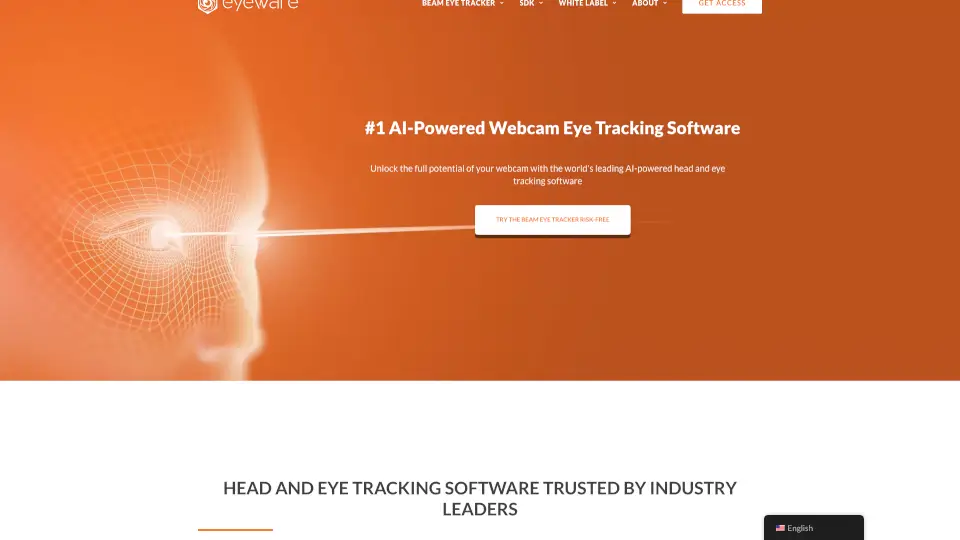
Imagine transforming your regular webcam into a powerful tool that can track your head and eye movements. Beam Eye Tracker is the world's leading AI-powered eye tracking software, designed to unlock the full potential of your webcam. Whether you're a gamer, streamer, or developer, this software offers an immersive and interactive experience. With Beam Eye Tracker, you can dive into over 200 PC games, enhance your live streams, and even control your mouse with just your gaze. It's like having a superpower for your webcam!
What are the features of Eyeware Tech?
- Gaming Immersion: Immerse yourself in 200+ PC games with head and eye tracking.
- Live Stream Enhancements: Add an eye-tracking overlay to your recordings and live streams.
- Mouse Control: Make your mouse cursor appear where you look.
- Customizable SDK: Build your own eye tracking applications with the GazeSense SDK.
- White Label Solutions: Elevate your brand with a custom eye tracking app.
- Cross-Platform Compatibility: Works on Windows and Linux, and portable across main processing platforms.
What are the use cases of Eyeware Tech?
- Gaming: Experience next-level immersion in PC games by using your head and eye movements to control in-game actions.
- Streaming: Enhance your live streams with an eye-tracking overlay, showing viewers exactly where you are looking.
- Productivity: Use eye tracking to control your mouse cursor, making navigation and interaction more intuitive.
- Research: Conduct academic studies on human-computer interaction, attention, and engagement.
- Automotive: Increase traffic safety by reducing distracted driving and enhancing virtual assistants.
- Accessibility: Enable new ways of interacting with devices for people with disabilities.
How to use Eyeware Tech?
- Download and install the Beam Eye Tracker software.
- Connect your webcam and ensure it is properly positioned.
- Calibrate the software by following the on-screen instructions.
- Launch your favorite game or application and start using head and eye tracking.
- Customize settings to fit your needs, such as sensitivity and tracking accuracy.
- For developers, explore the GazeSense SDK to build custom applications.