What is Edraw Software?
Edraw Software: Your Ultimate Diagramming Solution
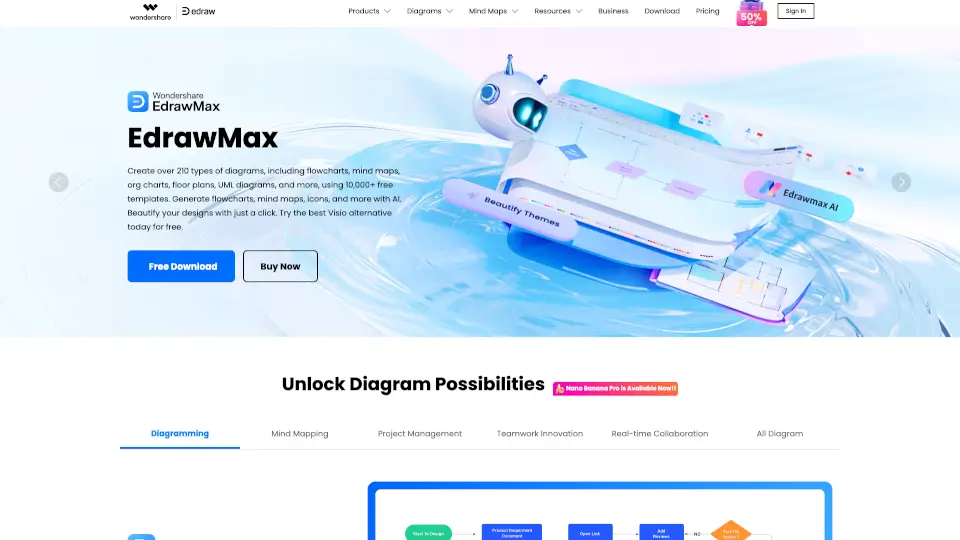
Edraw Software is a powerful tool designed to help you create stunning diagrams, mind maps, flowcharts, and more. With over 20,000 free templates and a vast library of symbols, Edraw makes it easy to visualize your ideas and bring them to life. Whether you're a student, professional, or entrepreneur, Edraw has everything you need to simplify complexity and turn your ideas into reality.
What are the features of Edraw Software?
- All-in-One Diagram Maker: Create 210+ types of diagrams, including flowcharts, mind maps, org charts, floor plans, UML diagrams, and more.
- AI-Powered Tools: Generate flowcharts, mind maps, and presentations from text, images, or code using cutting-edge AI technology.
- Real-Time Collaboration: Work with your team seamlessly on diagrams, mind maps, and projects, no matter where you are.
- Cross-Platform Support: Use Edraw on Windows, Mac, Linux, or mobile devices for maximum flexibility.
- Secure and Reliable: Your data is protected with 256-bit SSL encryption and GDPR compliance, powered by AWS.
What are the use cases of Edraw Software?
- Business: Create flowcharts, org charts, and project timelines to streamline your workflow.
- Education: Design mind maps, concept maps, and study materials to enhance learning.
- Technical Projects: Build UML diagrams, ER diagrams, and network topologies for technical applications.
- Design: Craft floor plans, wireframes, and fashion designs with precision.
How to use Edraw Software?
- Download and Install: Choose your product (EdrawMax, EdrawMind, or EdrawProj) and download it from the official website.
- Select a Template: Browse through thousands of templates to find the perfect starting point.
- Customize Your Design: Use drag-and-drop tools, AI features, and a rich library of symbols to create your diagram.
- Collaborate and Share: Invite team members to edit in real-time and share your work effortlessly.