
What is DupDub?
Dubdub (Dupdub.com) is an all-in-one AI-powered content creation platform designed for creators, marketers, and educators who want to produce high-quality audio and video content—fast. Whether you're making YouTube videos, social media clips, or e-learning materials, Dubdub simplifies the process with smart tools that handle voiceovers, translations, and editing in one place.
What sets Dubdub apart is its AI voice cloning, multilingual dubbing, and seamless integration of scripts, voices, and visuals—all without needing technical skills. You can turn a simple script into a polished, voice-narrated video in minutes, saving hours of production time while keeping full creative control.
What are the features of DupDub?
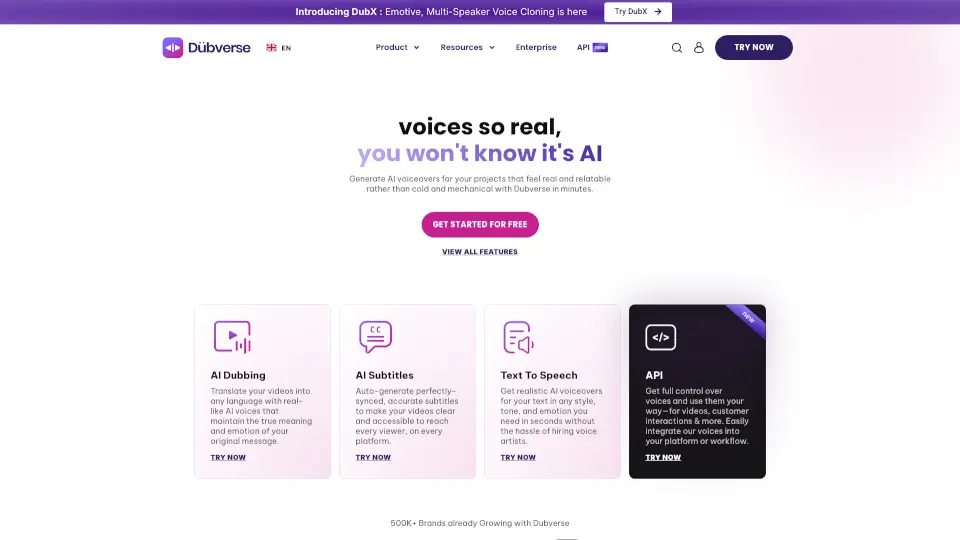
- AI Voice Generator: Choose from 300+ realistic AI voices across 70+ languages and accents.
- Voice Cloning: Upload a 30-second sample to clone your own voice for consistent branding.
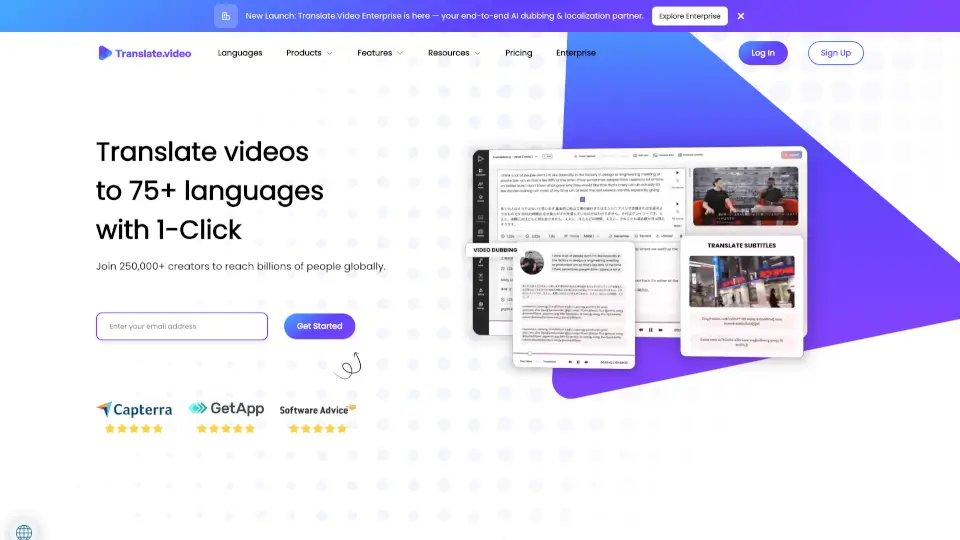
- Auto Subtitles & Translation: Automatically generate and translate subtitles for global reach.
- Text-to-Video: Turn written scripts directly into narrated videos with stock footage or custom media.
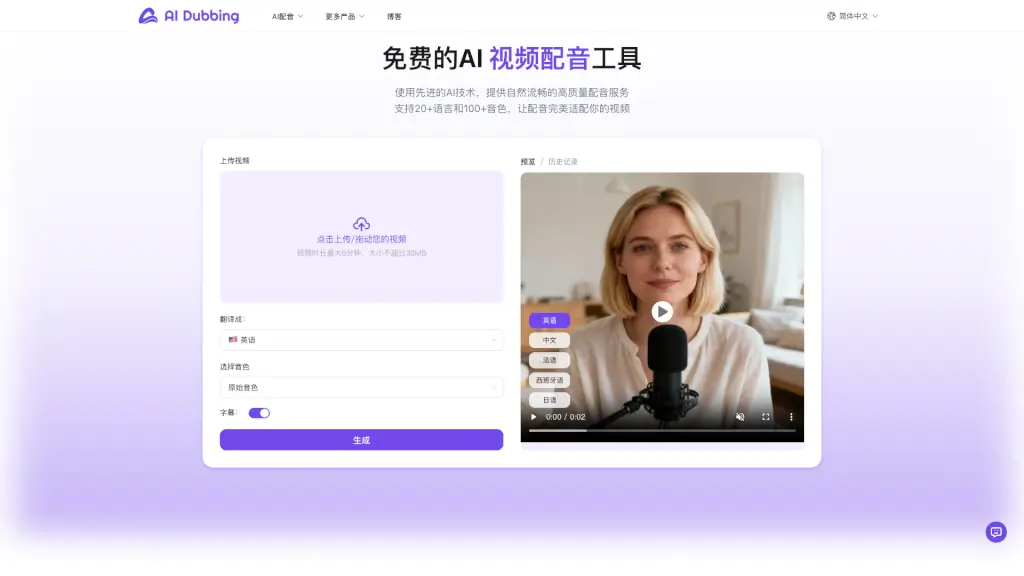
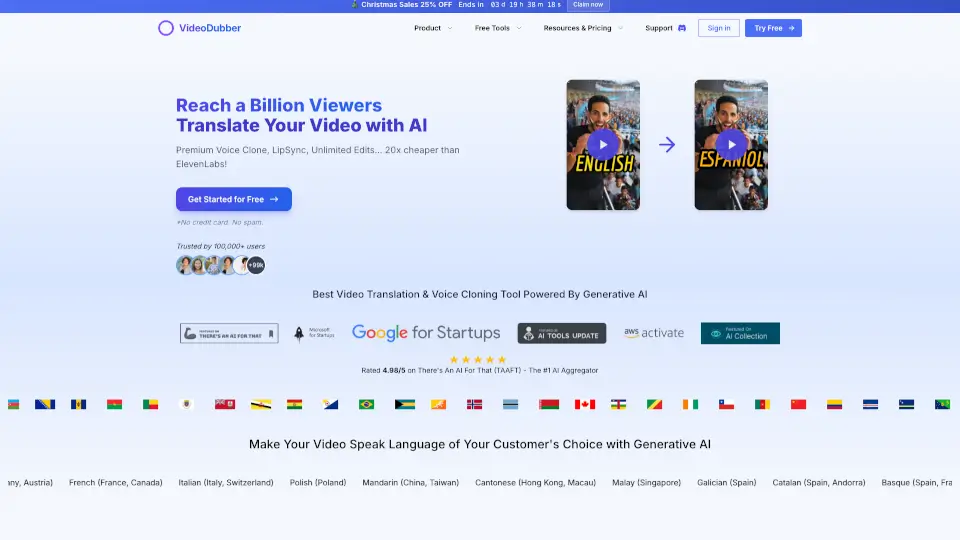
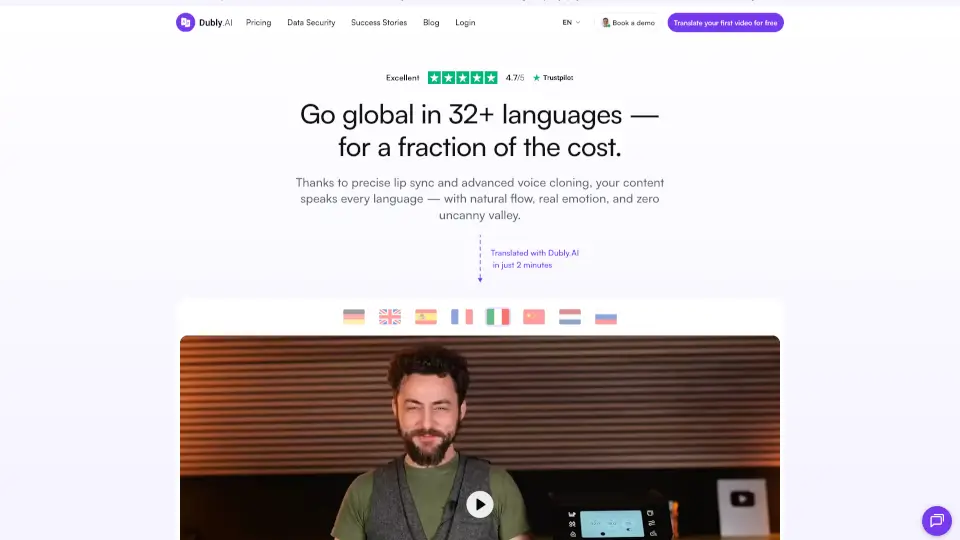
- One-Click Dubbing: Instantly dub videos into multiple languages while syncing lip movements (for avatars).
- Built-in Media Library: Access millions of royalty-free images, videos, and music tracks.
- Collaboration Tools: Invite team members to co-edit projects in real time.
What are the use cases of DupDub?
- A YouTuber creating multilingual versions of their tutorials to grow an international audience.
- An online course creator producing engaging, voice-narrated lessons without hiring voice actors.
- A small business owner making quick promo videos for Instagram or TikTok using AI voices.
- A language teacher generating dubbed practice videos for students learning Spanish or Japanese.
- A marketer localizing ad campaigns across regions with culturally appropriate voiceovers.
- A podcaster experimenting with different AI voices for character roles in audio dramas.
How to use DupDub?
- Sign up at dupdub.com and start a new project from your dashboard.
- Paste or type your script—Dubdub will auto-suggest voice styles based on tone and language.
- Select an AI voice (or use your cloned voice) and preview the narration before finalizing.
- Add background visuals from the media library or upload your own footage.
- Use the subtitle editor to adjust timing, style, or auto-translate into other languages.
- Export your video in HD and share directly to social platforms or download for later use.