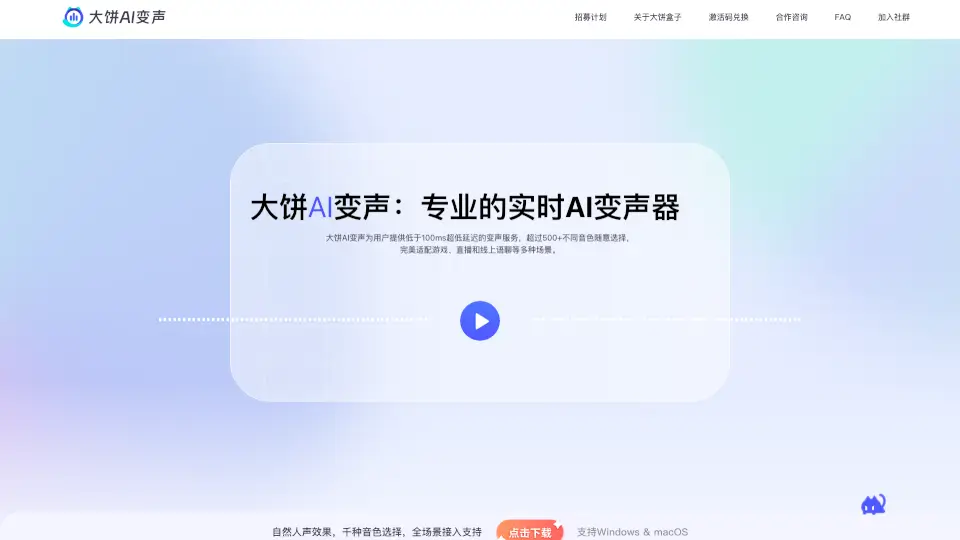
What is 大饼AI变声?
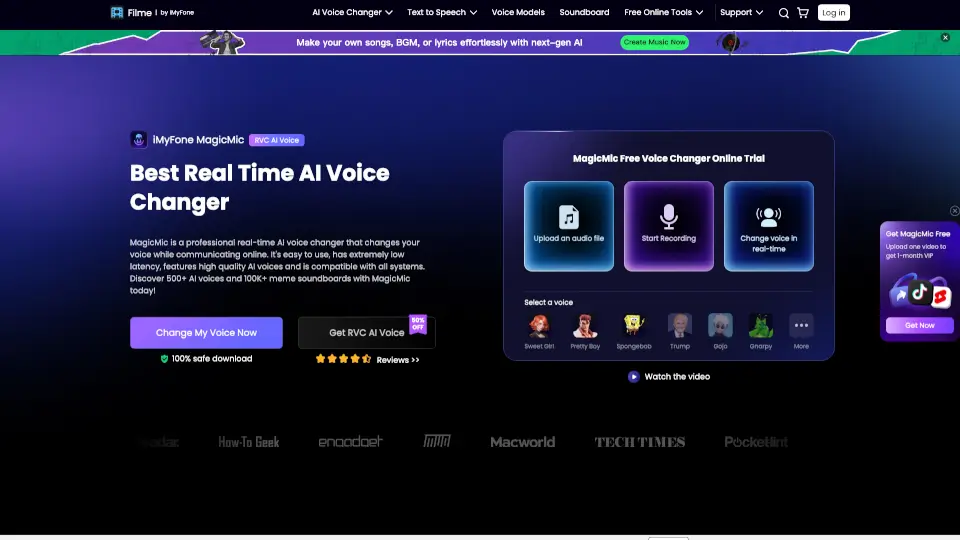
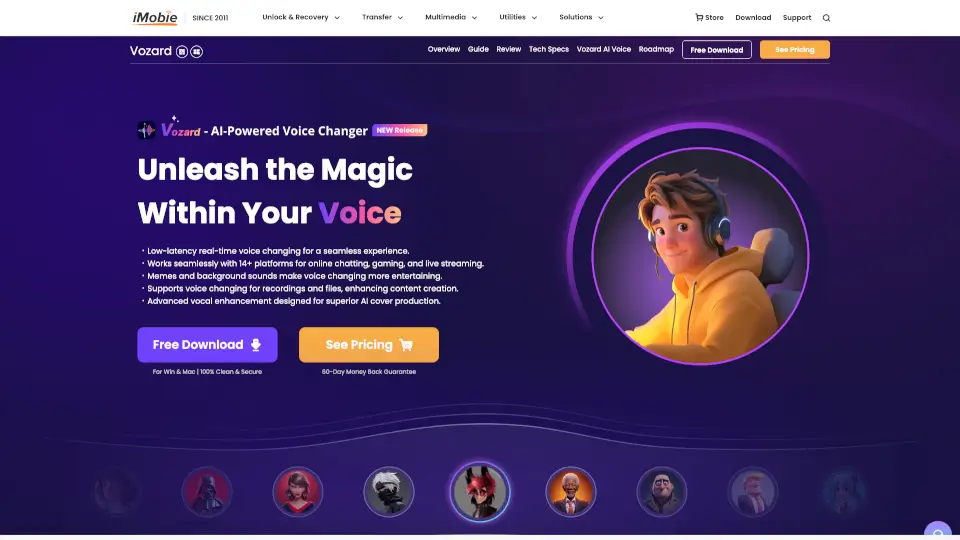
Welcome to Big Pie AI Voice Changer, the ultimate solution for anyone looking to transform their voice in real-time with incredible accuracy and a wide range of options. Whether you're a gamer, streamer, or just someone who loves to have fun with their voice, Big Pie AI Voice Changer is designed to make your experience seamless and enjoyable. With over 500+ high-quality voice effects, ultra-low latency, and a user-friendly interface, it's the perfect tool for adding a new dimension to your digital interactions.
What are the features of 大饼AI变声?
- Ultra-Low Latency: Enjoy real-time voice changing with less than 100ms delay, ensuring smooth and natural conversations.
- 500+ Voice Effects: Choose from a vast library of over 500 voice effects, including popular characters, movie voices, and various styles of male and female voices.
- High-Quality Sound: Our advanced AI algorithms ensure that your transformed voice sounds natural and clear, without any mechanical or electronic tones.
- Low System Resource Usage: Big Pie AI Voice Changer uses only about 5% of your CPU and doesn't require a GPU, making it suitable for even older or lower-end computers.
- Cross-Platform Compatibility: Available on Windows, macOS, iOS, and Android, and compatible with most games, streaming, and communication apps.
- Pro Mode Customization: For those who want more control, Pro Mode allows you to fine-tune parameters like pitch and tone to create a truly unique voice.
What are the use cases of 大饼AI变声?
- Gaming: Enhance your gaming experience by transforming your voice into a character from the game, making team communication more immersive.
- Streaming: Add a creative touch to your live streams with a variety of voice effects, improving viewer engagement and entertainment value.
- Social Chatting: Use different voices to add fun and privacy to your online conversations, whether you're chatting with friends or meeting new people.
- Content Creation: Perfect for content creators who need to add voiceovers or create unique characters for their videos, podcasts, or other media projects.
- Virtual Meetings: Spice up virtual meetings or presentations with a professional or playful voice, depending on the occasion.
How to use 大饼AI变声?
- Download and Install: Visit the official website and download the Big Pie AI Voice Changer software. Follow the installation instructions to set it up on your device.
- Set Up Your Device: Open the game or application where you want to use the voice changer. Go to the audio settings and select "Big Pie Virtual Mic" as your input device.
- Choose a Voice Effect: Browse through the extensive library of voice effects and select the one you like. Click "Start Voice Change" to activate it.
- Customize (Optional): If you want to fine-tune your voice, switch to Pro Mode and adjust the pitch, tone, and other parameters to your liking.