What is 大饼AI变声?
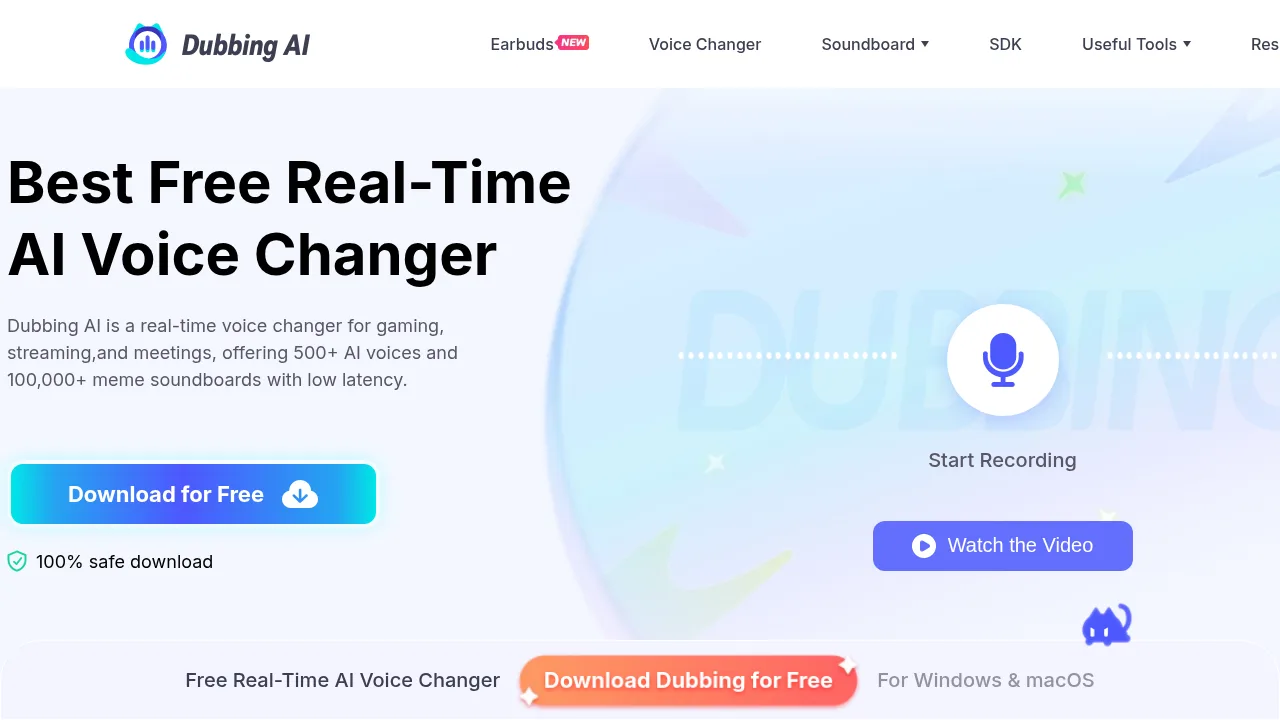
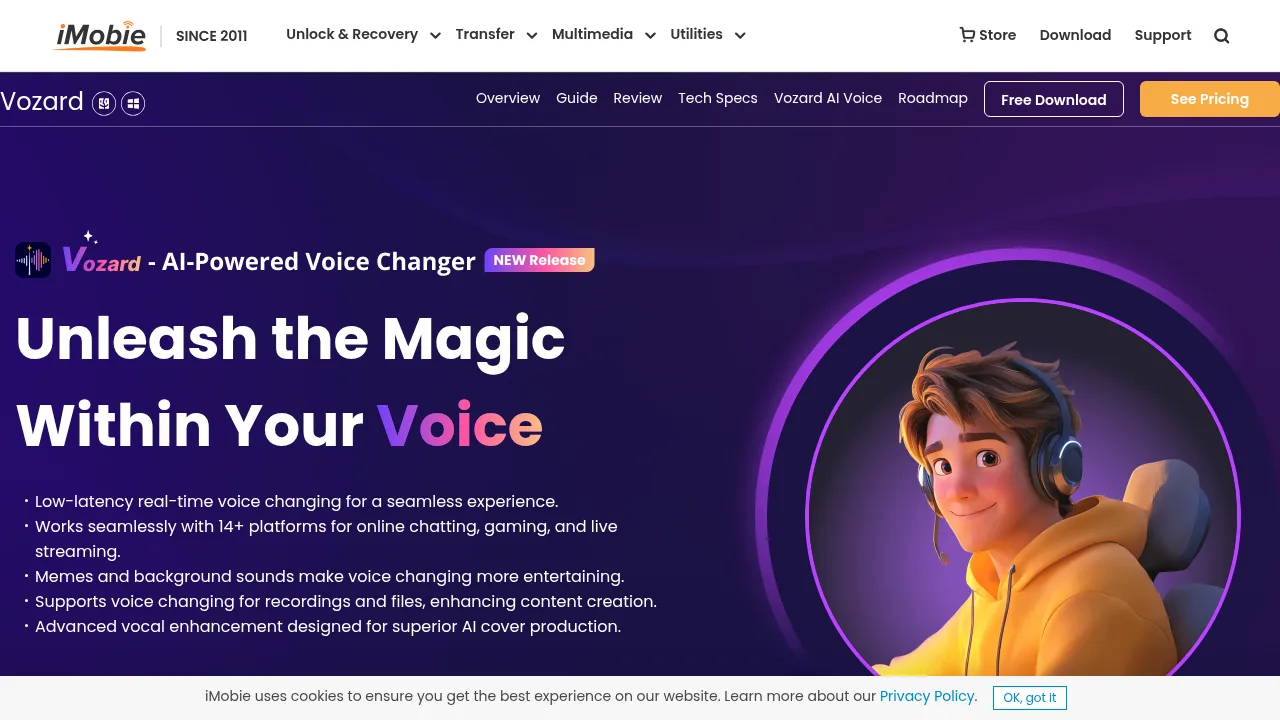
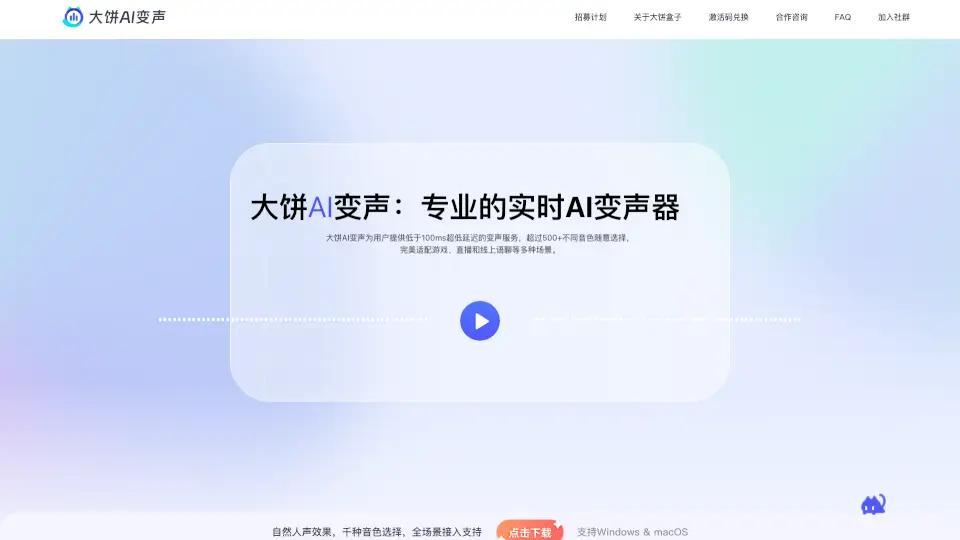
Welcome to Big Pie AI Voice Changer, the ultimate solution for anyone looking to transform their voice in real-time with incredible accuracy and a wide range of options. Whether you're a gamer, streamer, or just someone who loves to have fun with their voice, Big Pie AI Voice Changer is designed to make your experience seamless and enjoyable. With over 500+ high-quality voice effects, ultra-low latency, and a user-friendly interface, it's the perfect tool for adding a new dimension to your digital interactions.
What are the features of 大饼AI变声?
- Ultra-Low LatencyEnjoy real-time voice changing with less than 100ms delay, ensuring smooth and natural conversations.
- 500+ Voice EffectsChoose from a vast library of over 500 voice effects, including popular characters, movie voices, and various styles of male and female voices.
- High-Quality SoundOur advanced AI algorithms ensure that your transformed voice sounds natural and clear, without any mechanical or electronic tones.
- Low System Resource UsageBig Pie AI Voice Changer uses only about 5% of your CPU and doesn't require a GPU, making it suitable for even older or lower-end computers.
- Cross-Platform CompatibilityAvailable on Windows, macOS, iOS, and Android, and compatible with most games, streaming, and communication apps.
- Pro Mode CustomizationFor those who want more control, Pro Mode allows you to fine-tune parameters like pitch and tone to create a truly unique voice.
What are the use cases of 大饼AI变声?
- GamingEnhance your gaming experience by transforming your voice into a character from the game, making team communication more immersive.
- StreamingAdd a creative touch to your live streams with a variety of voice effects, improving viewer engagement and entertainment value.
- Social ChattingUse different voices to add fun and privacy to your online conversations, whether you're chatting with friends or meeting new people.
- Content CreationPerfect for content creators who need to add voiceovers or create unique characters for their videos, podcasts, or other media projects.
- Virtual MeetingsSpice up virtual meetings or presentations with a professional or playful voice, depending on the occasion.
How to use 大饼AI变声?
- Download and InstallVisit the official website and download the Big Pie AI Voice Changer software. Follow the installation instructions to set it up on your device.
- Set Up Your DeviceOpen the game or application where you want to use the voice changer. Go to the audio settings and select "Big Pie Virtual Mic" as your input device.
- Choose a Voice EffectBrowse through the extensive library of voice effects and select the one you like. Click "Start Voice Change" to activate it.
- Customize (Optional)If you want to fine-tune your voice, switch to Pro Mode and adjust the pitch, tone, and other parameters to your liking.