What is DreamPal?
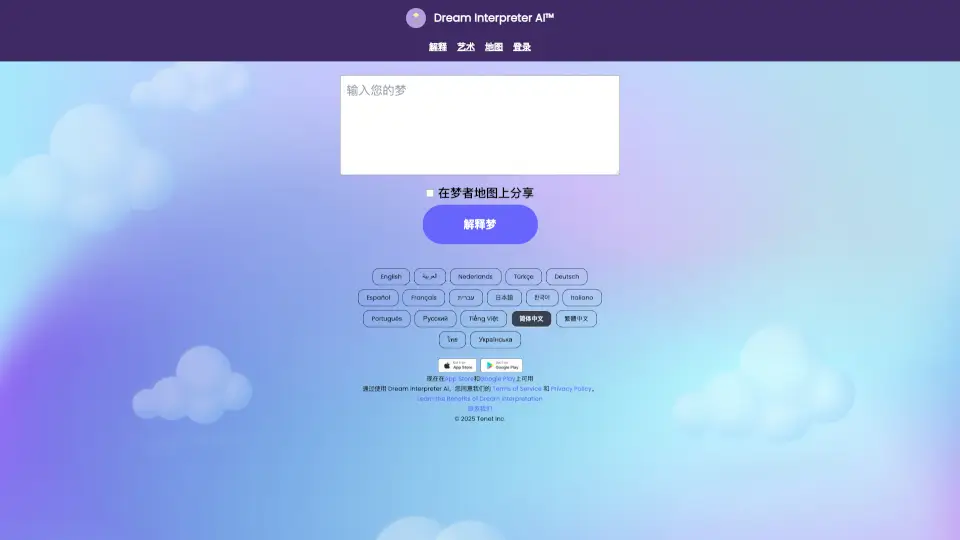
DreamPal is an AI-powered dream interpretation tool that helps you uncover the hidden meanings behind your dreams. Just type or speak your dream into the app, and it uses advanced natural language processing to analyze symbols, emotions, and narratives, offering personalized insights and psychological explanations. Whether you’re curious about recurring dreams, nightmares, or vivid fantasies, DreamPal turns your sleep stories into actionable understanding—no professional therapist needed.
What are the features of DreamPal?
- AI Dream Analysis: Enter any dream description and get a detailed, context-aware interpretation based on dream symbolism and psychological frameworks (Jungian, Freudian, etc.).
- Personal Dream Journal: Keep a searchable archive of all your dreams with date stamps, tags, and mood tracking to spot patterns over time.
- Symbol Library: Instantly look up common dream symbols (like water, falling, or teeth) with AI-generated explanations tailored to your specific dream.
- Mood & Emotion Tracking: Log how you felt before and after the dream to connect emotional states with subconscious themes.
- Voice Input: Speak your dream aloud instead of typing for a faster, more natural experience.
- Privacy-First: All dream data is encrypted and never shared—your subconscious stays yours.
What are the use cases of DreamPal?
- Morning Reflection: Woke up from a strange dream? Open DreamPal during breakfast to get a quick interpretation before the details fade.
- Recurring Dream Analysis: Log the same nightmare multiple times to see if the AI spots changes in meaning or triggers.
- Creative Inspiration: Writers and artists use DreamPal to mine dream narratives for story ideas or visual concepts.
- Sleep Quality Check: Connect dream content with your sleep log (via Apple Health or manual entry) to see how stress or diet influences your dreams.
- Group Discussion Starter: Share anonymous dream summaries with friends or in a dream circle to spark conversations about common symbols.
How to use DreamPal?
- Step 1: Download the DreamPal app or visit dreampal.ai and create a free account.
- Step 2: Tap the “New Dream” button and type or speak your dream in as much detail as you remember.
- Step 3: Choose optional tags like “nightmare,” “lucid,” or “flying” to help the AI refine its analysis.
- Step 4: Review the AI-generated interpretation—it will highlight key symbols, possible meanings, and related psychological concepts.
- Step 5: Save the dream to your journal, add a mood rating, and set a reminder to revisit it in a week to track changes.