
What is Drama.Land?
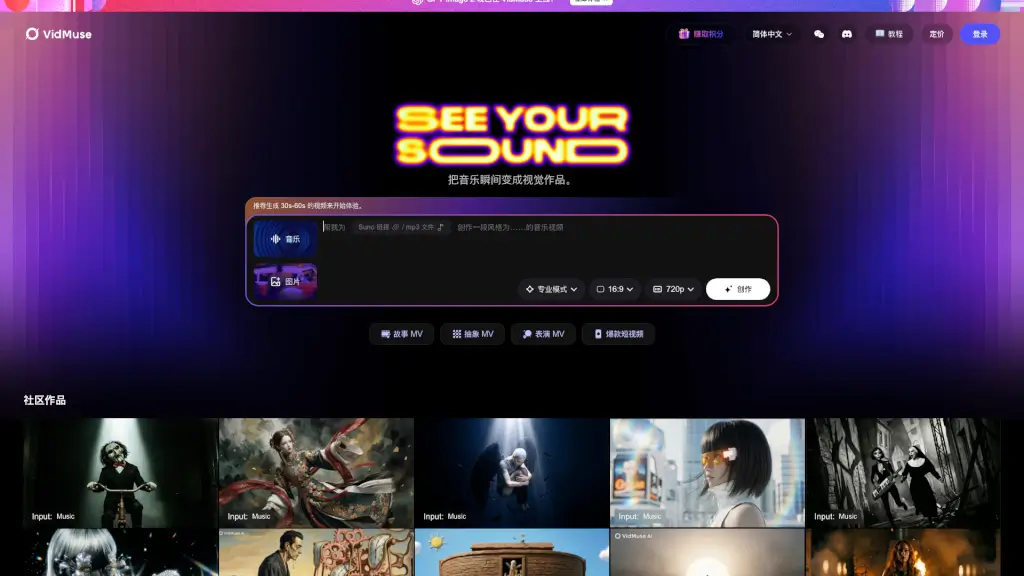
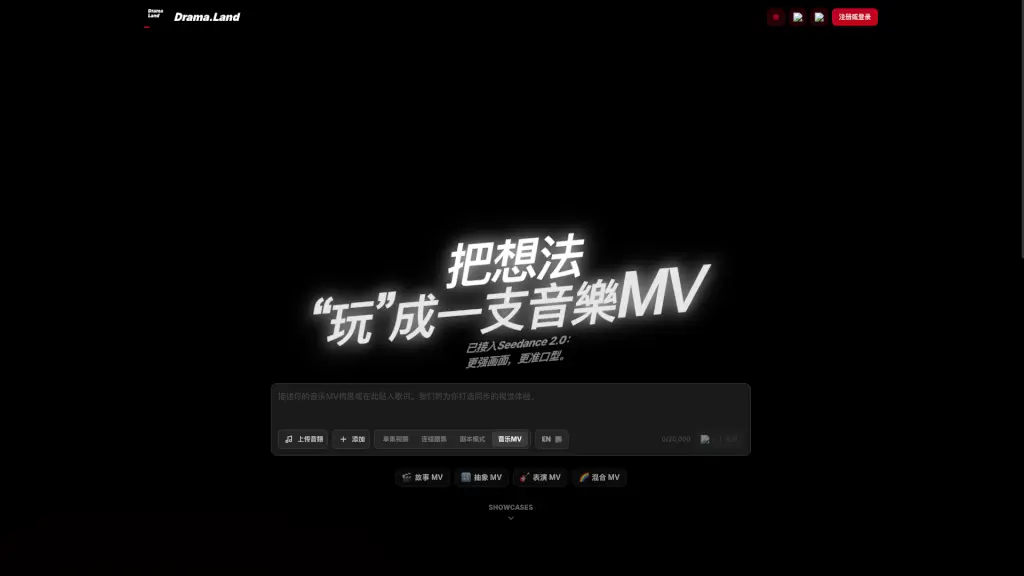
Drama.Land is an innovative AI music MV generation platform that transforms your creative ideas into captivating music videos. Whether you're a budding musician, a filmmaker, or just someone with a great idea, Drama.Land makes it easy to bring your vision to life. The platform supports not only music video creation but also the production of short series and continuous episodes, ensuring that characters and styles remain consistent throughout. With its advanced technology, including Seedance 2.0, Drama.Land offers enhanced visuals and precise lip-syncing, making your videos look professional and polished.
What are the features of Drama.Land?
- AI Music Video Generation: Automatically create music videos from your audio files.
- Consistent Character and Style: Maintain the same characters and style across multiple episodes.
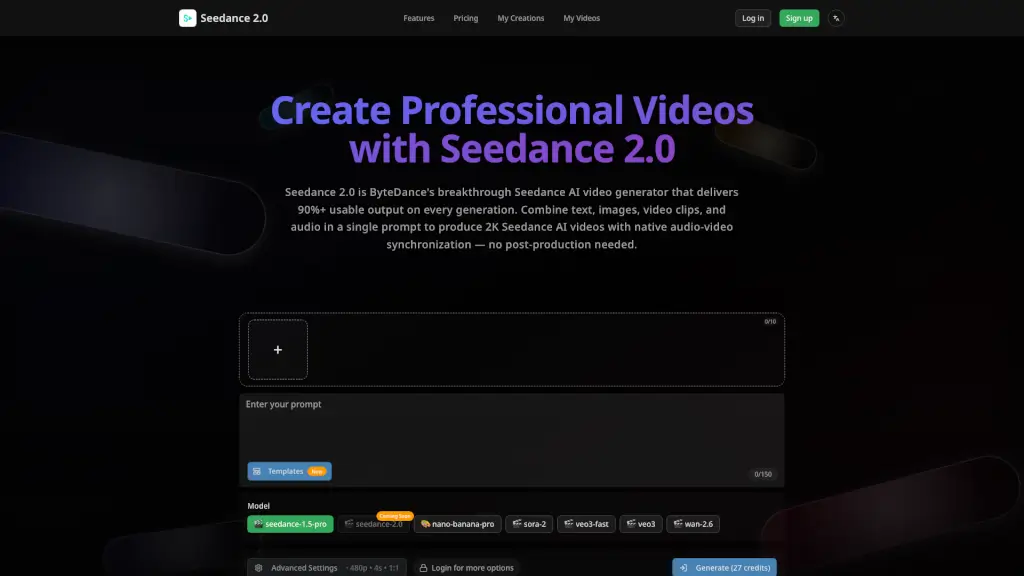
- Seedance 2.0 Integration: Enhanced visual quality and more accurate lip-syncing.
- Grok Technology: Advanced AI for better action synchronization and music generation.
- Versatile Modes: Choose from story, abstract, performance, and mixed MV modes.
- Simple Interface: Easy-to-use tools for quick and efficient video creation.
- Customization Options: Tailor your videos with various editing tools and effects.
What are the use cases of Drama.Land?
- Musicians and Bands: Create high-quality music videos for new releases.
- Content Creators: Produce engaging short series and continuous episodes for social media.
- Educators: Develop educational content in a visually appealing format.
- Marketing Teams: Generate promotional videos for products or services.
- Film Students: Experiment with different styles and techniques in video production.
- Hobbyists: Turn personal projects into professional-looking videos.
How to use Drama.Land?
- Upload Your Audio: Start by uploading the audio file you want to use for your video.
- Choose a Mode: Select the type of MV you want to create (story, abstract, performance, or mixed).
- Customize Settings: Adjust settings like character design, background, and special effects.
- Preview and Edit: Preview your video and make any necessary adjustments.
- Generate and Share: Once satisfied, generate the final video and share it on your preferred platforms.